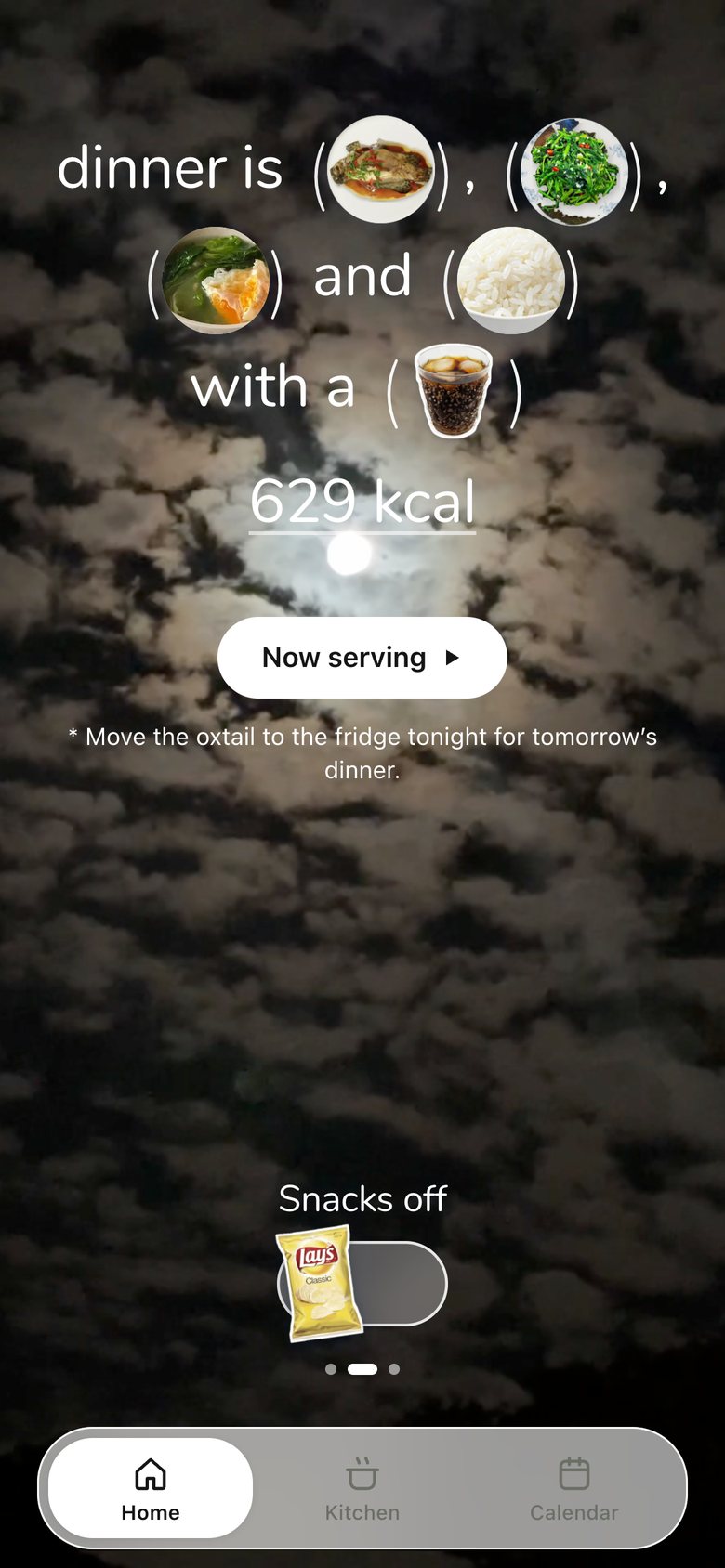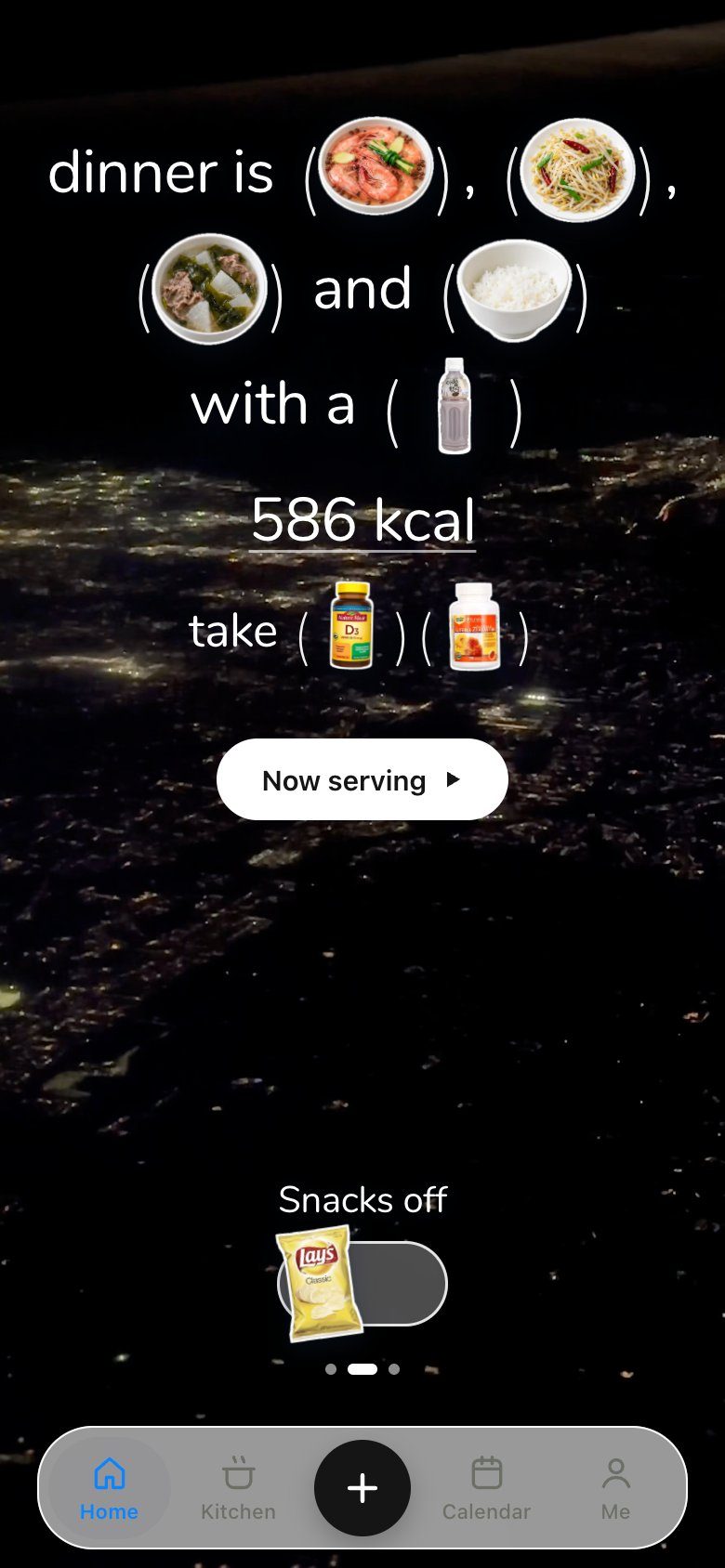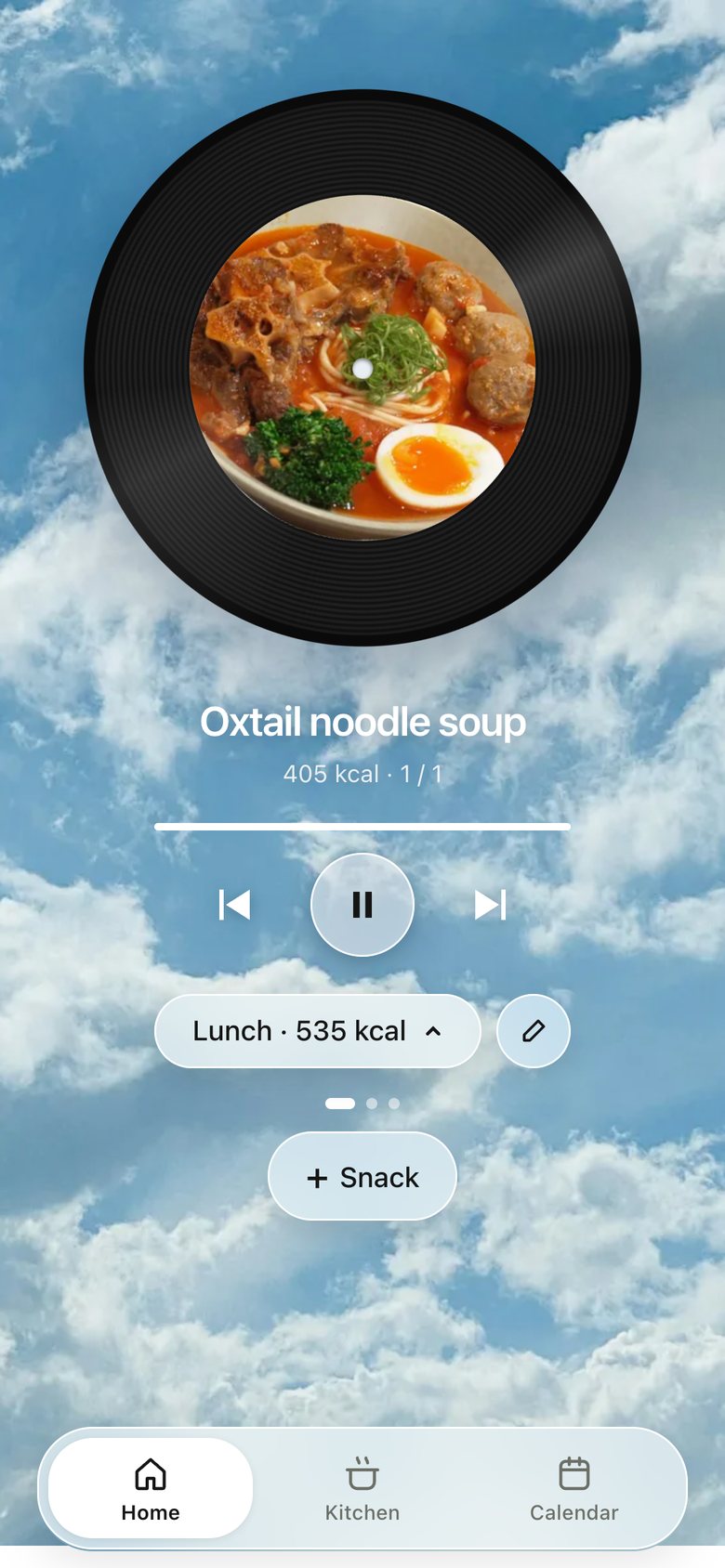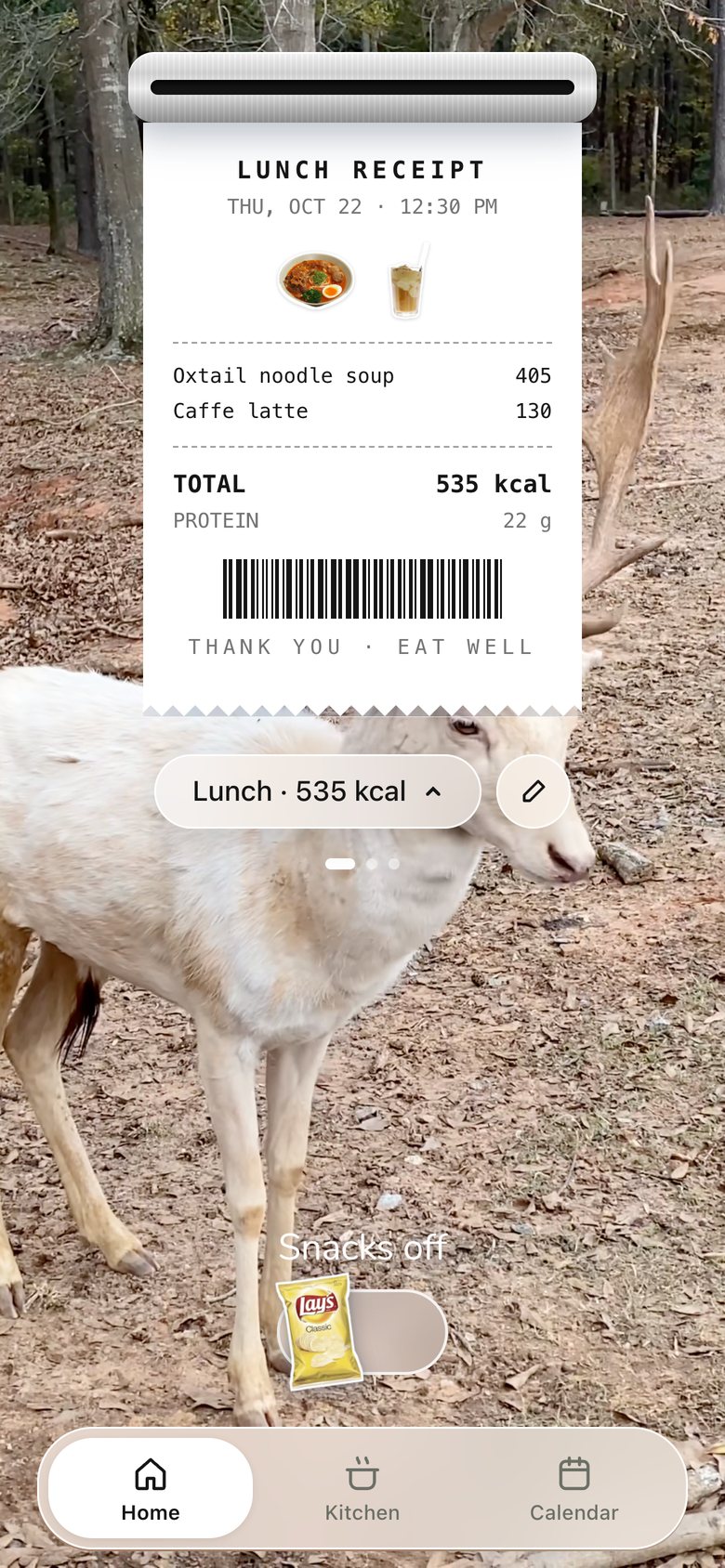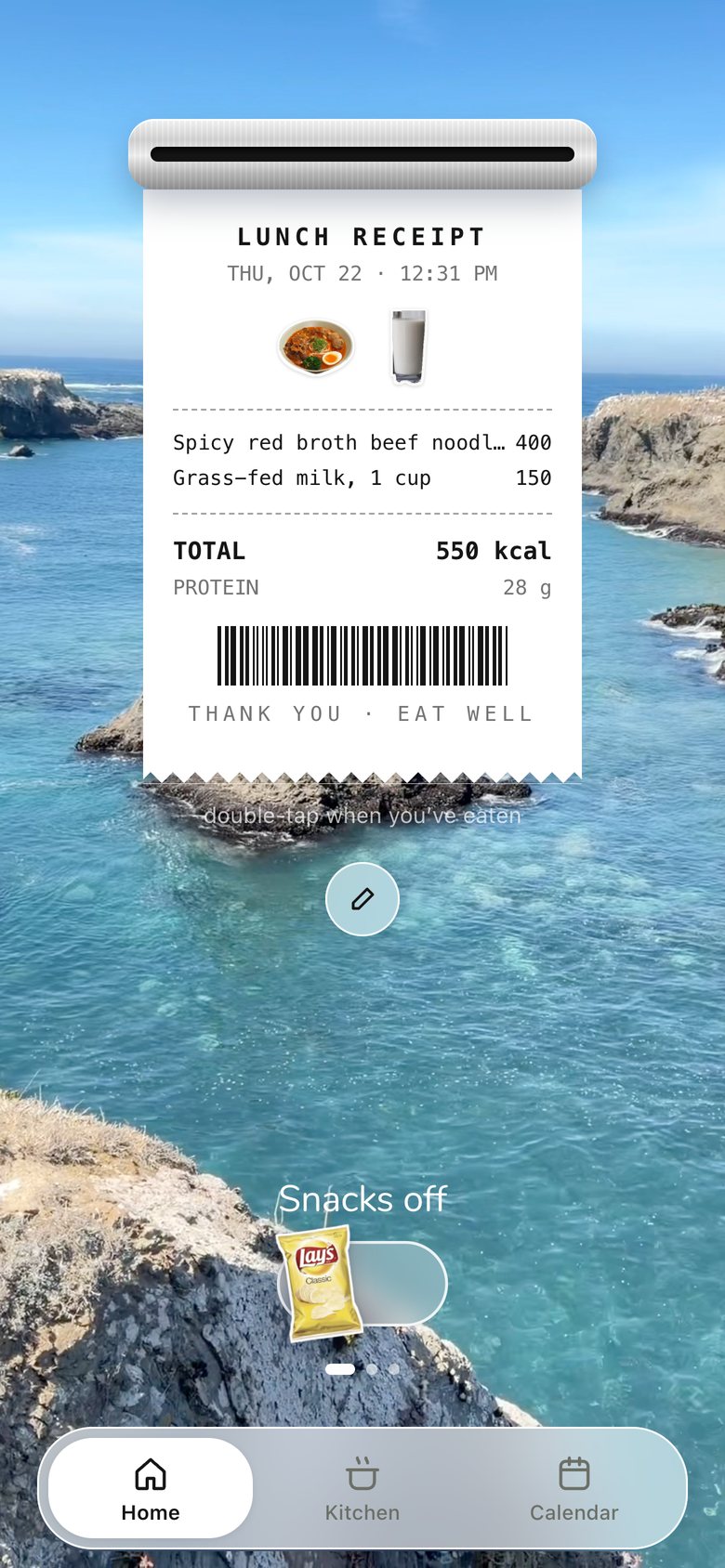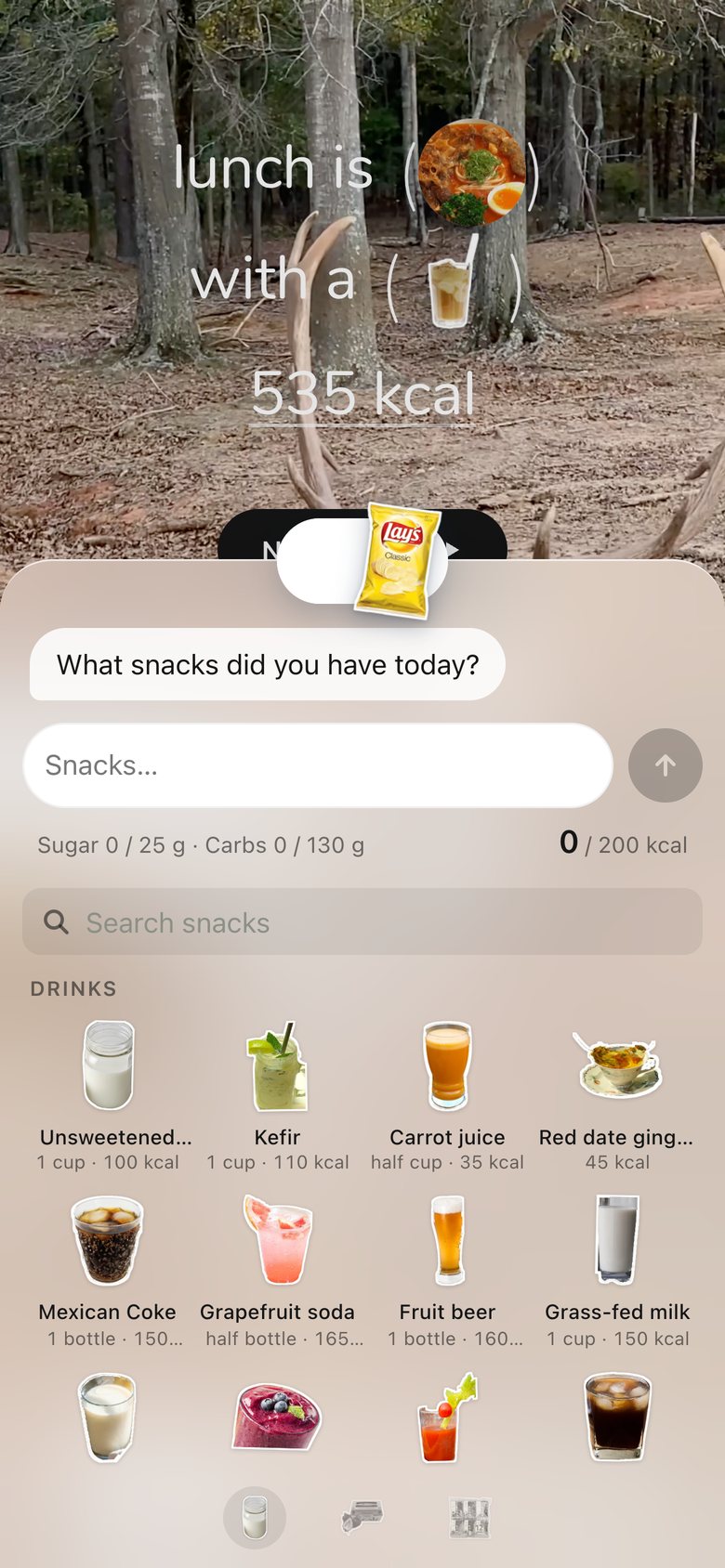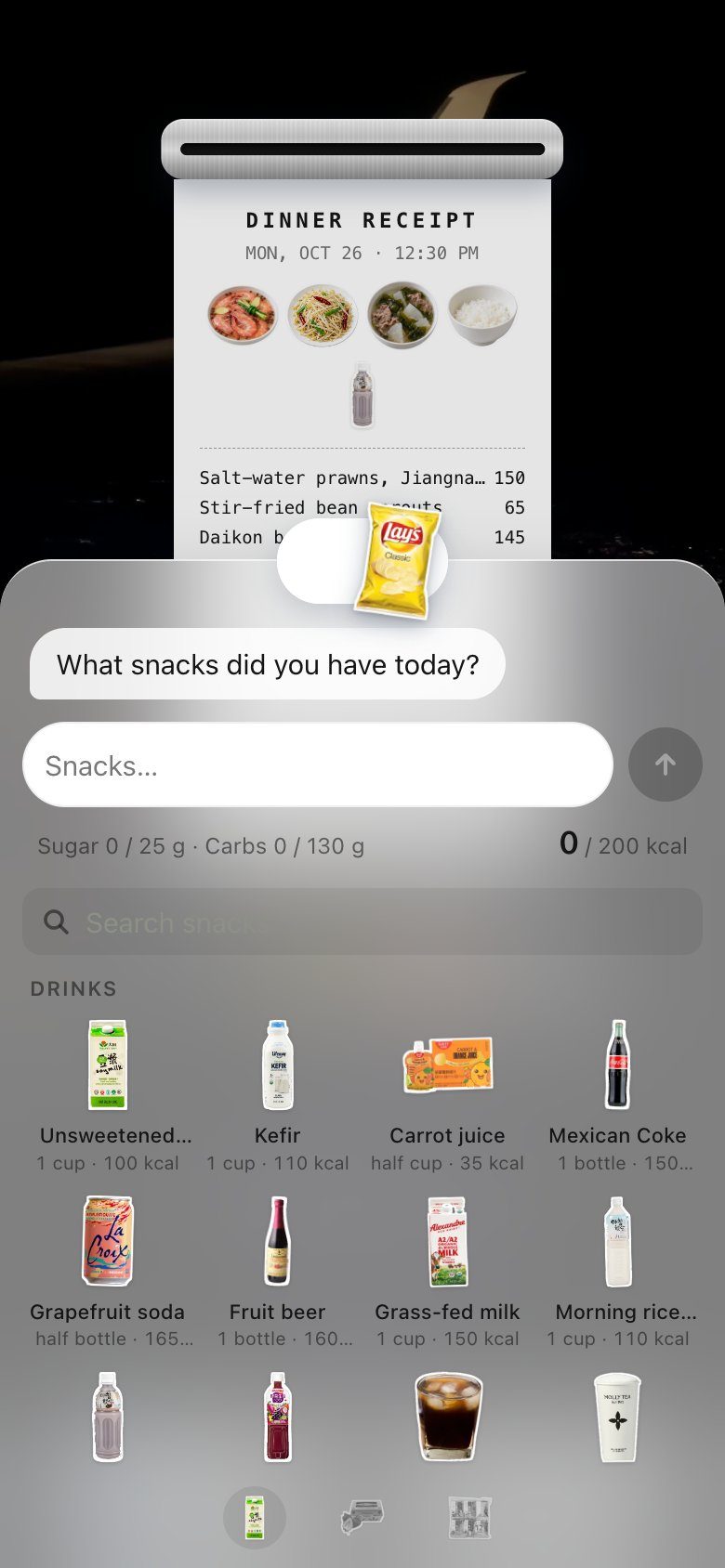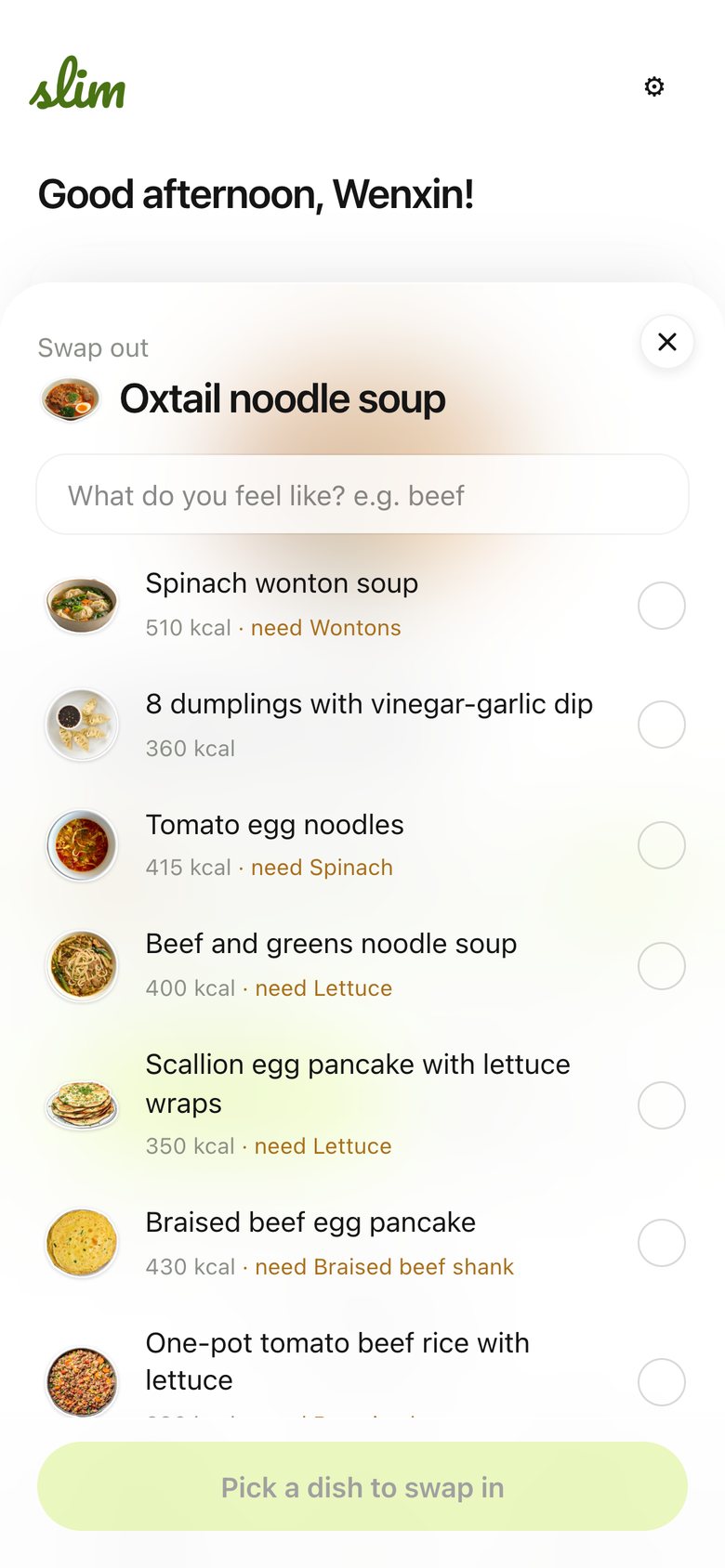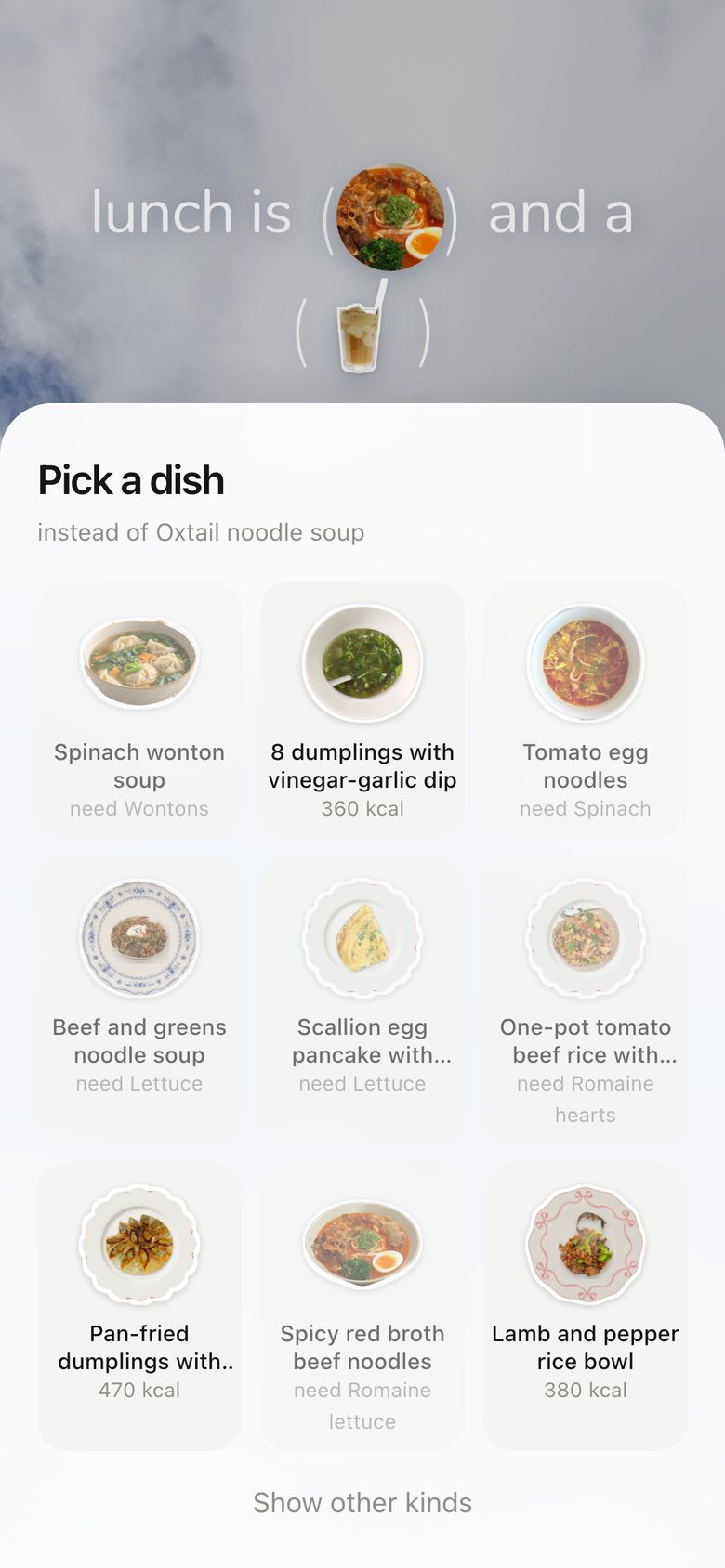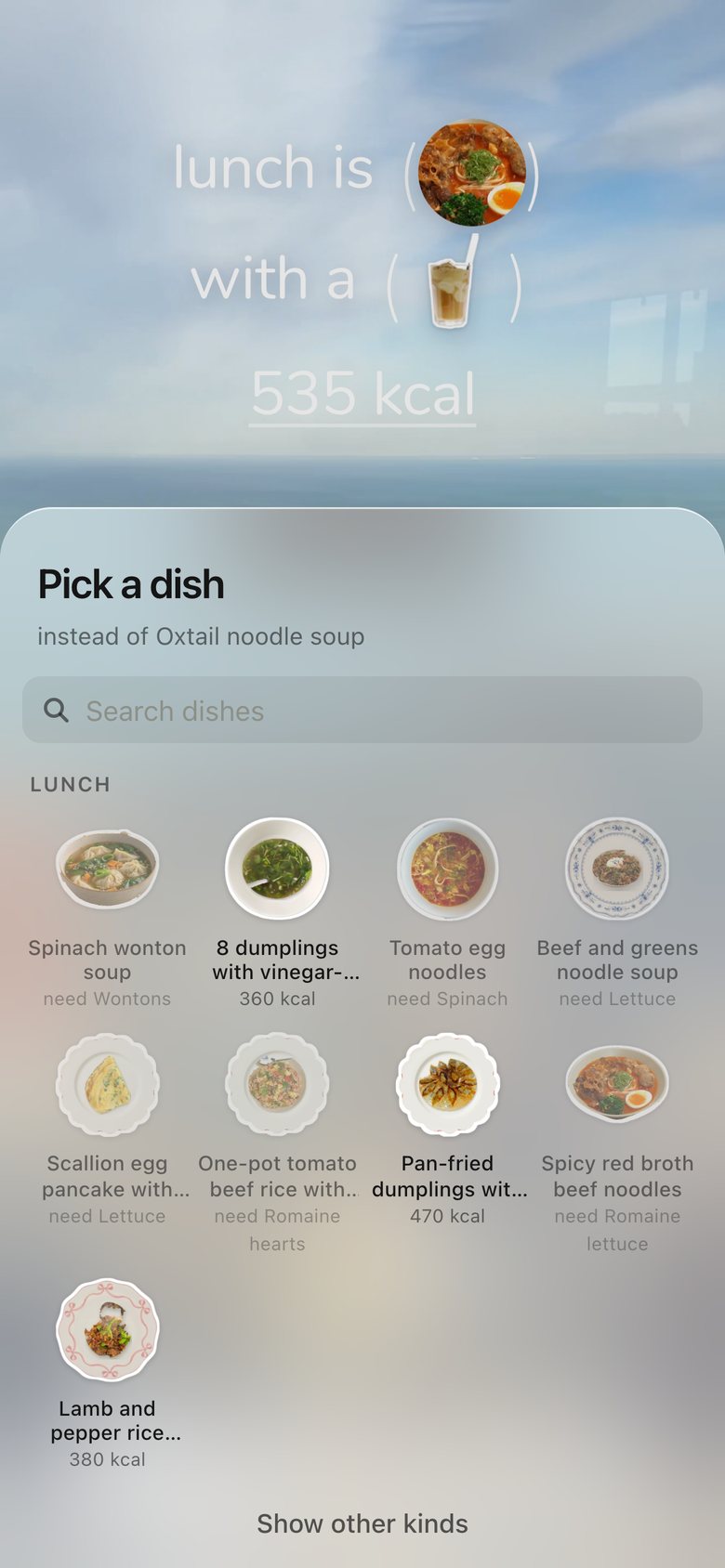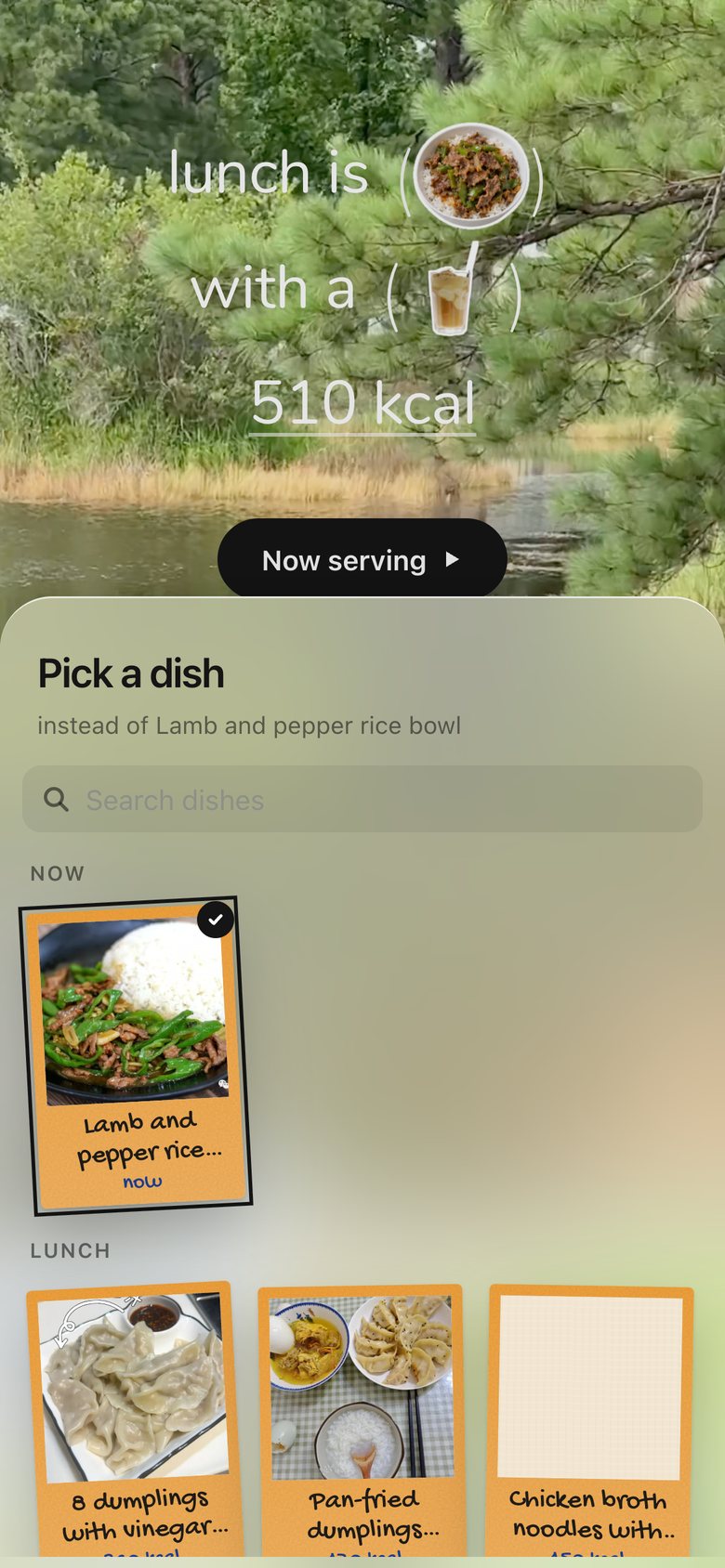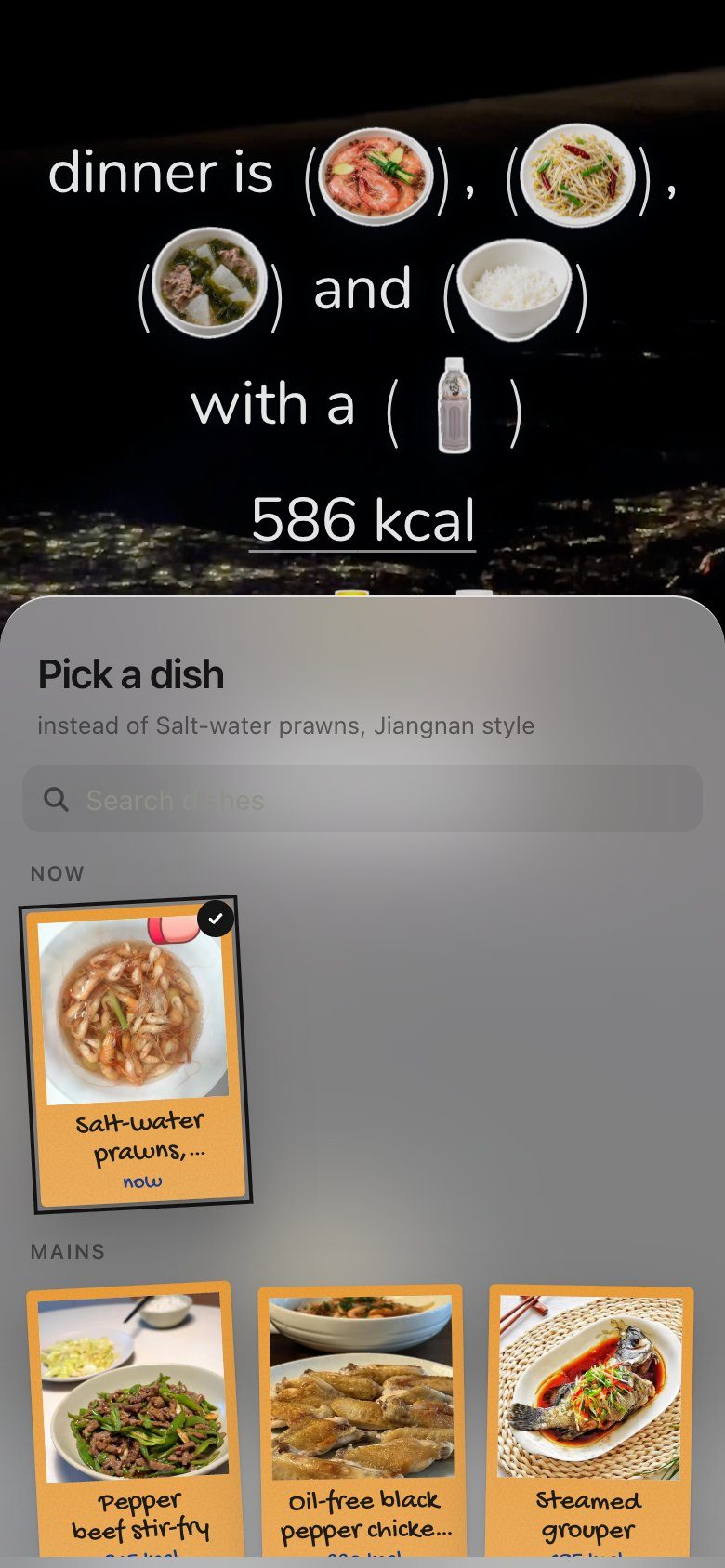
Dinner as one sentence; tap a dish to swap it
The month in our food; slide the glass to a day
A day: write on the note, arrange the rest

Project Details

My role
Product design · UI design · Code
Date
2026
Tools
Figma, SwiftUI, Xcode, Claude Code, Next.js, Tailwind CSS, Cloudflare Workers
Platform
Native iPhone app in SwiftUI; web app for phone and laptop
Status
In daily use at home since October 2026

How it’s organised

Three levels, never more: a tab, a page, a sheet. Sheets rise over the page and slide away, so you never lose your place; anything you do daily is one tap from a tab. Tap any thumbnail to see the screen.

Launchevery open · 2.6 s, tap to skipWelcome + 4 questionsfirst install only
Tab barLiquid Glass drop

HomeWhat’s next, now

  • Lunch · Dinner · Workoutpage
    • Swap a dishsheet
    • Pick a drinksheet
    • Meal details + supplementssheet
    • Now serving → receiptin place
  • Snacks switchin place
    • Snack pickersheet

KitchenWhat we can cook

  • Recipespage
    • Shelf → deckpage
    • Recipesheet
    • Step photosfull screen
  • Fridgepage
    • Item note → tossin place
  • Snackspage
  • Pantrypage

+Bring things in

  • Grocery receiptsheet
    • Restocks the fridgein place
  • Background videossheet

CalendarWhat we ate

  • Monthpage
    • Glass drop picks a dayin place
  • Daypage
    • Write the notein place
    • Arrange modein place
    • Receiptfull screen

MeWho it’s for

  • Profilepage
    • Editsheet
  • Background videospage
  • Settingspage

pagesheetin placefull screen

The final version

Every page and interaction below is the live app, screen-recorded on a phone, not a mockup. They follow a day in the order we meet them.

First open

A scrapbook of our own food, then four short questions, one page each. The cycle question only appears when it applies.

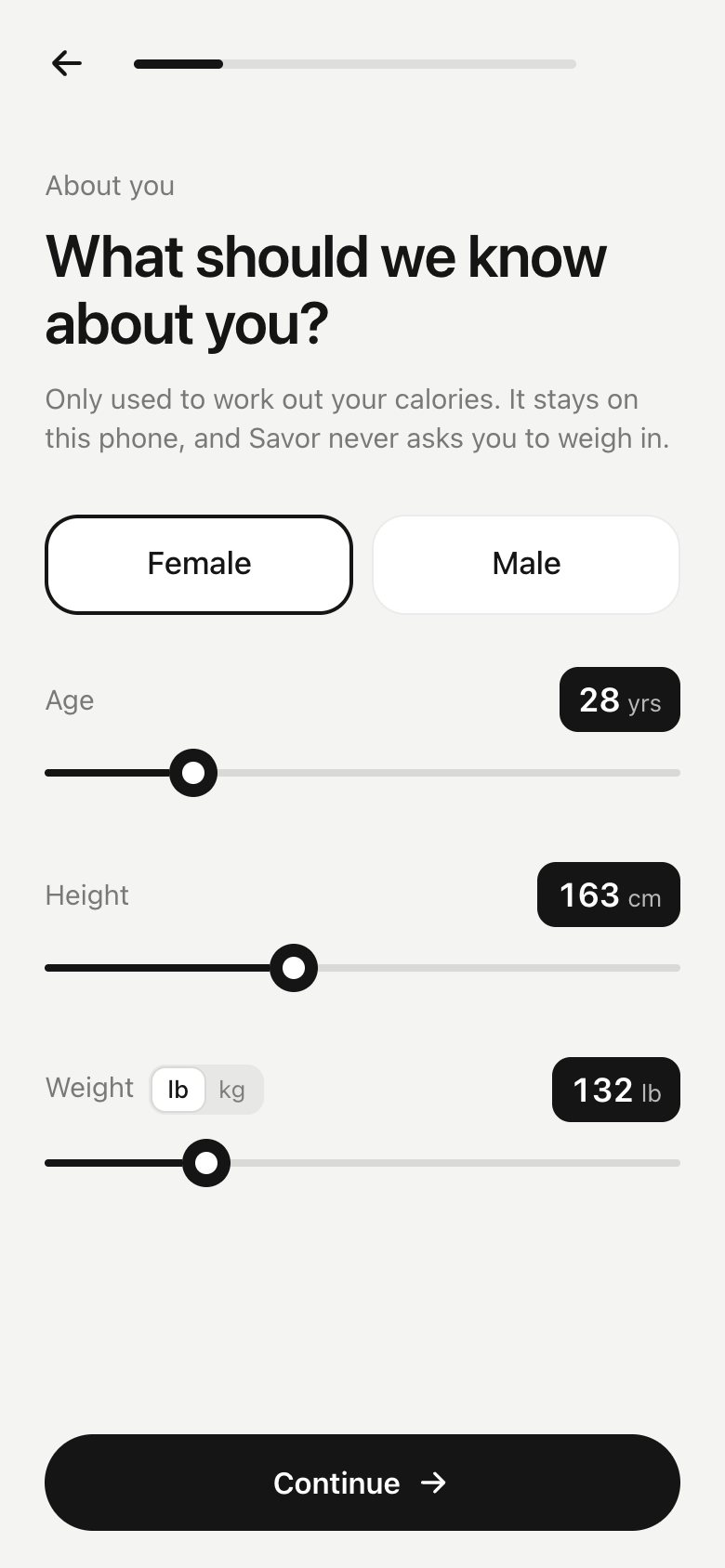
Get started, then sex, age, height and weight on one page

Today, as one sentence

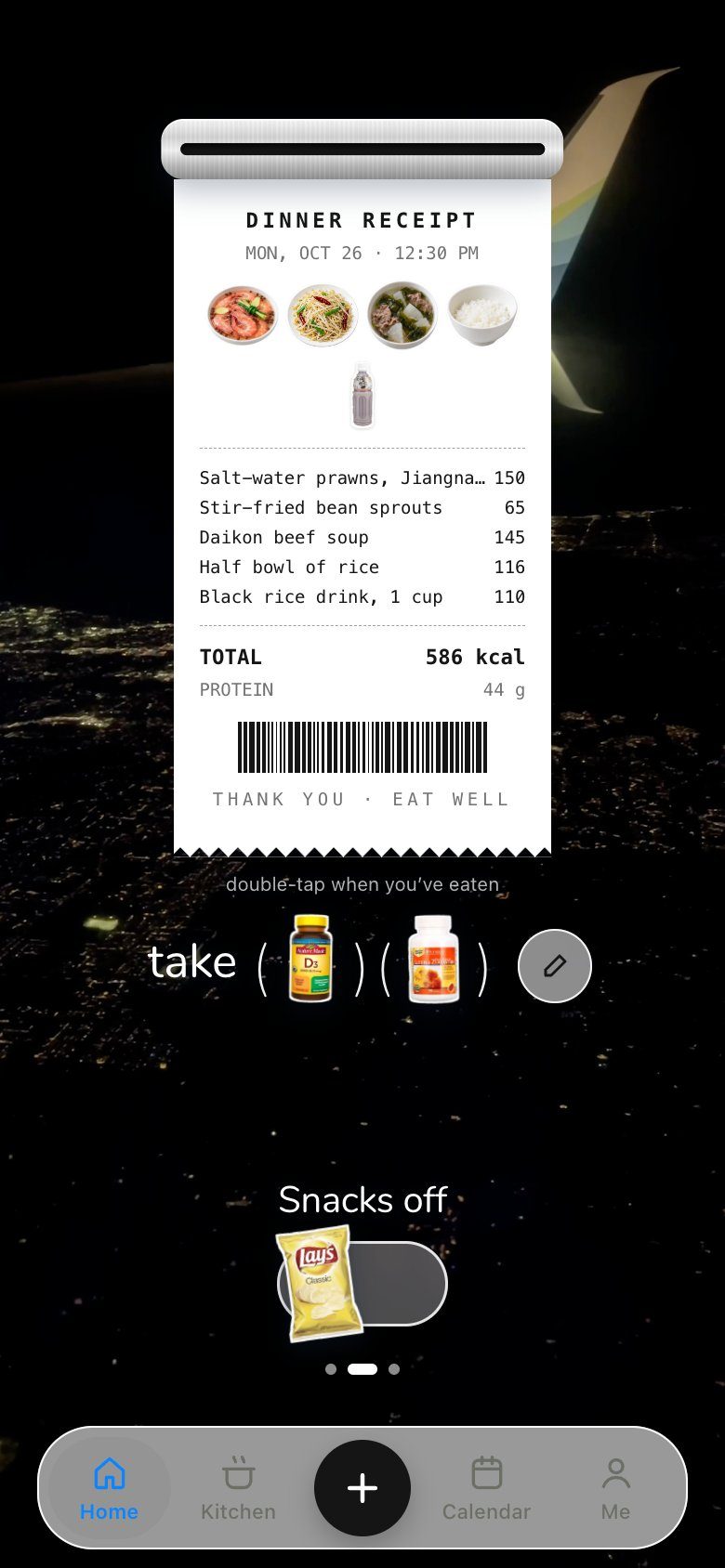
The meal reads the way you’d say it. Supplements sit in the same sentence, timed by how they absorb. Serving prints a receipt, and the printer keeps printing.

Swipe to dinner; tap a dish, pick another from real photos
Tick the pills; the sheet explains each one and when
Now serving prints the receipt; tap the printer for another

Getting around

The tab bar is a drop of Liquid Glass, rendered pixel by pixel. The same glass picks days in the calendar.

Press a tab, slide the glass, let go to switch

The kitchen

What we can cook, what’s in the fridge, and what we snack on, each with its own physical metaphor.

Shelves, a deck of polaroids, a recipe, its step photos
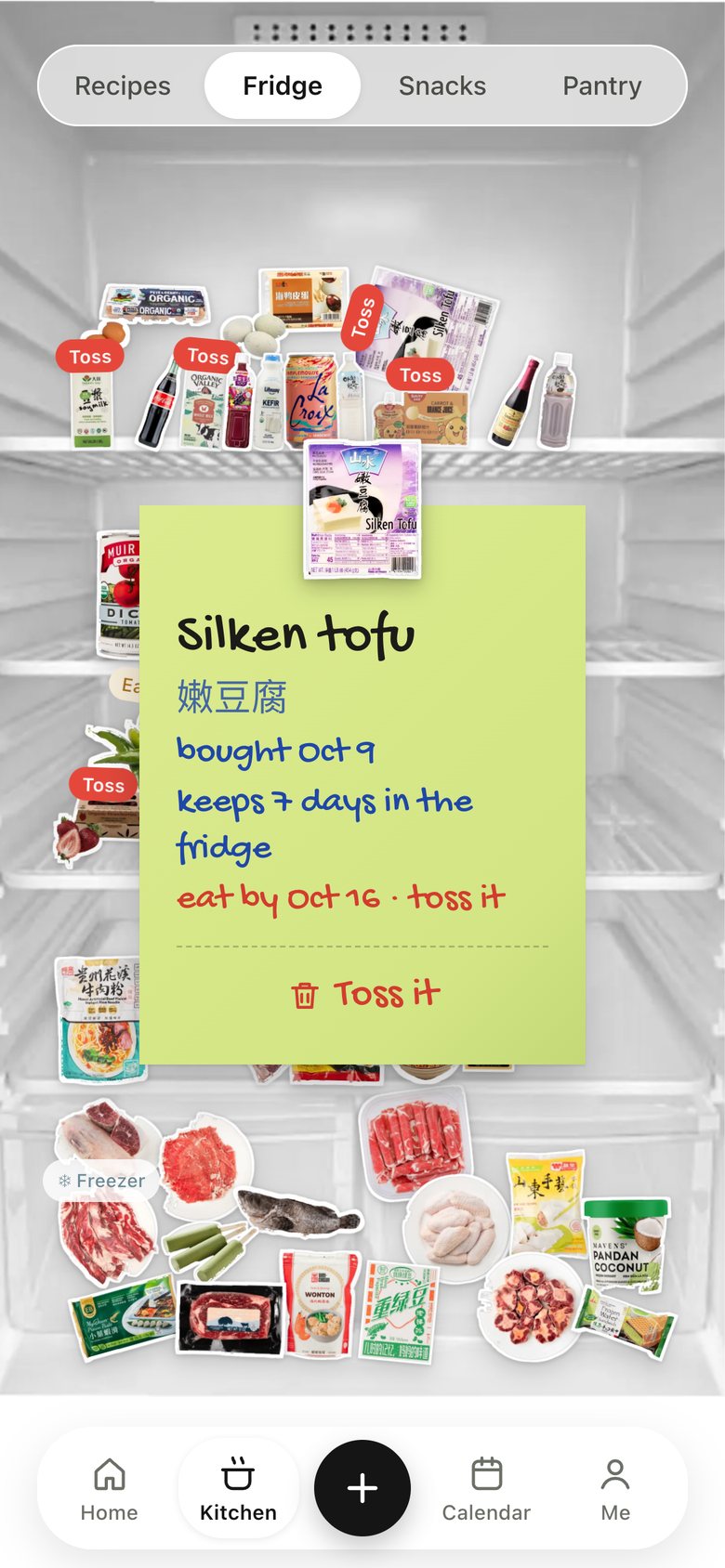
Tap the tofu, read its note, toss it
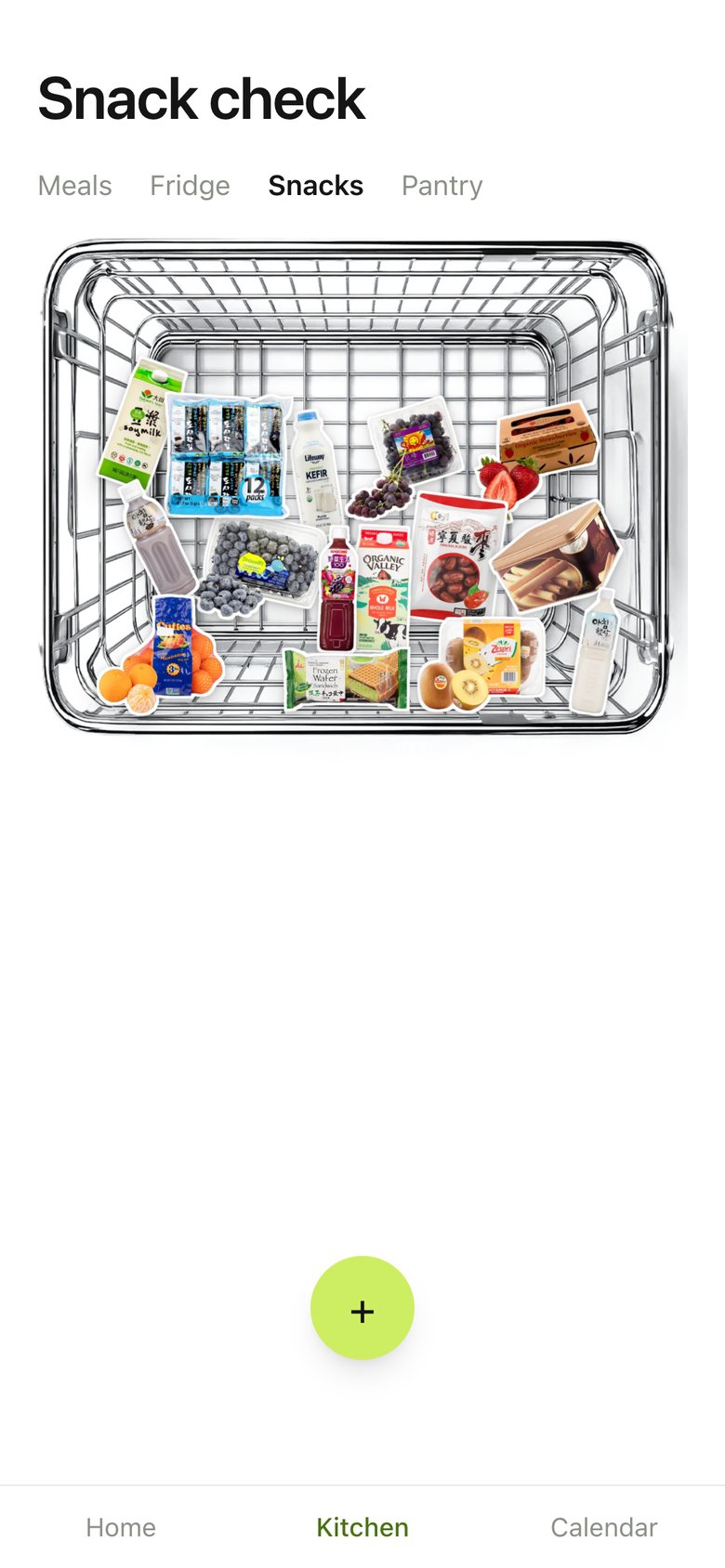
Snacks on: tap stickers into the bar

The calendar

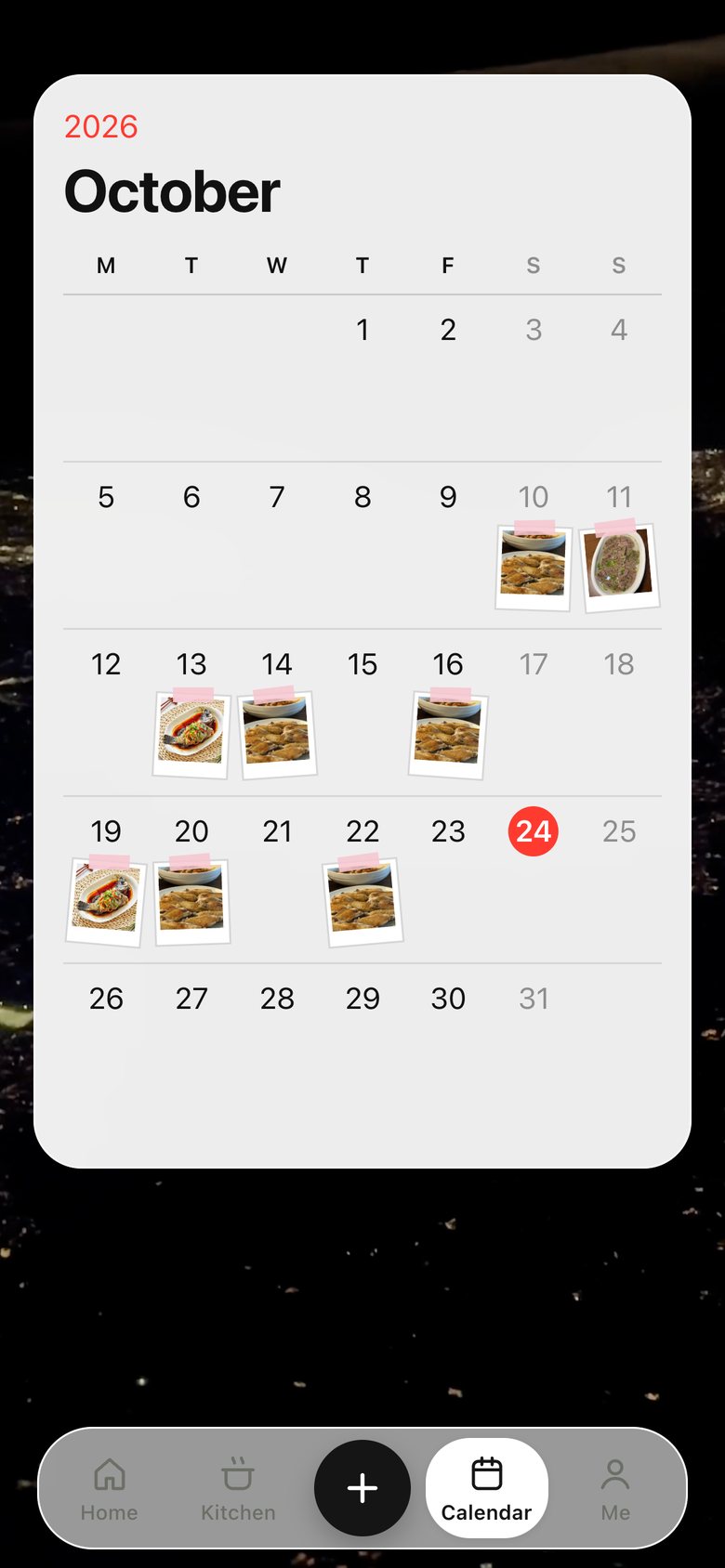
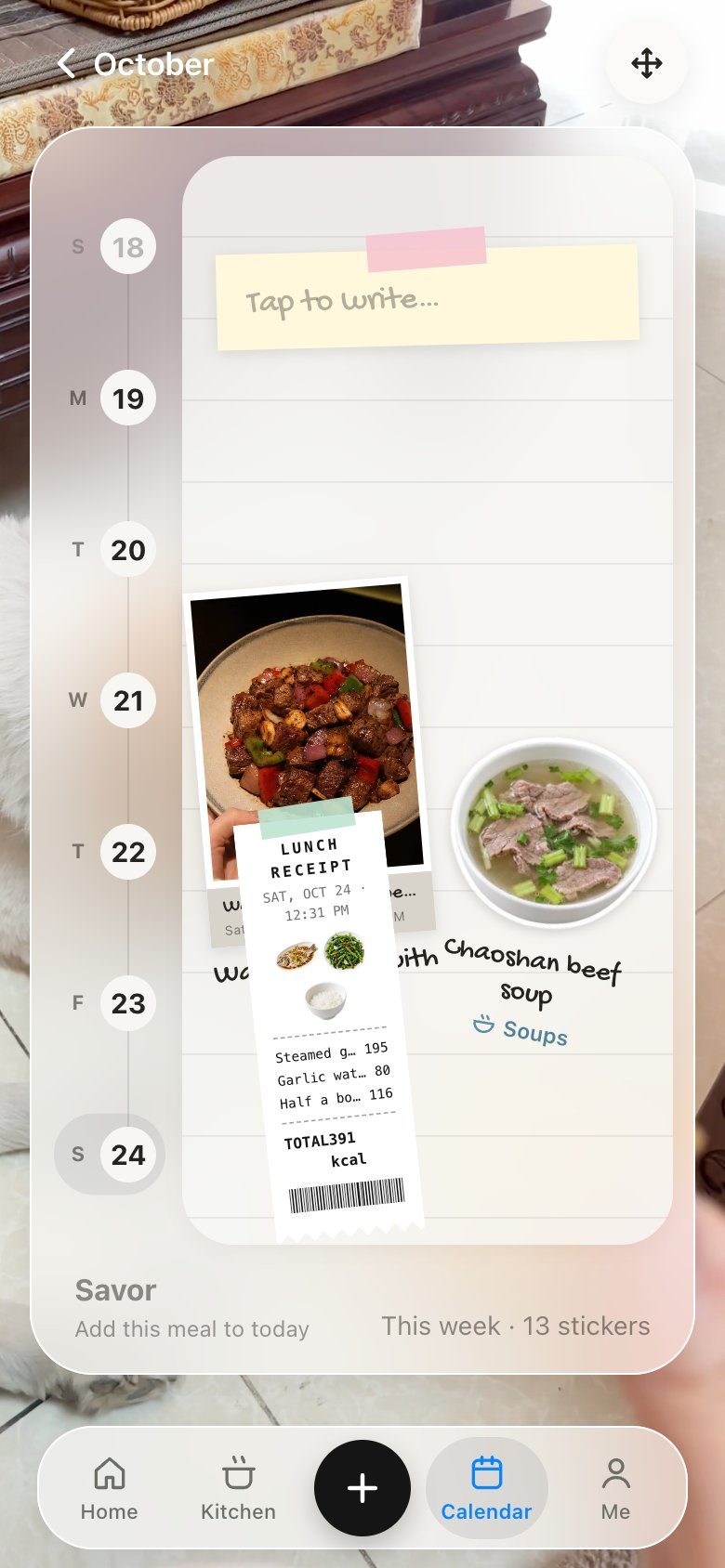
Apple Calendar’s month, filled with the food we actually cooked. A day is one page: write on the yellow note, then arrange the photo, stickers and receipts around it.

Press today, push the glass across the month, let go
Slide the week rail, write the note, arrange and turn a photo

On the web

The same app on a laptop. It keeps the phone’s rhythm — one part of the day at a time, sheets that rise — but spreads out: the kitchen shows fridge, snacks and pantry side by side, and the calendar and day pages go landscape.

Today: arrow keys between meals, serve, slide the glass
Kitchen: recipes, then fridge, snacks and pantry together
Calendar: push the glass to a day, arrange it landscape

Native iOS

The same app rebuilt in SwiftUI for iPhone: system Liquid Glass, haptics, and real physics in the fridge. Recorded on the iOS simulator.

From opening the app to using it, two minutes
Opens on our own clip, then today’s sentence
Swap a dish, pick a drink, serve, file the receipt
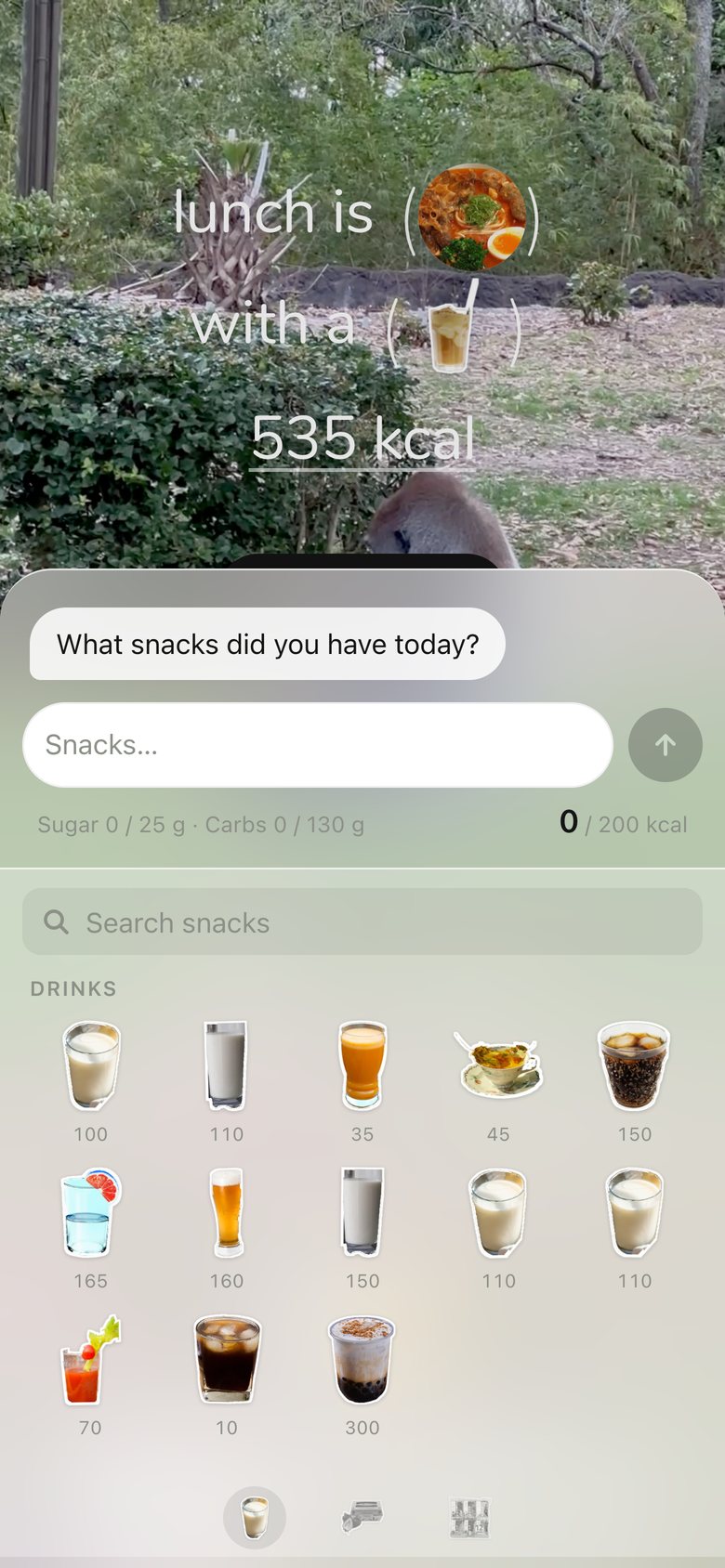
Tap snacks into the chat, send
Shelves, a deck, the recipe
Stickers fall onto real shelves
Push the glass to a day, arrange it
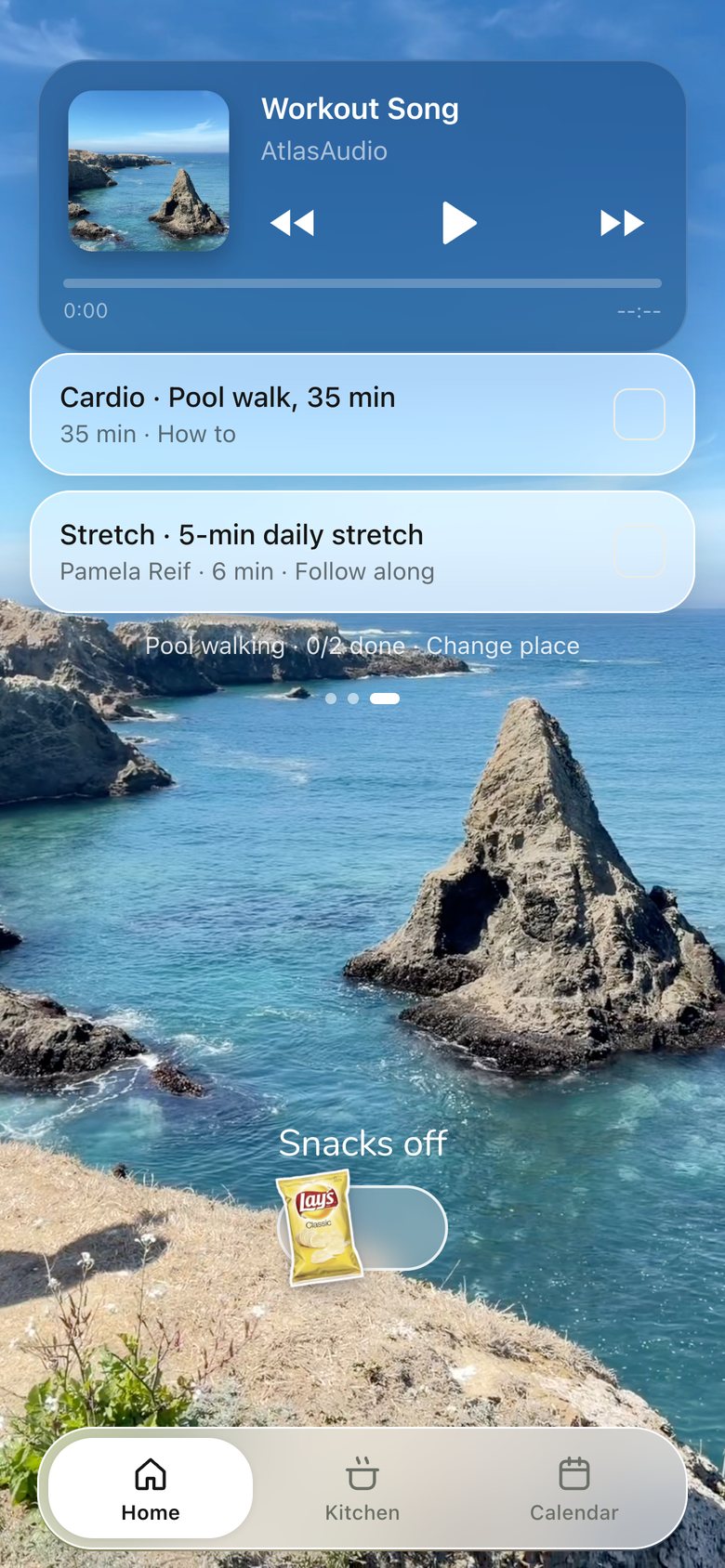
Music, the place, tick a task
The plan so far

Four decisions that shaped it

Out of 114 iterations, these four changed what the app is. Each started from something that felt wrong in daily use.

Before · a dashboard of numbers
Now · the next meal as one sentence

From a tracker to one meal

ProblemThe first version was a tracker: fourteen numbers and every meal at once. We opened it, felt judged, and closed it.

DecisionShow only the meal that’s next, written the way you’d say it — dishes in circles you can tap to swap, calories as one figure, supplements in the same sentence.

WhyThe real job is deciding what to eat. Tracking is a side effect, so it shouldn’t be the first thing you see.

Before · a grid of identical icons
Now · a deck of our own photos

Real food, not placeholders

ProblemRecipes were a grid of look-alike AI icons. Nothing said “this is what we’ll actually eat”.

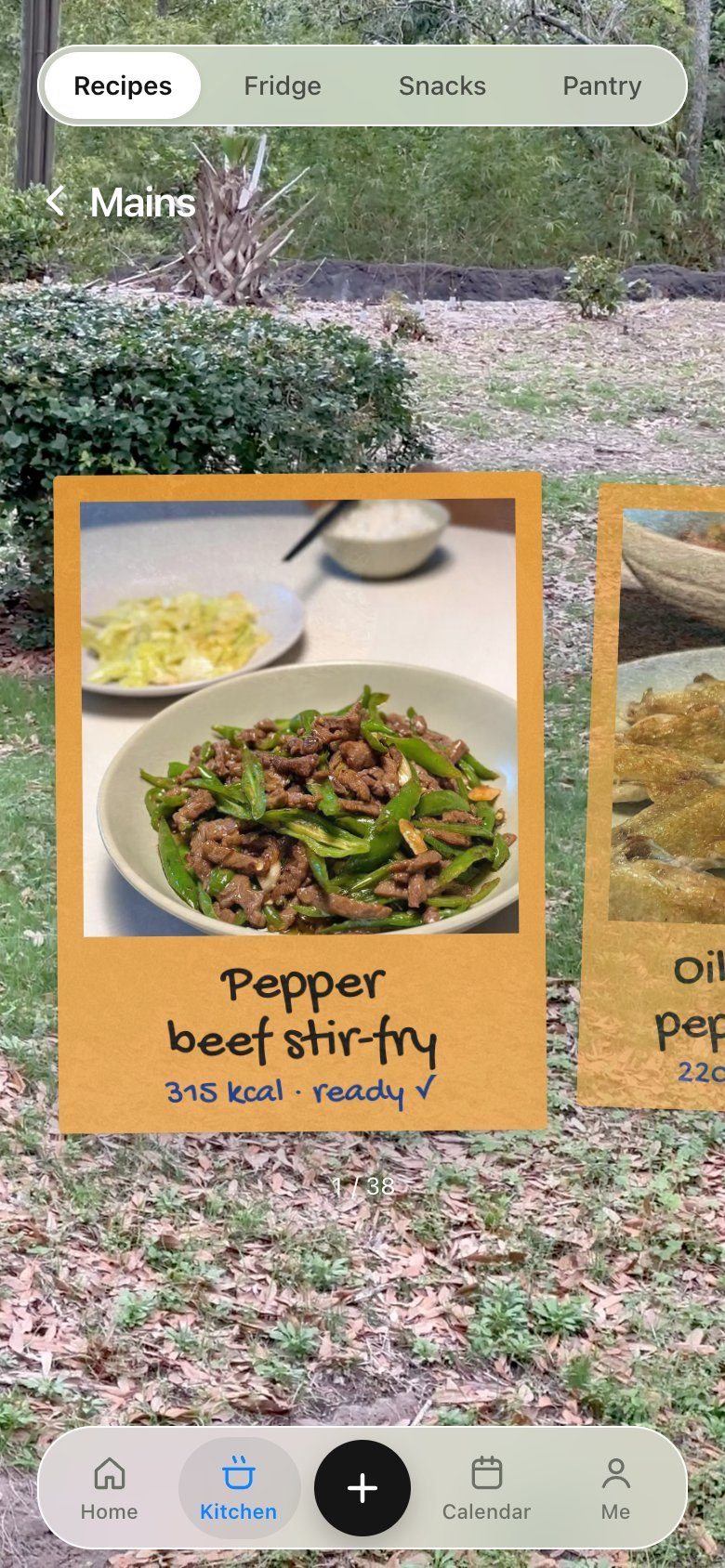
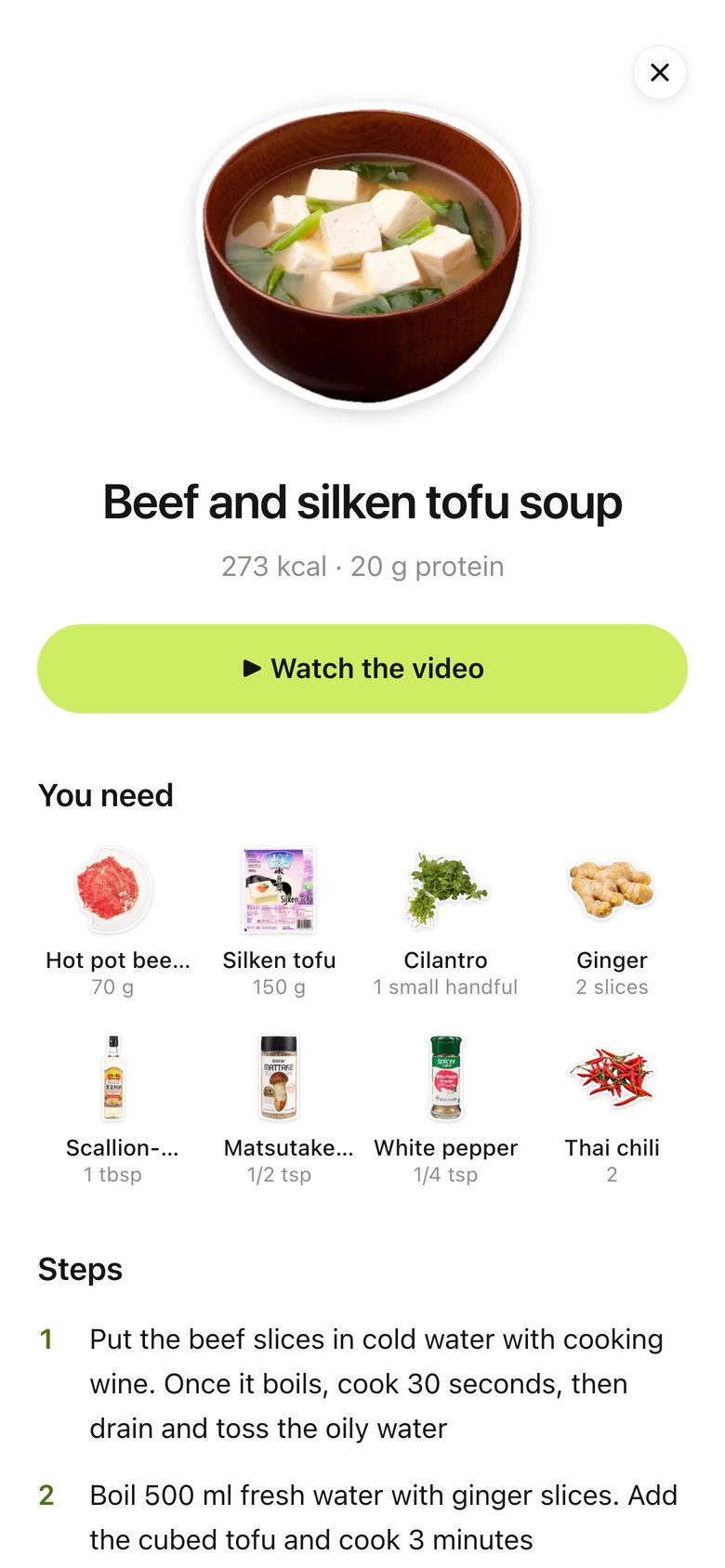
DecisionEvery dish became a polaroid of the real plate from the tutorial we cook from; shelves for mains, greens and soups; step photos you can zoom.

WhyTrust comes from recognising your own food. Real photos made her pick dishes faster and argue less.

Before · tap Done, the meal just vanishes
Now · Now serving prints a receipt

Deciding becomes a ritual

ProblemMarking a meal eaten was a checkbox. It was easy to forget and gave nothing back.

DecisionTapping “Now serving” prints a receipt line by line; double-tap it once eaten and it files itself into the calendar.

WhyA small physical moment turns a chore into a habit — and the receipts quietly become the food diary.

Before · an empty text page
Now · the month in our food

A diary you collect

ProblemThe calendar was a page of instructions. There was no reason to come back to it.

DecisionApple Calendar’s familiar month, filled with sticker piles of what we cooked; a day is one page with a note to write on and the meal’s photo and receipts to arrange.

WhyBorrowing the platform’s structure kept it instantly readable; the food is the only new thing, and it fills up as you live.

In Figma

Every screen was redrawn in Figma as the code changed, and every version is kept. Open the Figma file →

Home, eleven versions
Recipes, twelve versions
States of one screen
Components

Design system

Rules for every screen, in the format I used for TikTok’s game templates. Every number is measured from the live app.

01Home · The sentence

The meal is one sentence on a photo. Sizes, the button and the tab bar are fixed so every meal reads the same.

02Sheets & Buttons

Every quick choice is a sheet that rises to 62% and pulls up to 92%. One button shape, 44 tall.

03Kitchen · Real things

Each tab is a real object: shelf, fridge, basket, rack. Same control on top, same tab bar below.

04Calendar · One way to select

The glass drop is the only “selected” state. Today is always the red pill. A day is a page of stickers.

05Foundations

Colour tokens with their contrast, the type scale, and the accessibility rules.

Accessibility

  • WCAG AA contrastFour colours darkened until text passed 4.5:1.
  • Bigger tap targetsPage dots grew from 6 to 24 px.
  • VoiceOver labels43 icon buttons say what they do.
  • Reduced motionFloating food and glass hold still when asked.
Every version, screen by screen

The app, screen by screen

Every screen, version by version — and the one reason each changed.

01 · Launch

Launch, version 1: A clip from the background reel full screen (my scenery by default, or the user's own videos), a handwritten line: "eat slow, live soft :)". Fades out in ~2.6 s, tap to skip.
V1 · now Oct 23A moment before the form

02 · Welcome & sign-up

Welcome & sign-up, version 1: A wordmark, an empty plate placeholder and a green button.
V1 Oct 22Just a way in
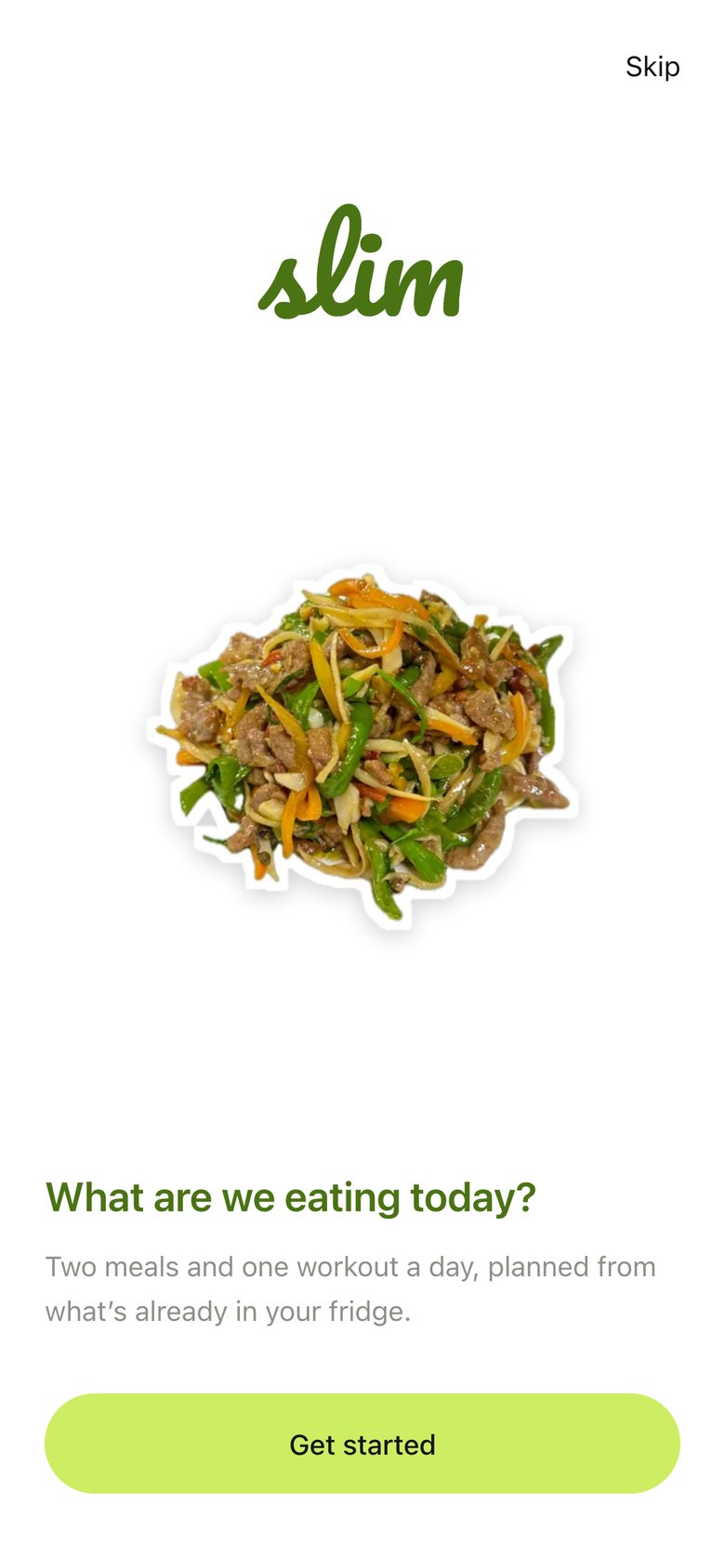
Welcome & sign-up, version 2: A real dish photo and the line "What are we eating today?".
V2 Oct 22Food, not a blank plate
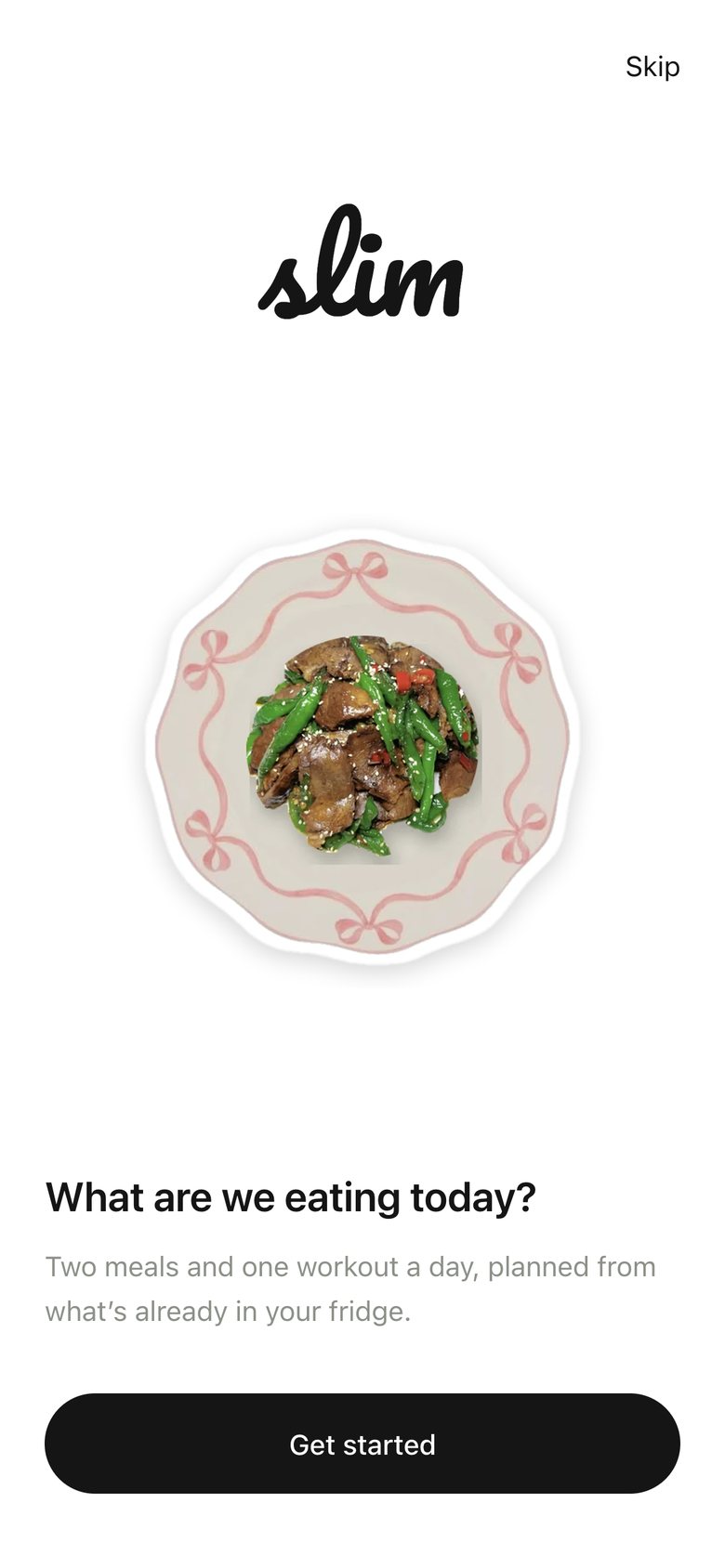
Welcome & sign-up, version 3: Green turned black to match the rest of the app.
V3 Oct 23One accent colour
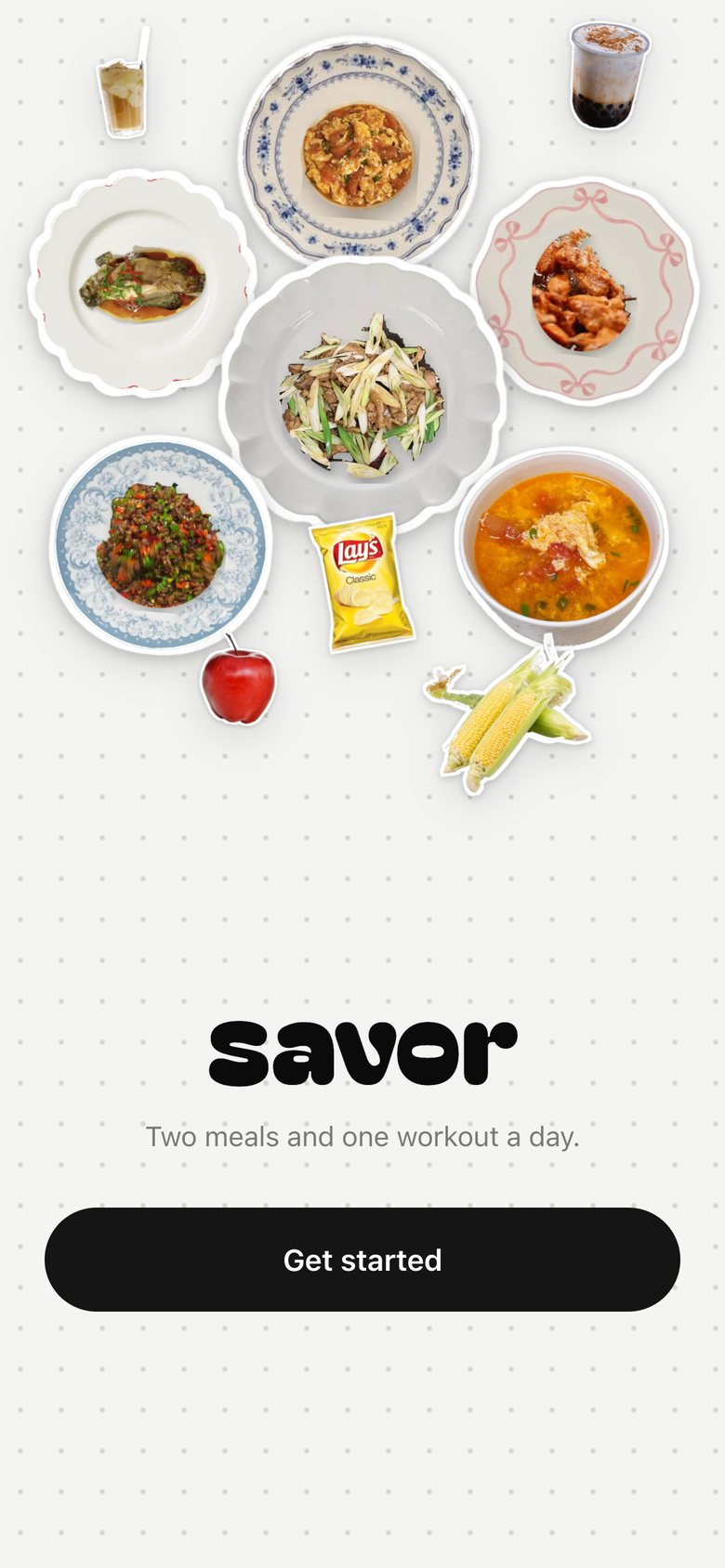
Welcome & sign-up, version 4: A balanced collage of our real food stickers on a dotted page, the new name and one black button grouped within thumb reach, and "Restore my data" when a backup exists. Pinned so it never scrolls.
V4 Oct 23Show the world, one button
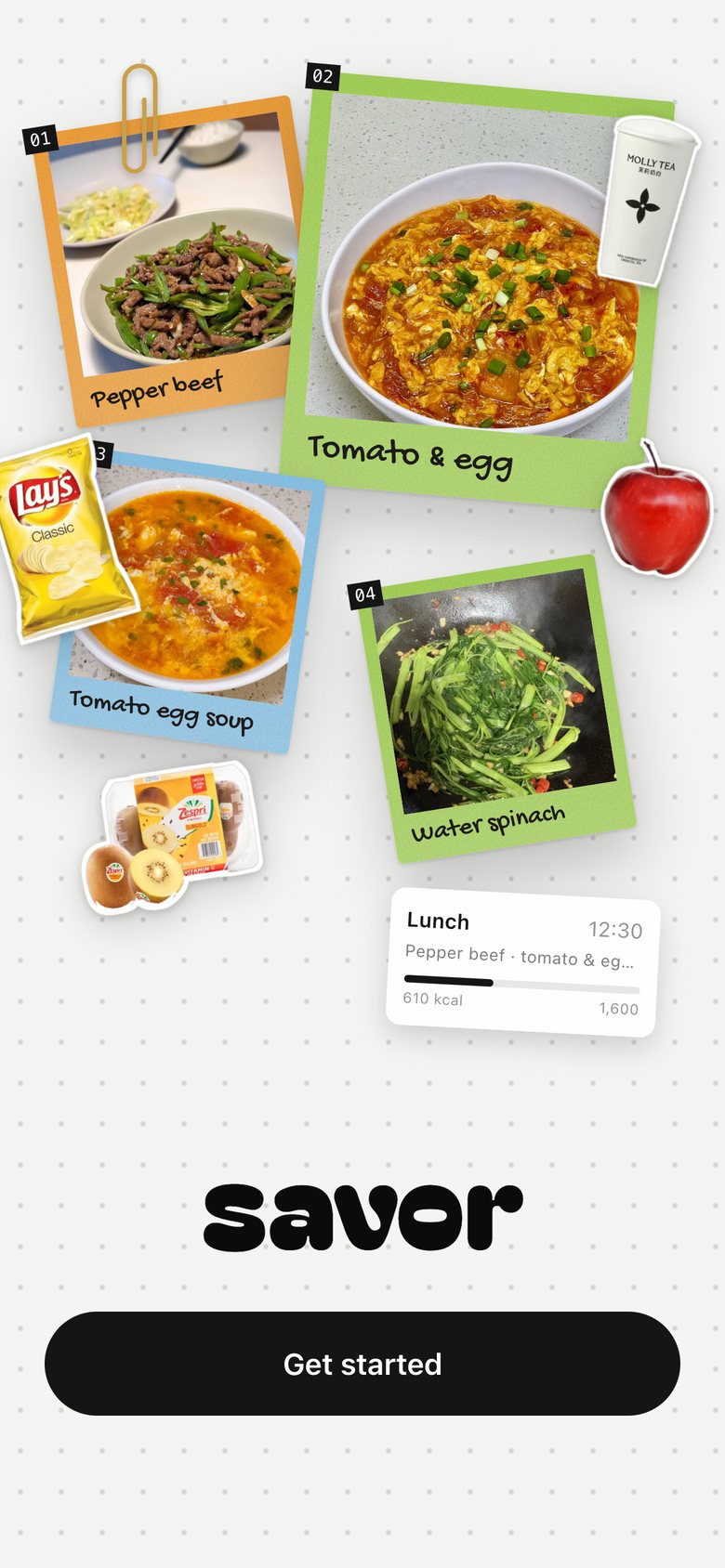
Welcome & sign-up, version 5: A bold scrapbook: numbered dish polaroids, big Molly Tea, chips and fruit stickers breaking the edges, a cut-out lunch card, and the savor logo centred above one black button.
V5 Oct 23Polaroids, bigger contrast
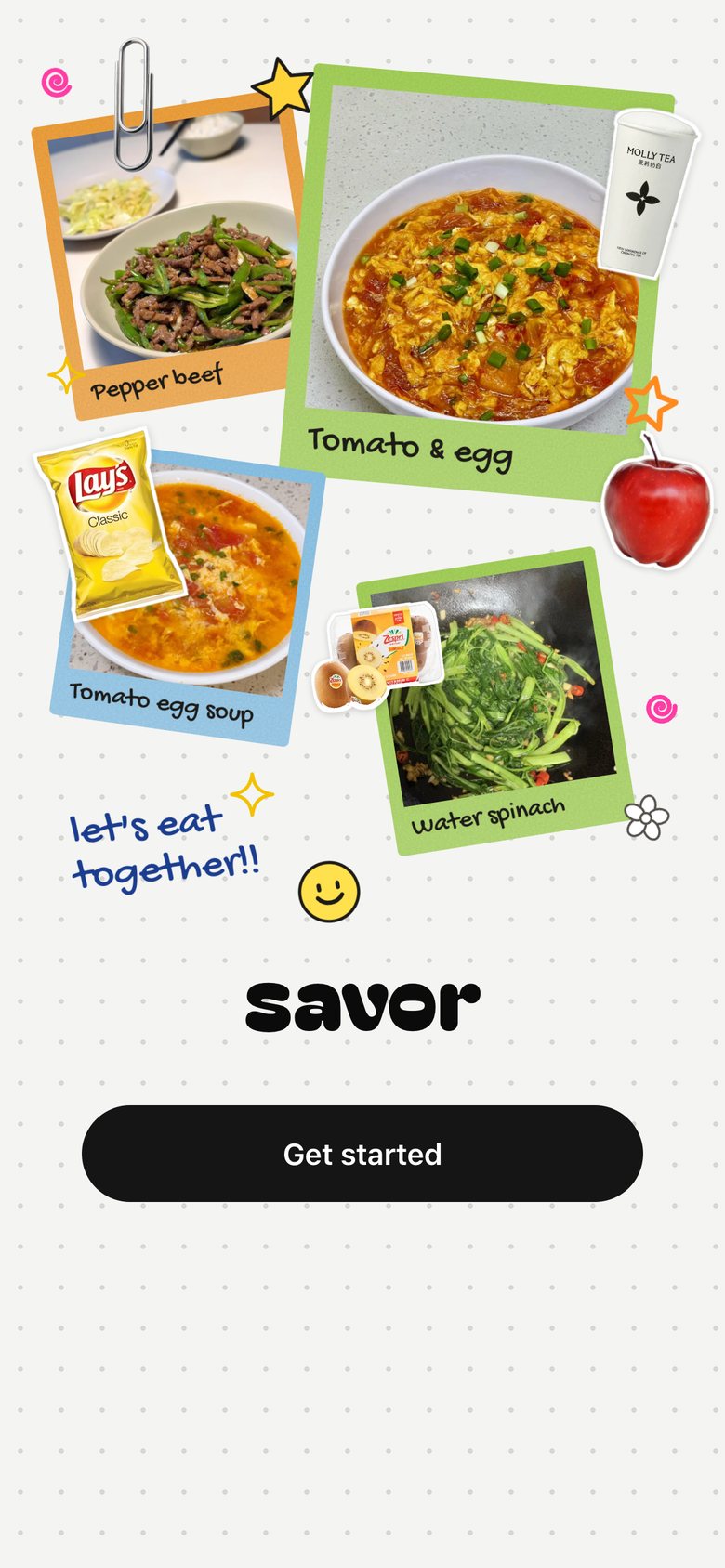
Welcome & sign-up, version 6: Kcal card replaced by hand-drawn doodles (stars, spirals, a smiley, "let's eat together!!"), a real steel paperclip photo, no shadows, the kiwi moved into the middle; pieces are set down one by one as the page opens.
V6 Oct 26Doodles, not a dashboard
Welcome & sign-up, version 7: Sign-up as four short pages of questions (five for women): about you on one page with sliders, weight in lb with a kg toggle; then the goal with three safe paces; how you move; how you eat.
V7 · now Oct 26Four short pages, not twelve fields

03 · Home · Lunch & Dinner
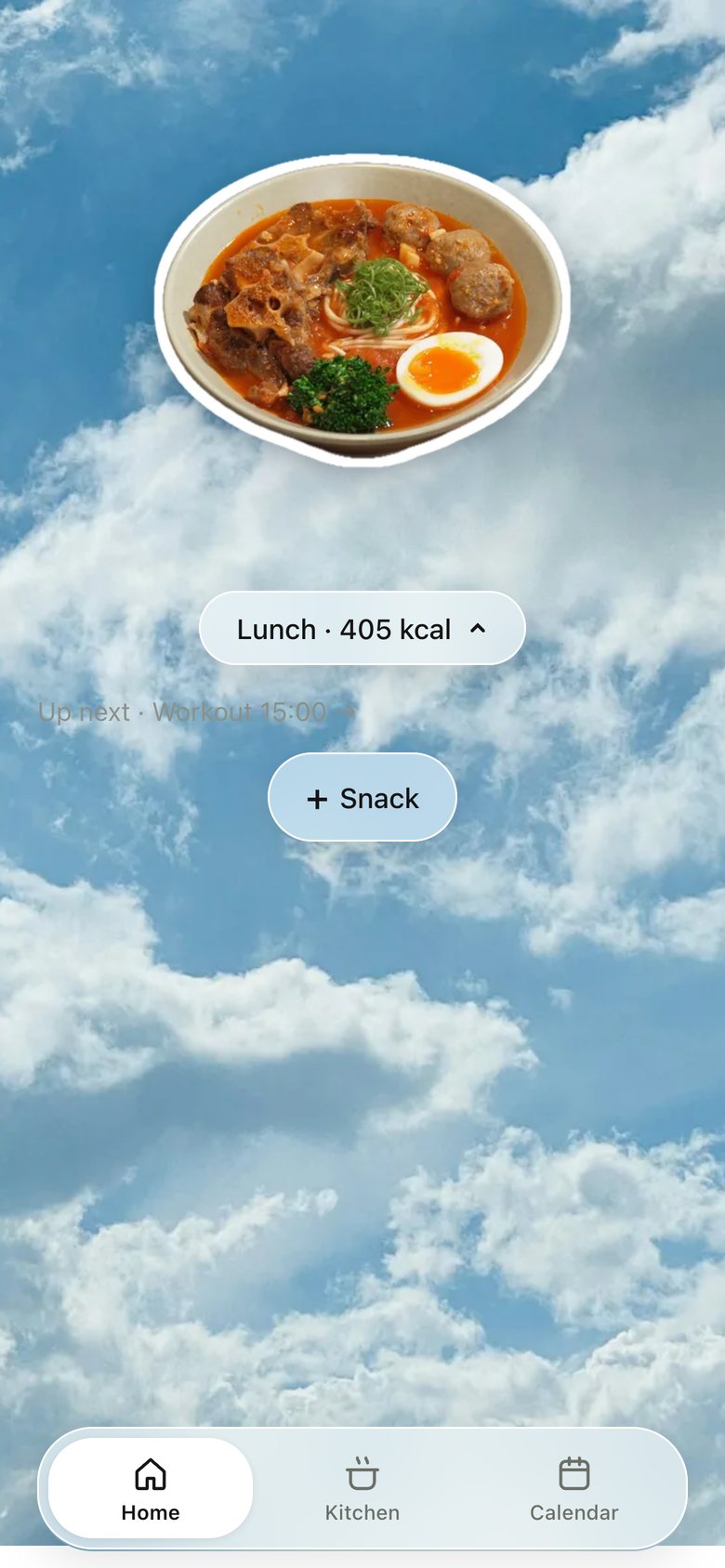
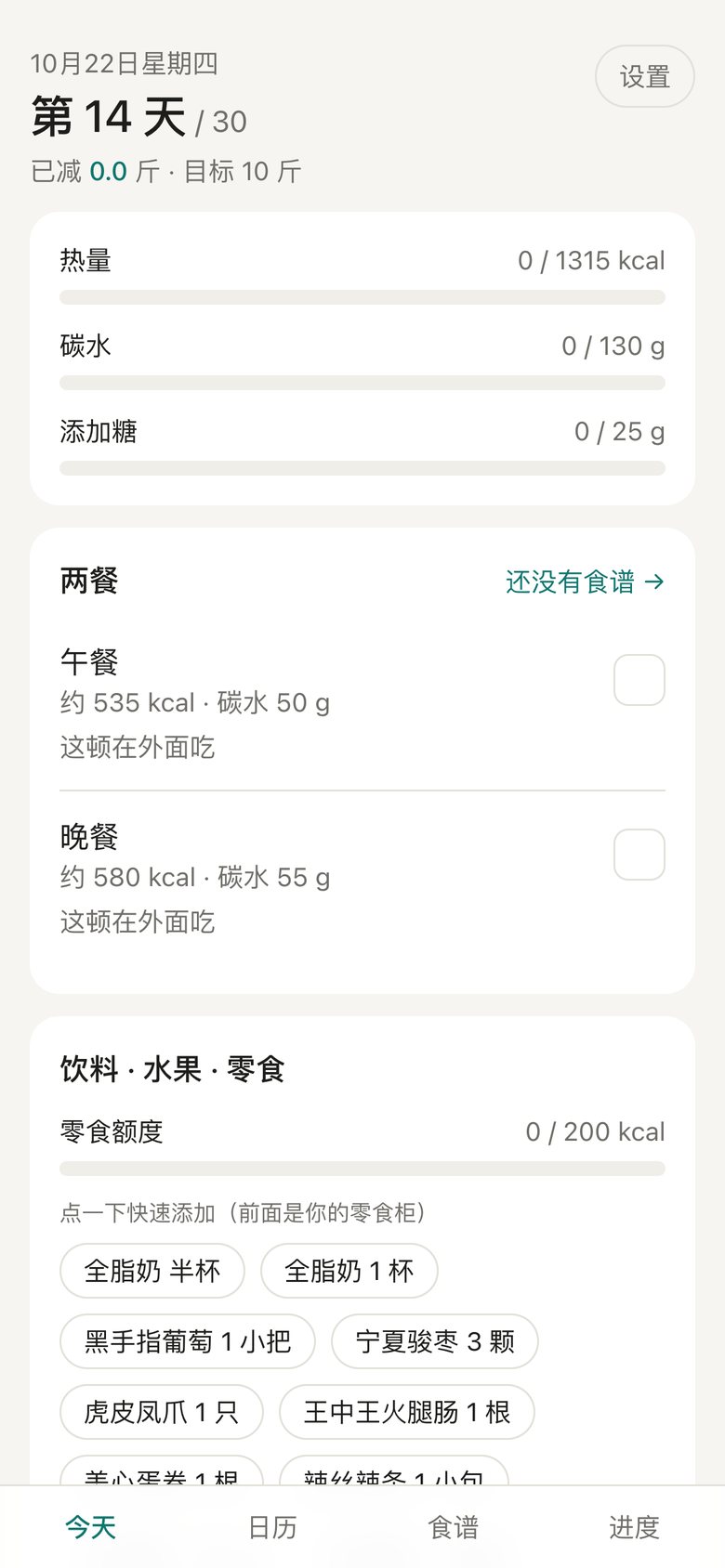
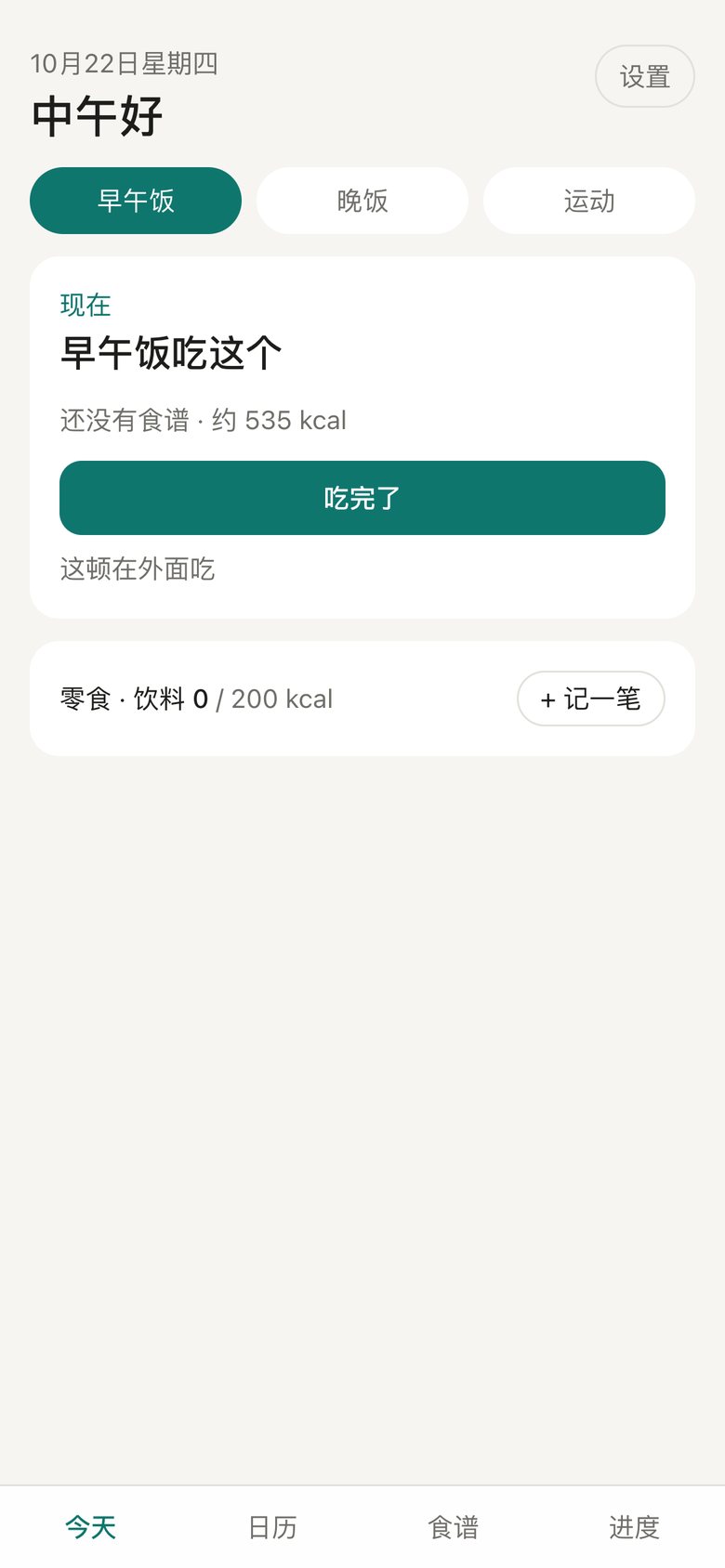
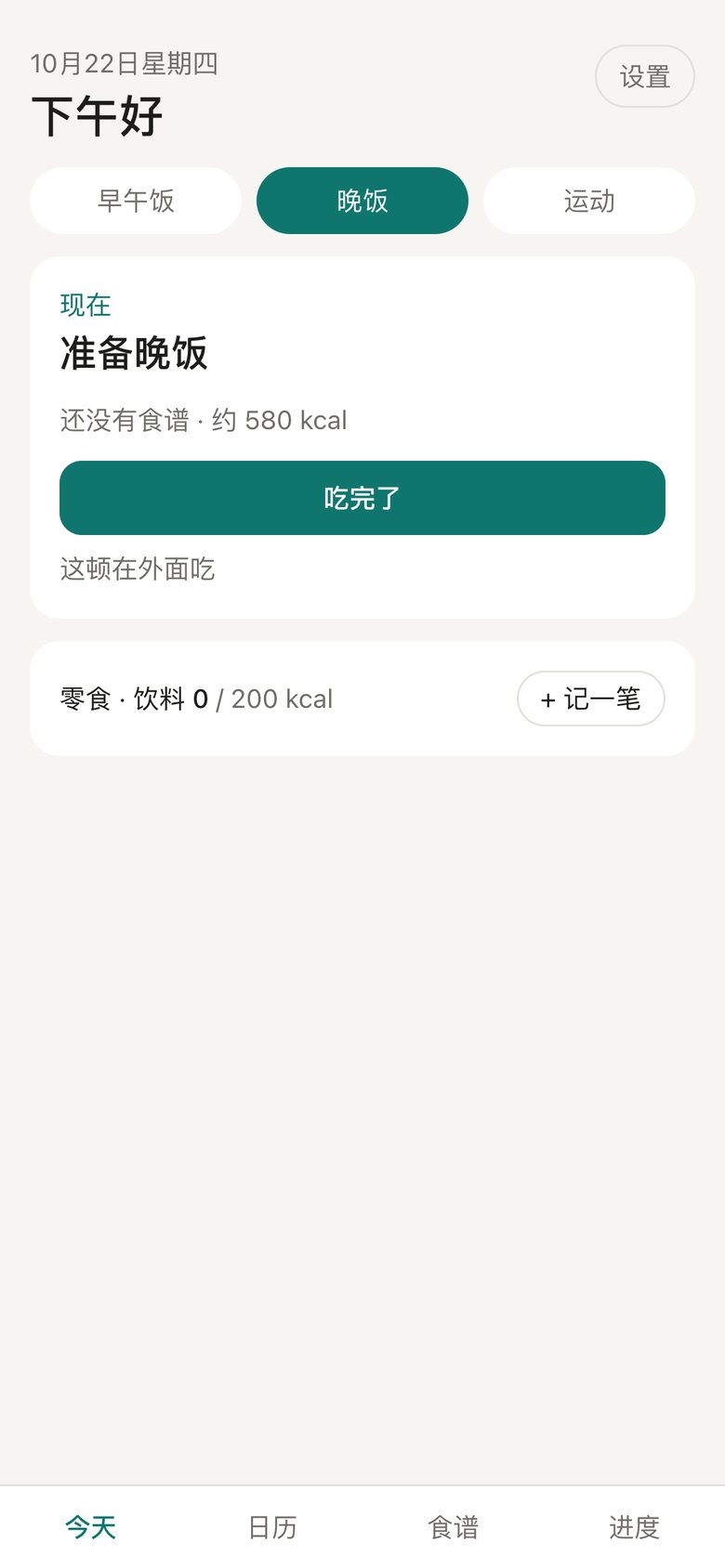
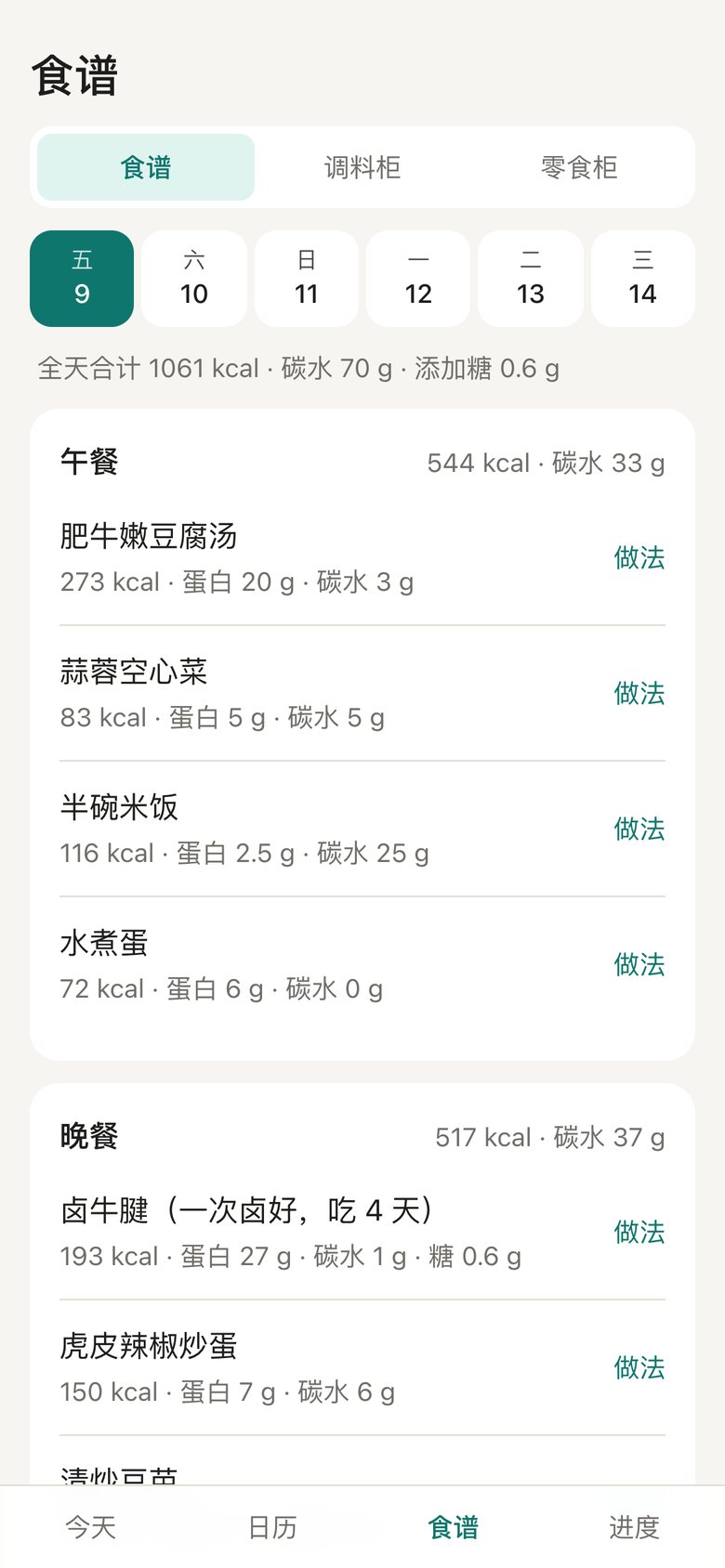
Home · Lunch & Dinner, version 1: A Chinese dashboard: calories, carbs, both meals, the workout and notes all at once.
V1 Oct 9Every number at once
Home · Lunch & Dinner, version 2: One thing at a time: only the meal coming up, with one big button.
V2 Oct 9Only what’s next
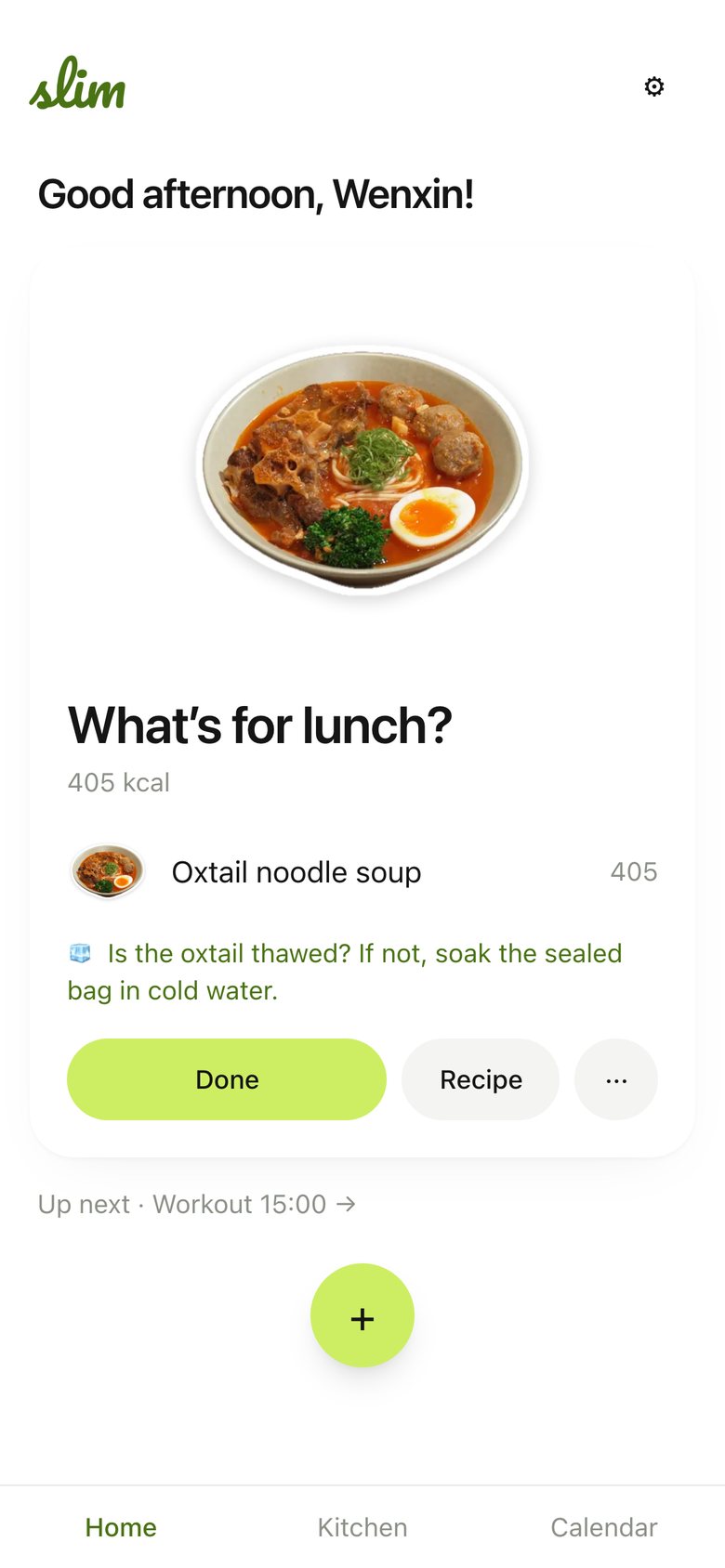
Home · Lunch & Dinner, version 3: English, a real dish sticker, the meal as a card; a greeting and a logo on top.
V3 Oct 22Real food builds trust
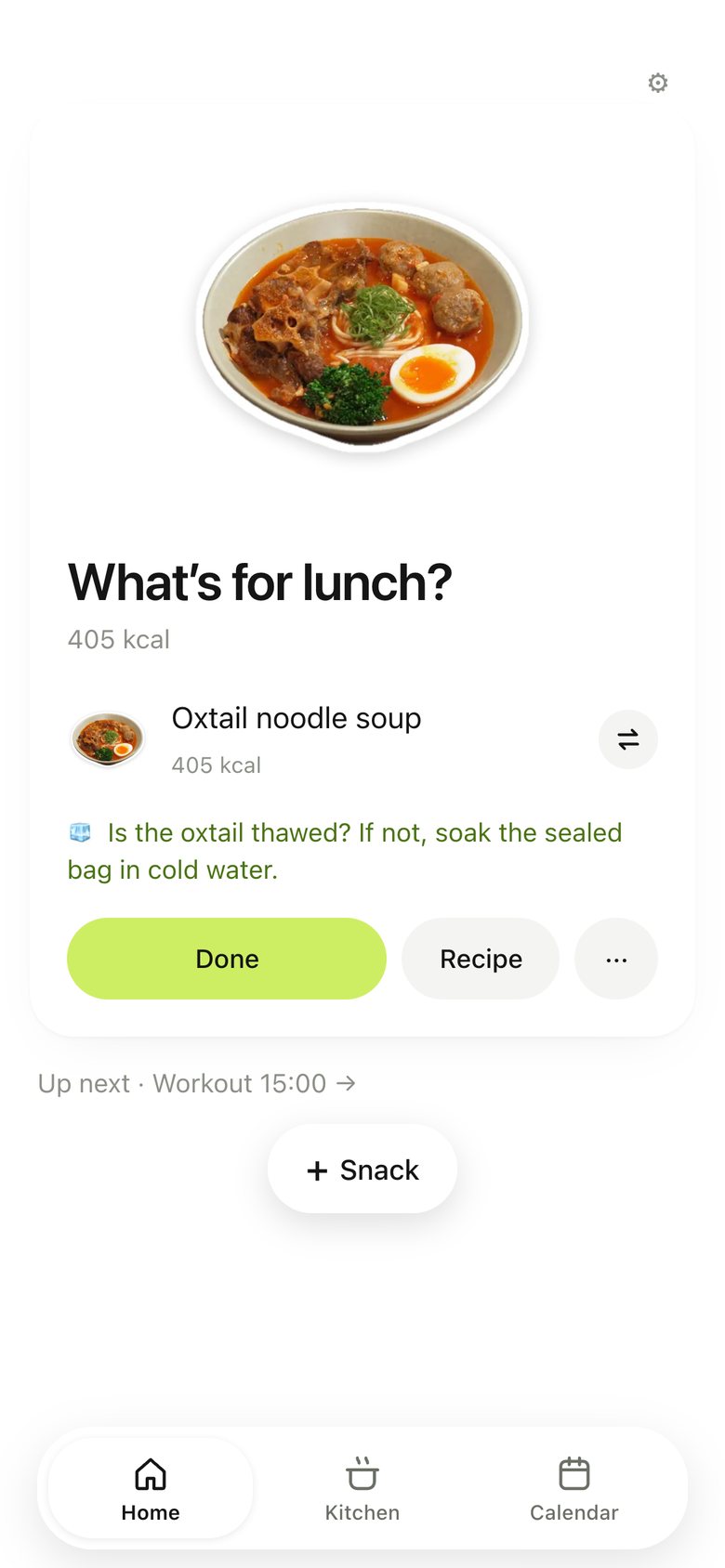
Home · Lunch & Dinner, version 4: Greeting, logo and page title removed.
V4 Oct 22Cut repeated labels
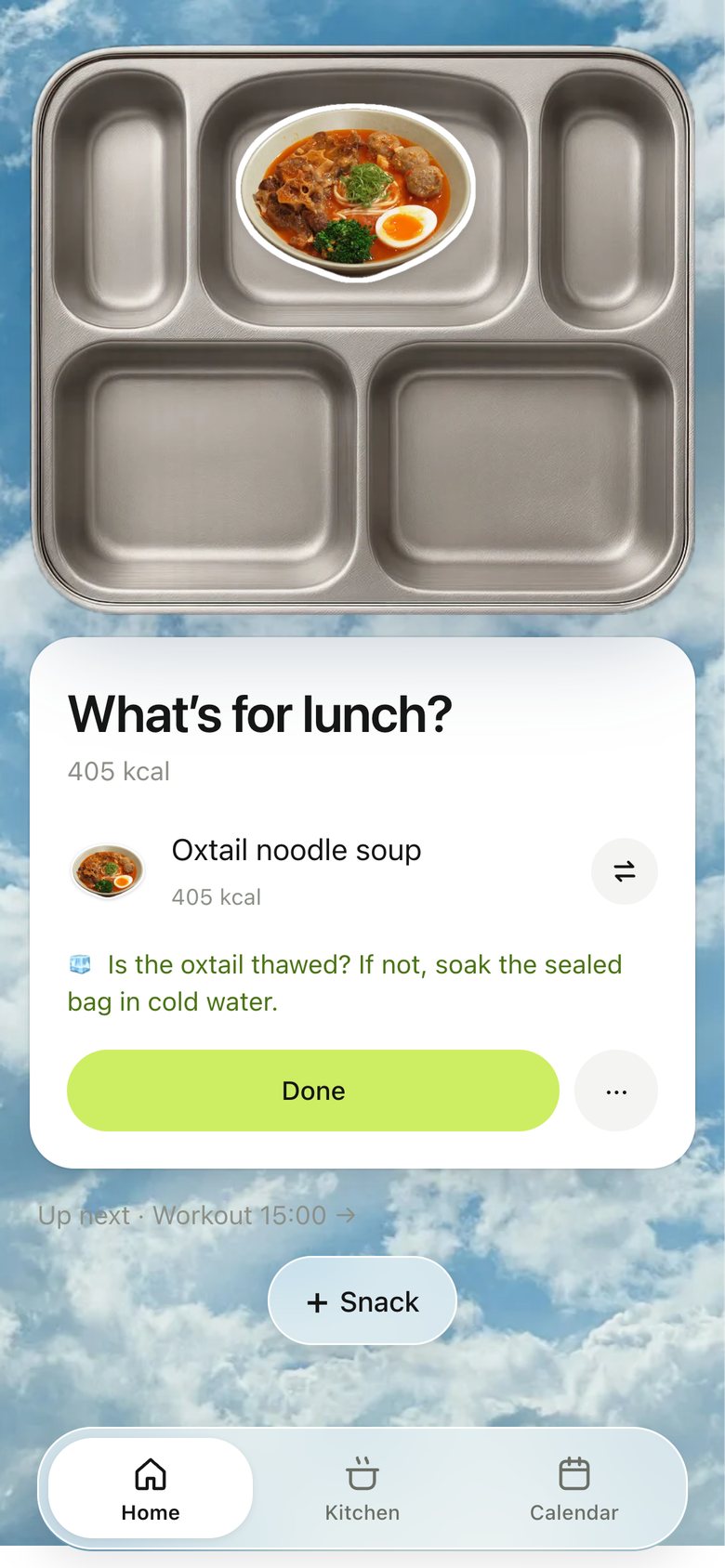
Home · Lunch & Dinner, version 5: The meal on a stainless canteen tray over a blue sky.
V5 Oct 22A place, not a form
Home · Lunch & Dinner, version 6: Plates float in the sky; the card hides behind a small pill.
V6 Oct 22Let the food float
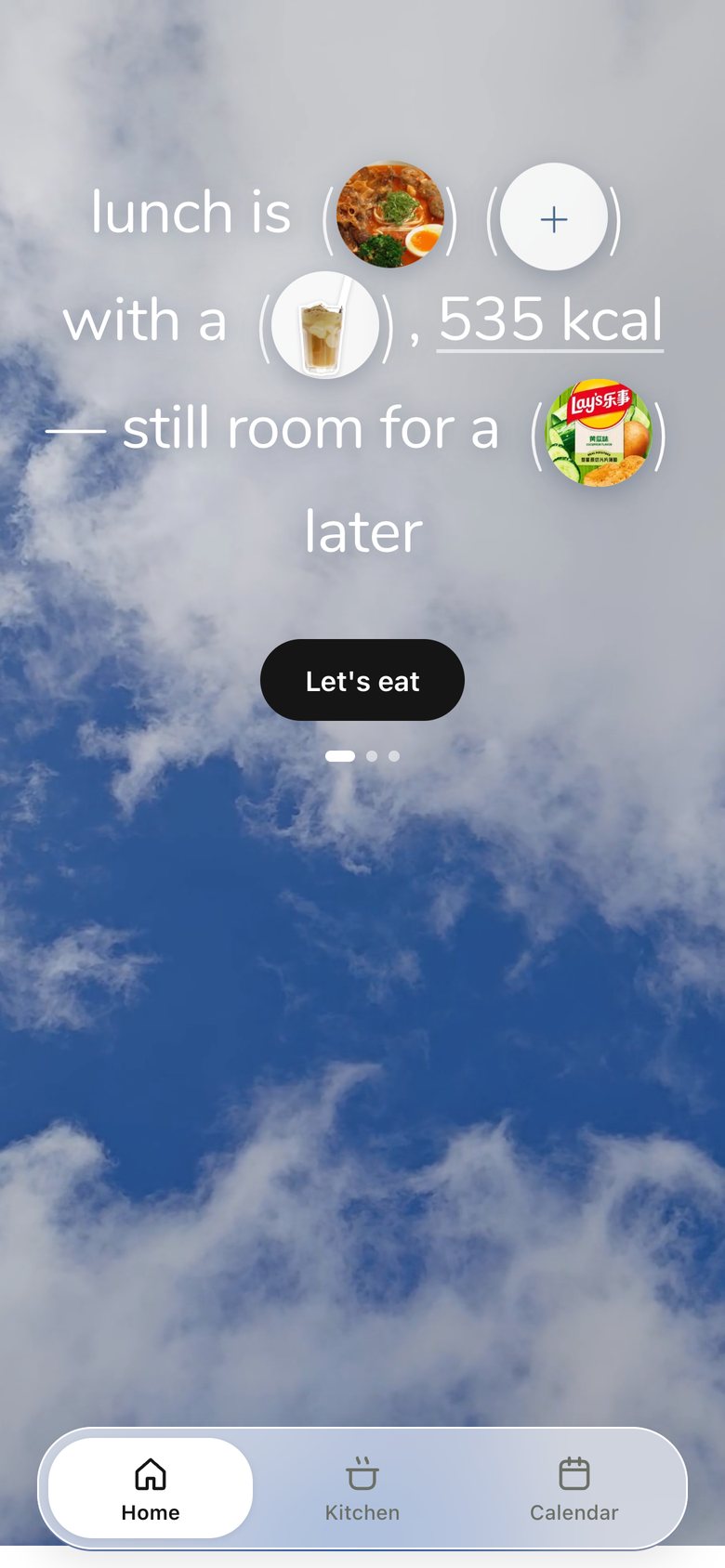
Home · Lunch & Dinner, version 7: Home becomes a sentence: "lunch is (dish) with a (drink), 535 kcal".
V7 Oct 23Say it as a sentence
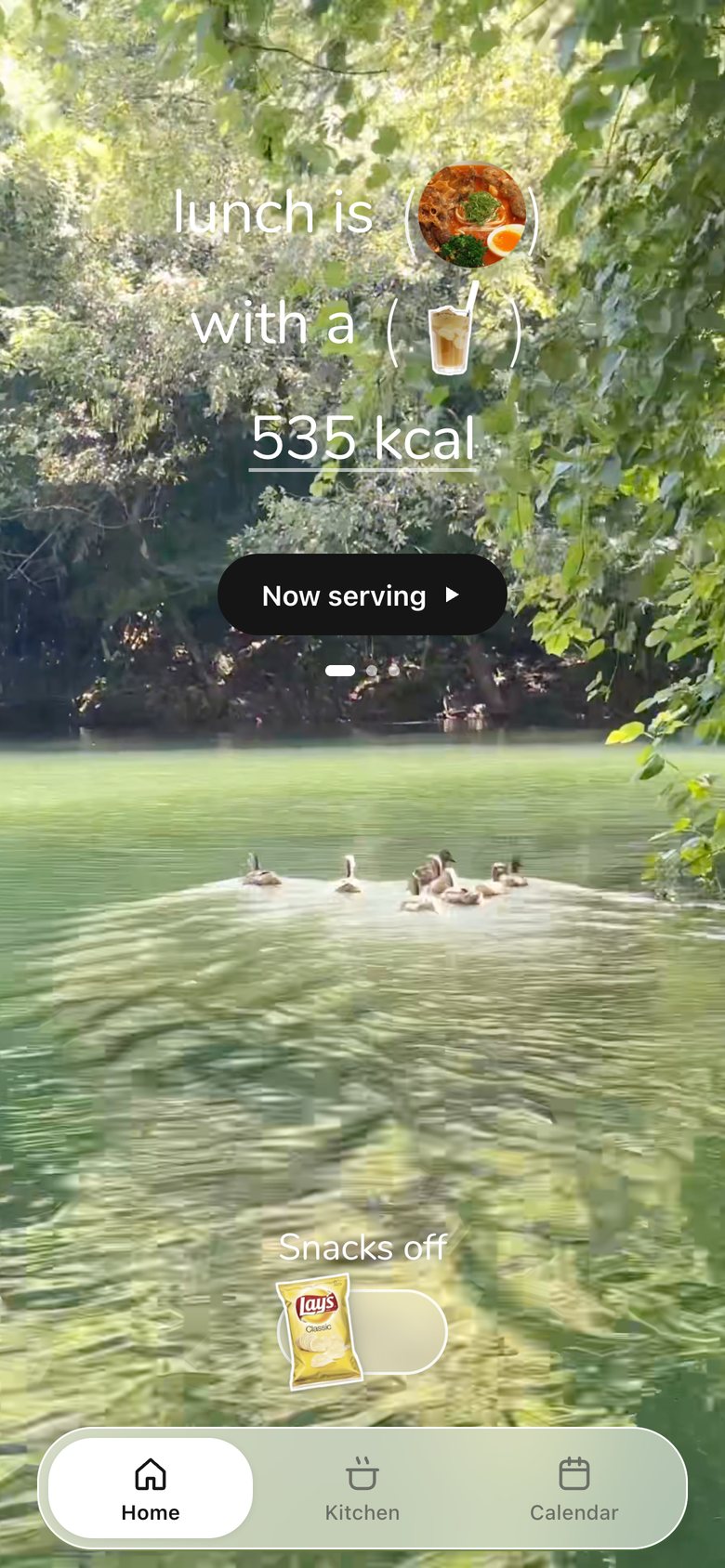
Home · Lunch & Dinner, version 8: The sky is replaced by real-life videos, like a vlog: by default scenery I filmed, or the user's own clips added in Settings; snacks become a switch.
V8 Oct 23Our own videos
Home · Lunch & Dinner, version 9: Dinner by the clock, all pages share one top line and one bottom zone (page dots + snack switch).
V9 Oct 23Shared anchors, no jumps
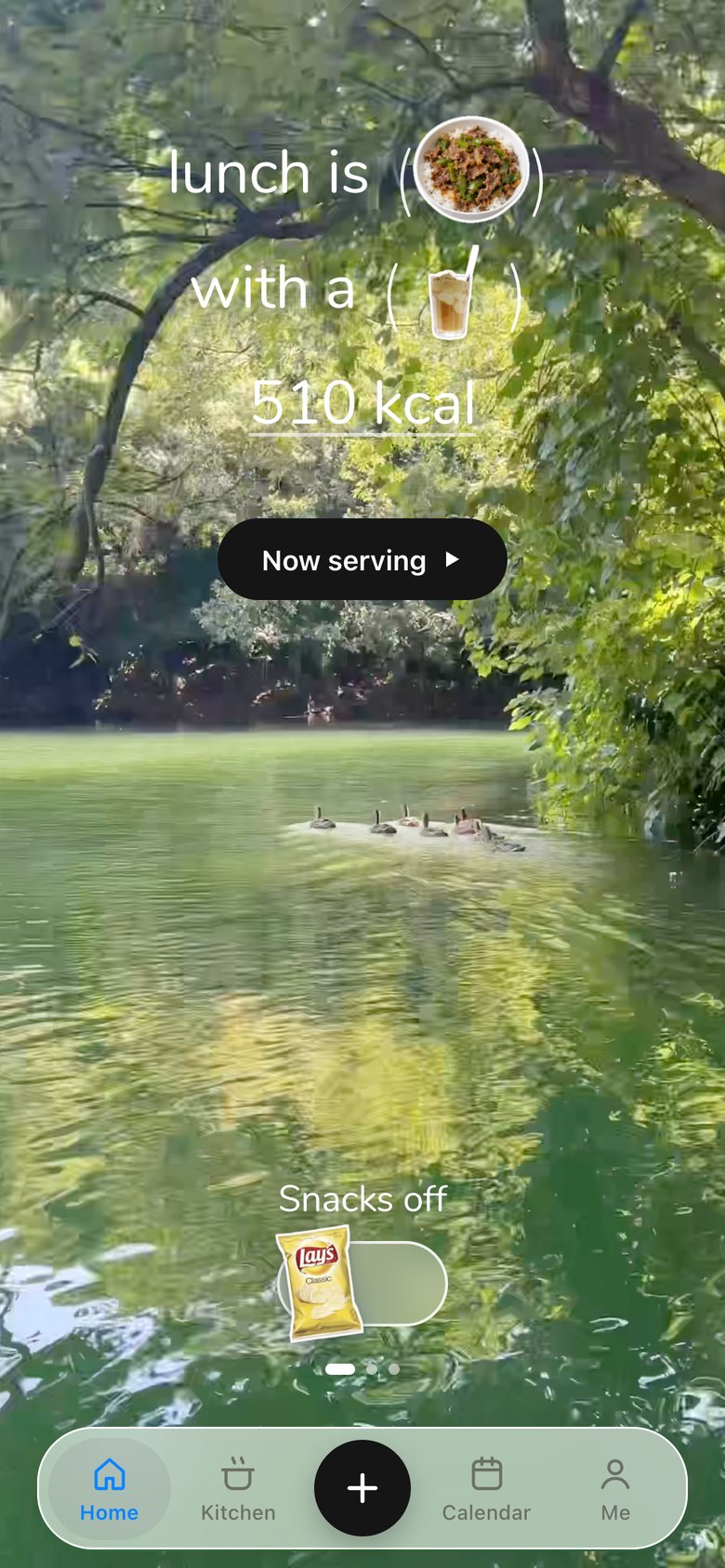
Home · Lunch & Dinner, version 10: The bottom nav became a Liquid Glass bar: press a tab and a drop of glass lifts out and follows your finger, refracting the bar and the video behind it.
V10 Oct 26Native glass you can push
Home · Lunch & Dinner, now
V11 · now Oct 26Supplements in the sentence

04 · Now serving · Receipt
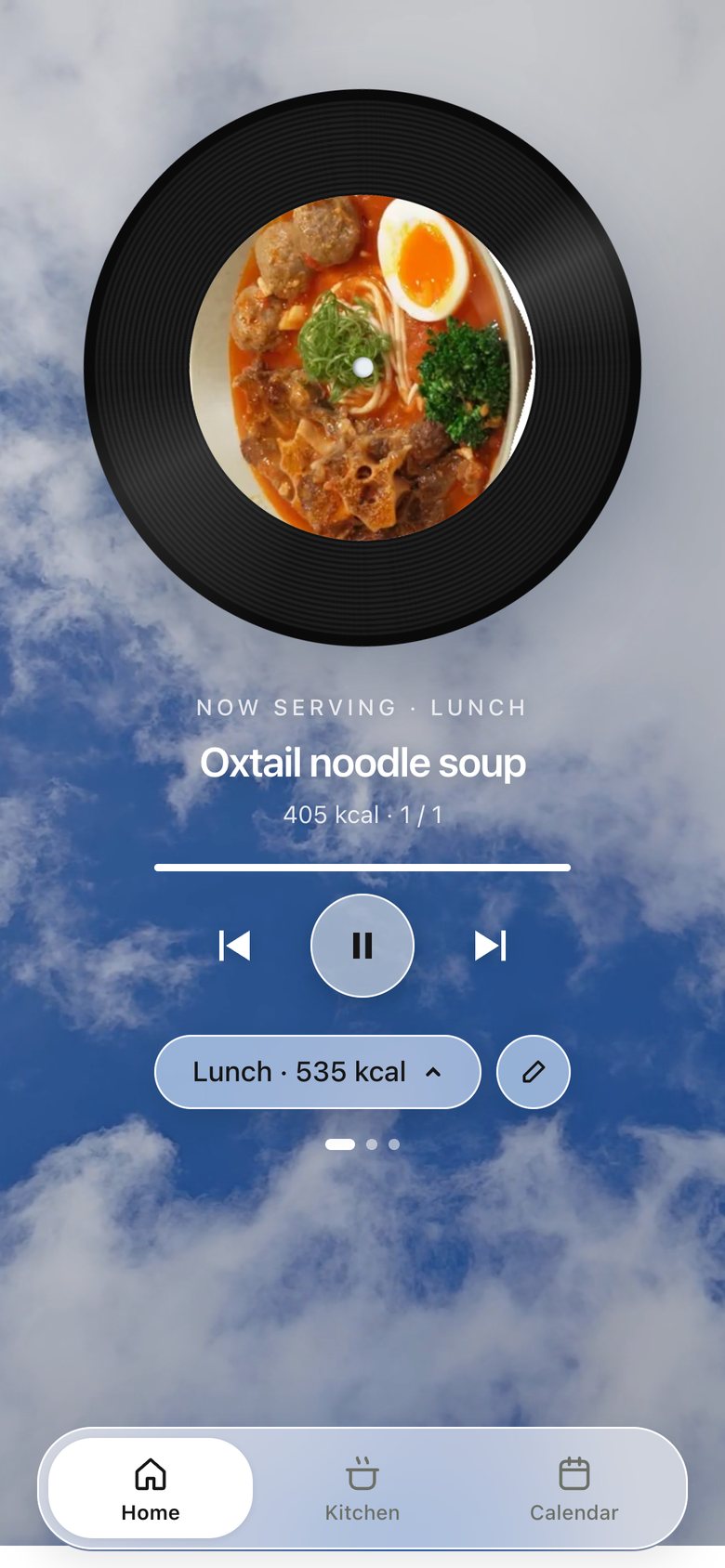
Now serving · Receipt, version 1: Deciding turns the dish into a spinning vinyl record.
V1 Oct 23Give deciding a moment
Now serving · Receipt, version 2: "Let's eat" became "Now serving ▶", with a caption on the turntable.
V2 Oct 23Clearer words
Now serving · Receipt, version 3: The record is replaced by a receipt printing out of a steel slot.
V3 Oct 23A record you can keep
Now serving · Receipt, version 4: Smaller receipt, printed line by line; double-tap to tear it off into the calendar, which also logs the meal.
V4 Oct 23One gesture: we ate it
Now serving · Receipt, now
V5 · now Oct 26Prints again on tap

05 · Home · Workout

Home · Workout, version 1: Workout as one block of the Chinese dashboard.
V1 Oct 9First build
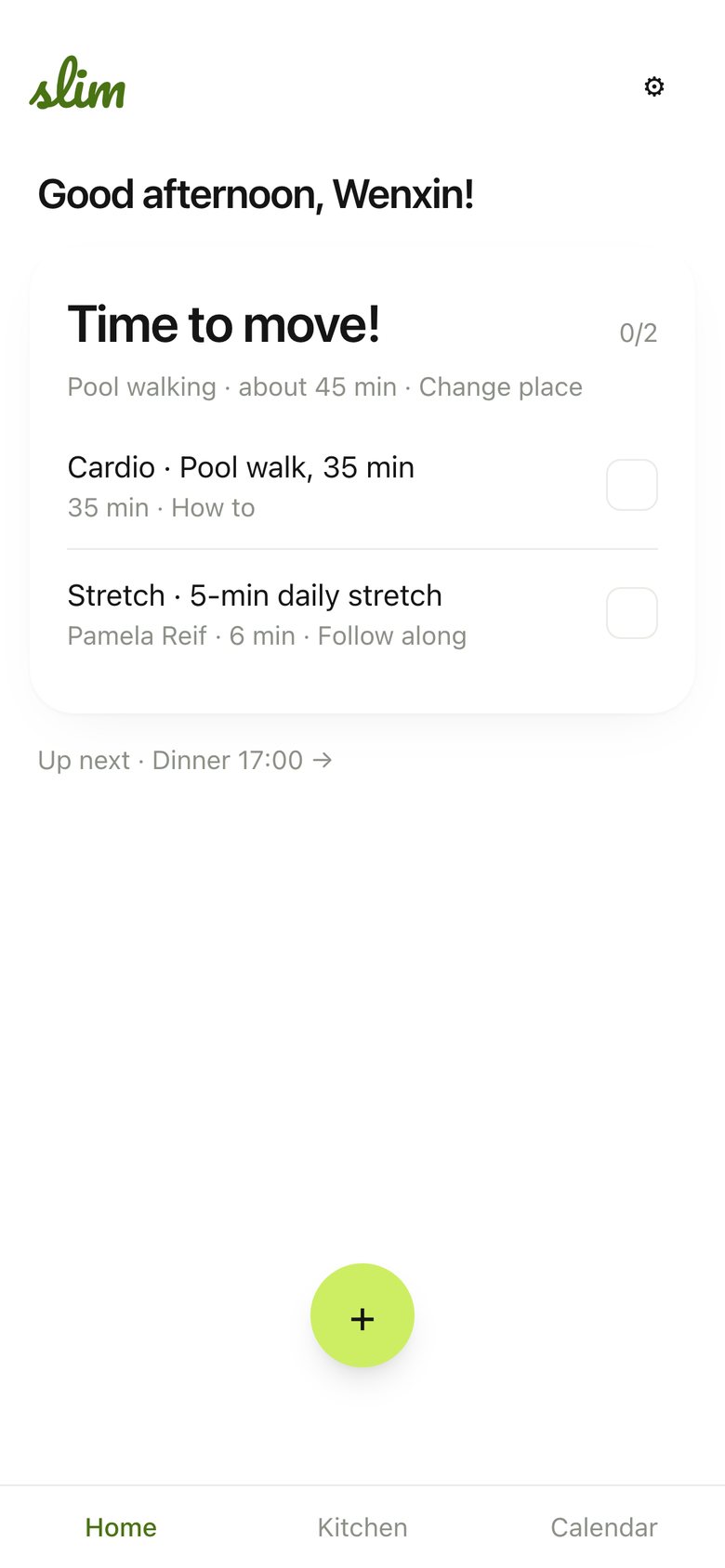
Home · Workout, version 2: "Time to move!": a white card listing cardio and stretch with videos.
V2 Oct 22Tasks with videos
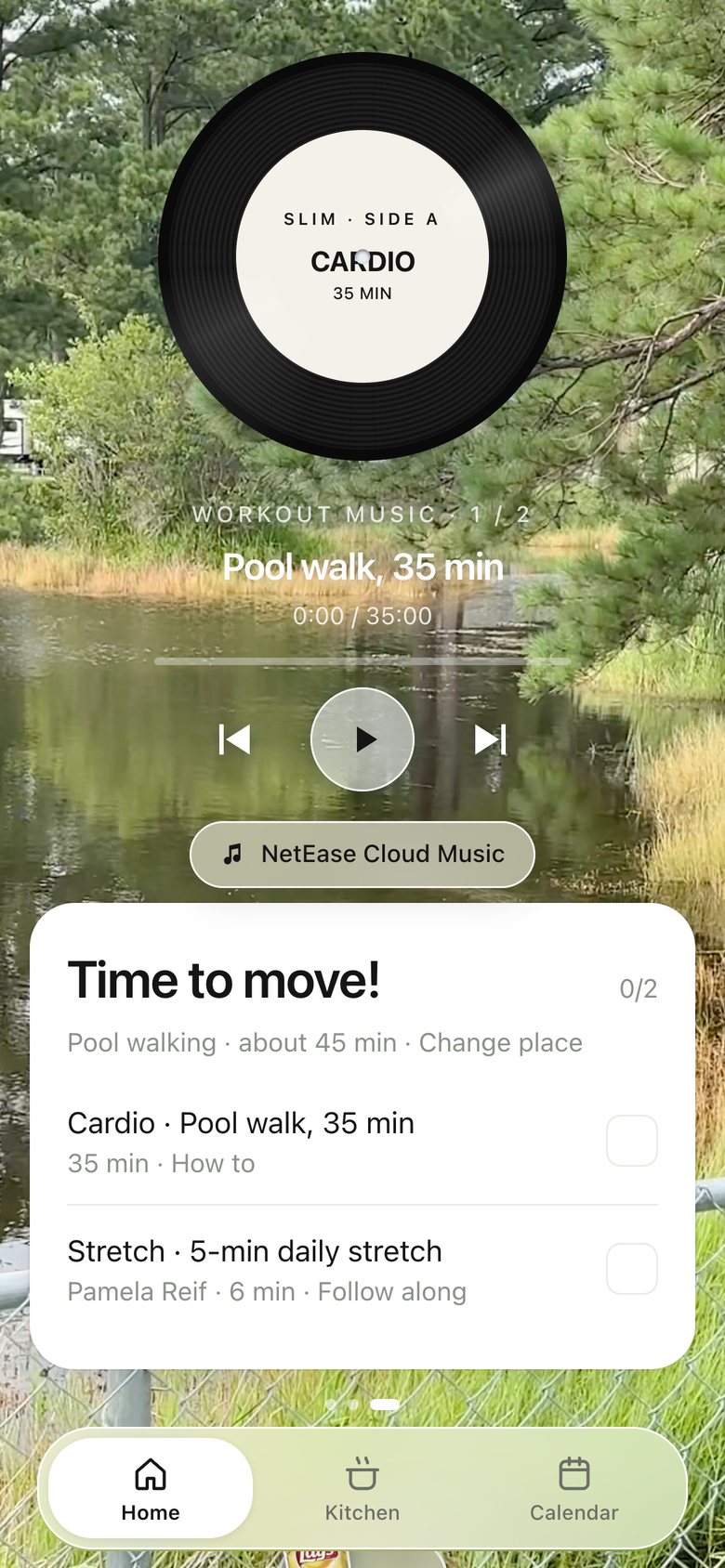
Home · Workout, version 3: A vinyl record above the card, opening NetEase Cloud Music.
V3 Oct 23Music while we move
Home · Workout, version 4: A Now Playing card plays music inside the app; tasks become frosted strips.
V4 Oct 23Play music in the app
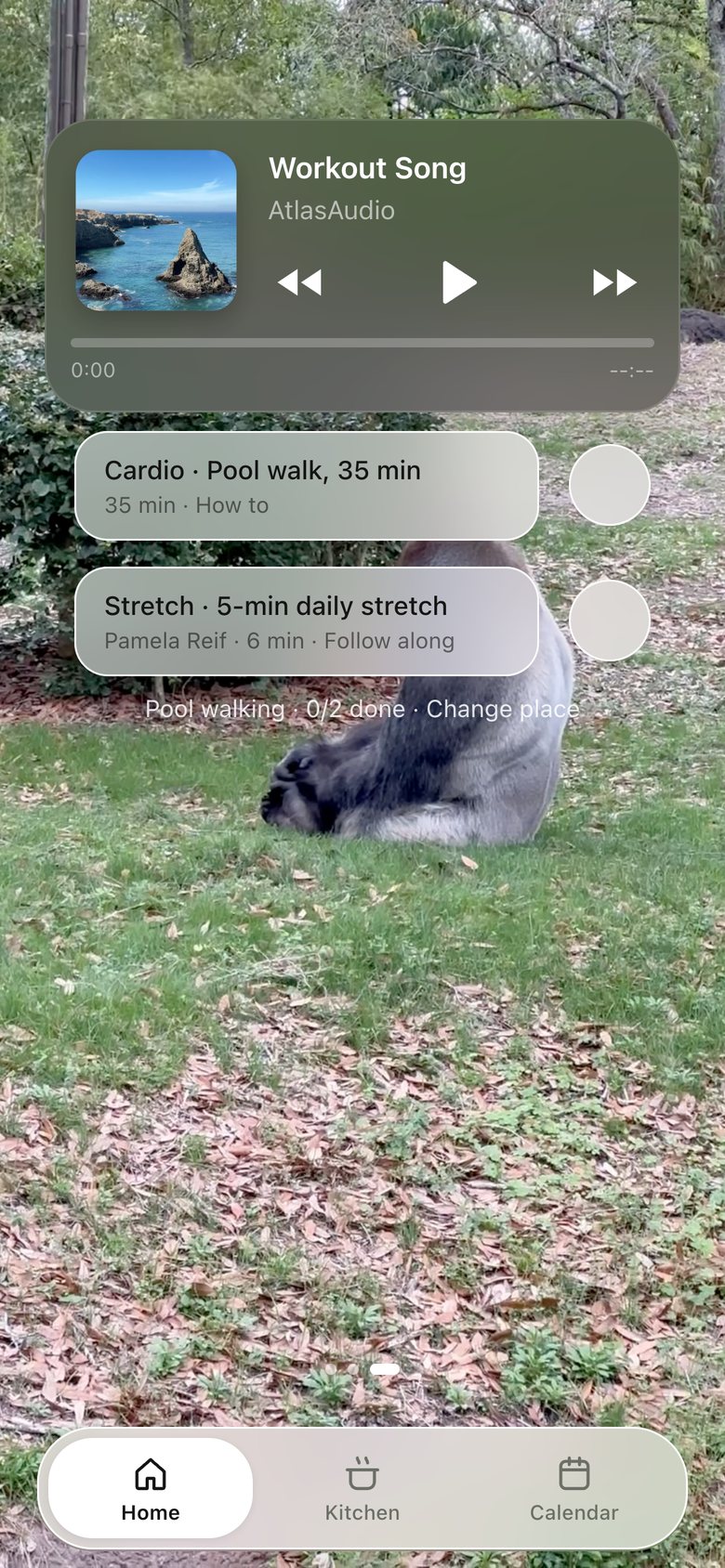
Home · Workout, version 5: Lighter task strips with separate check buttons; the player stays a full Now Playing card (a slimmer bar was tried and reverted).
V5 Oct 23Lighter, still a player
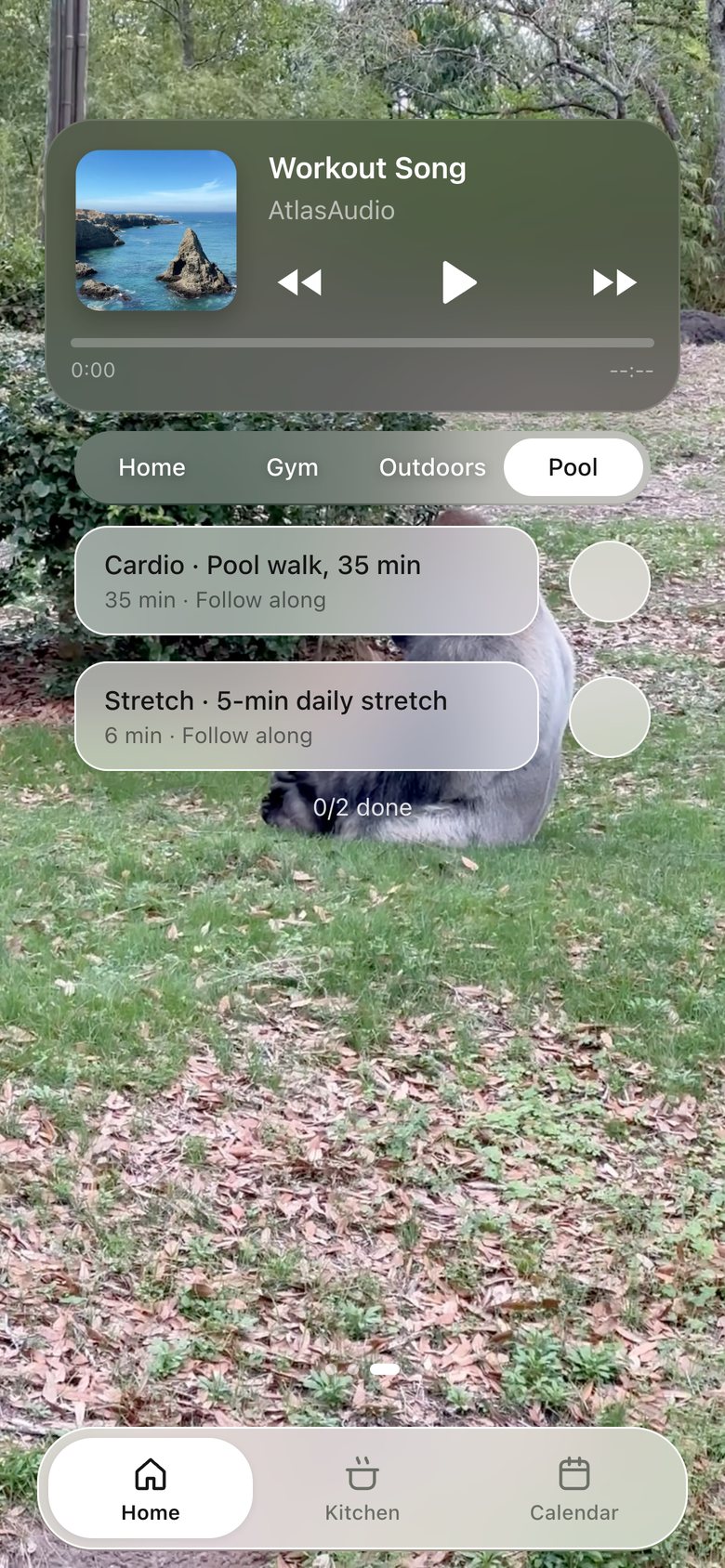
Home · Workout, version 6: A Home · Gym · Outdoors · Pool switch above the tasks; every task opens its plan and a follow-along video.
V6 · now Oct 23Where today, what to follow

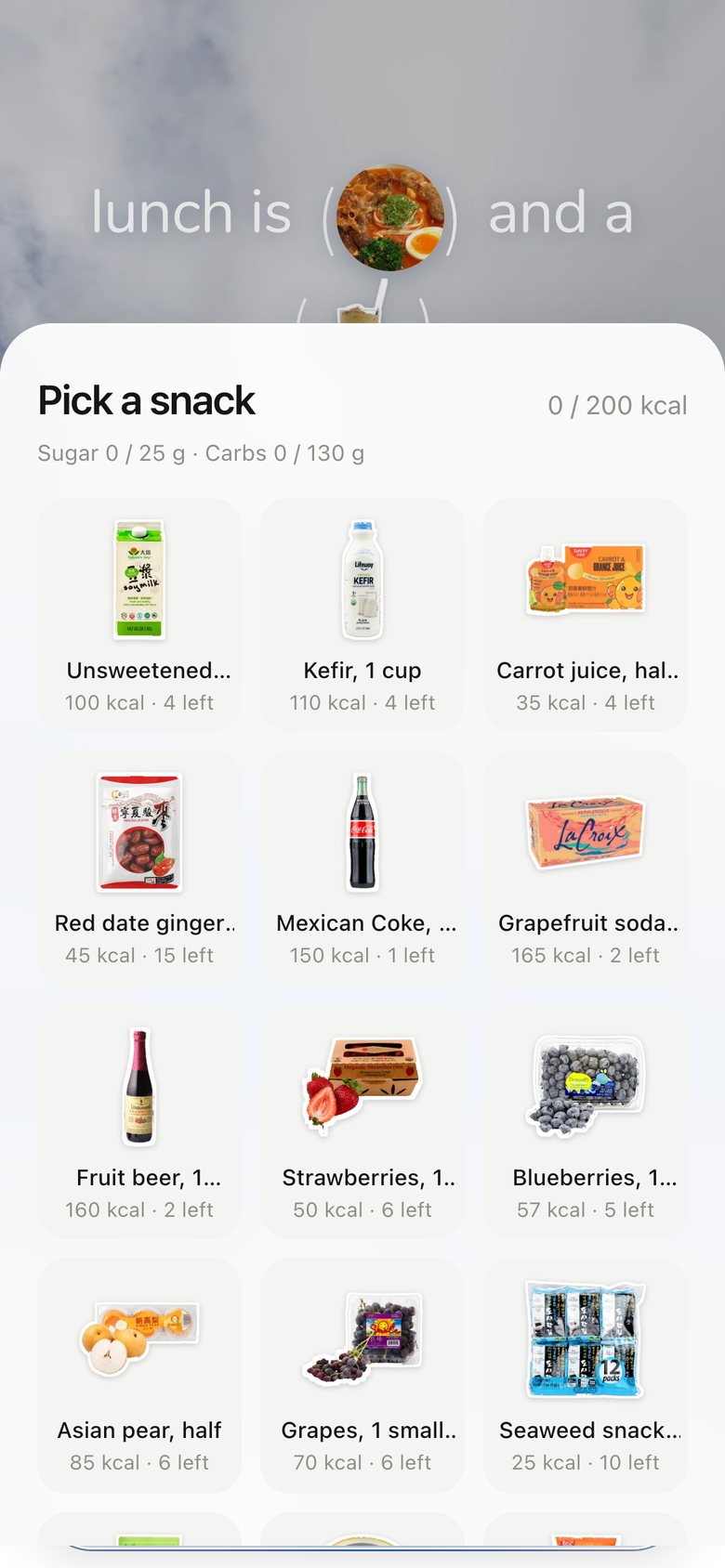
06 · Snacks picker

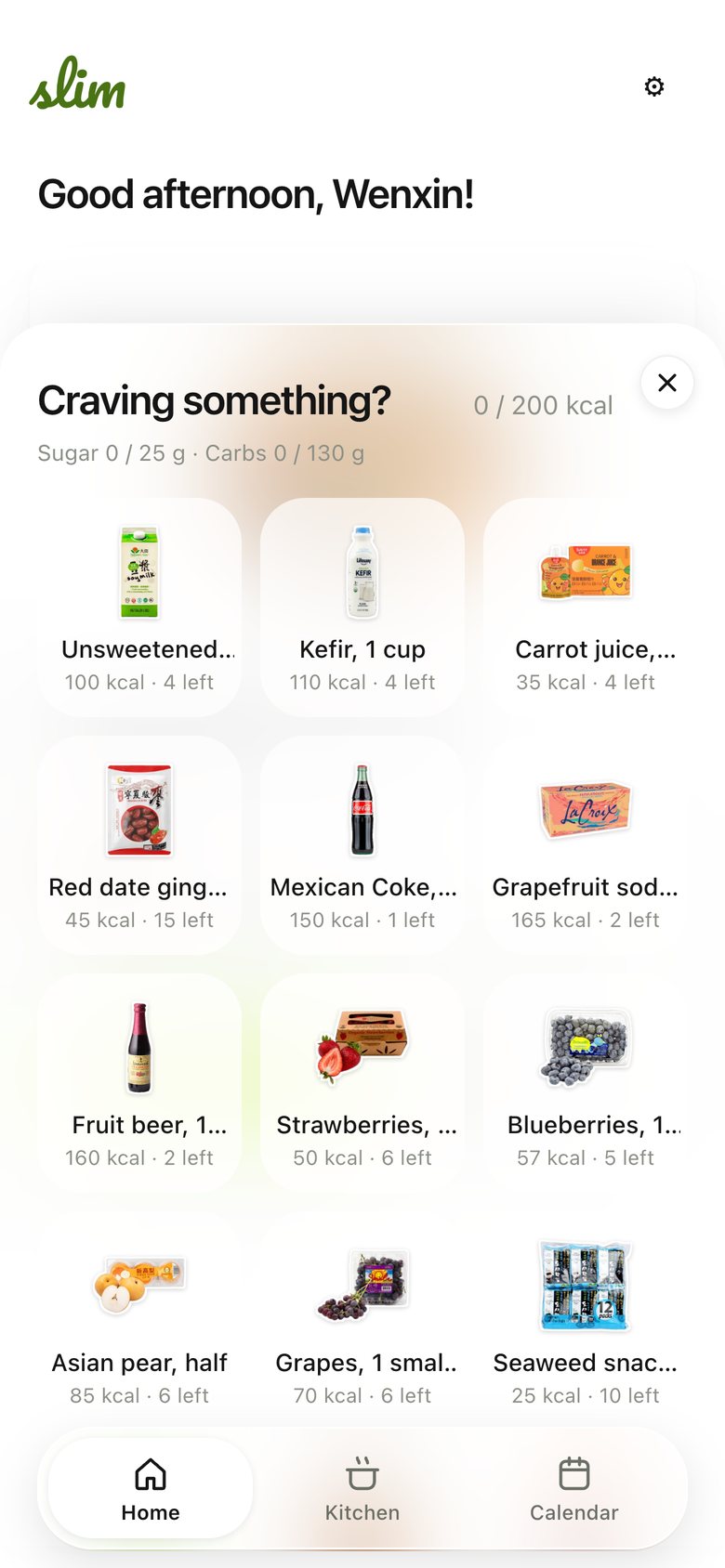
Snacks picker, version 1: "Craving something?": a grid of product tiles with kcal and stock.
V1 Oct 22Tap to log
Snacks picker, version 2: Restyled to match the other sheets: "Pick a snack", three-column tiles.
V2 Oct 23One sheet pattern
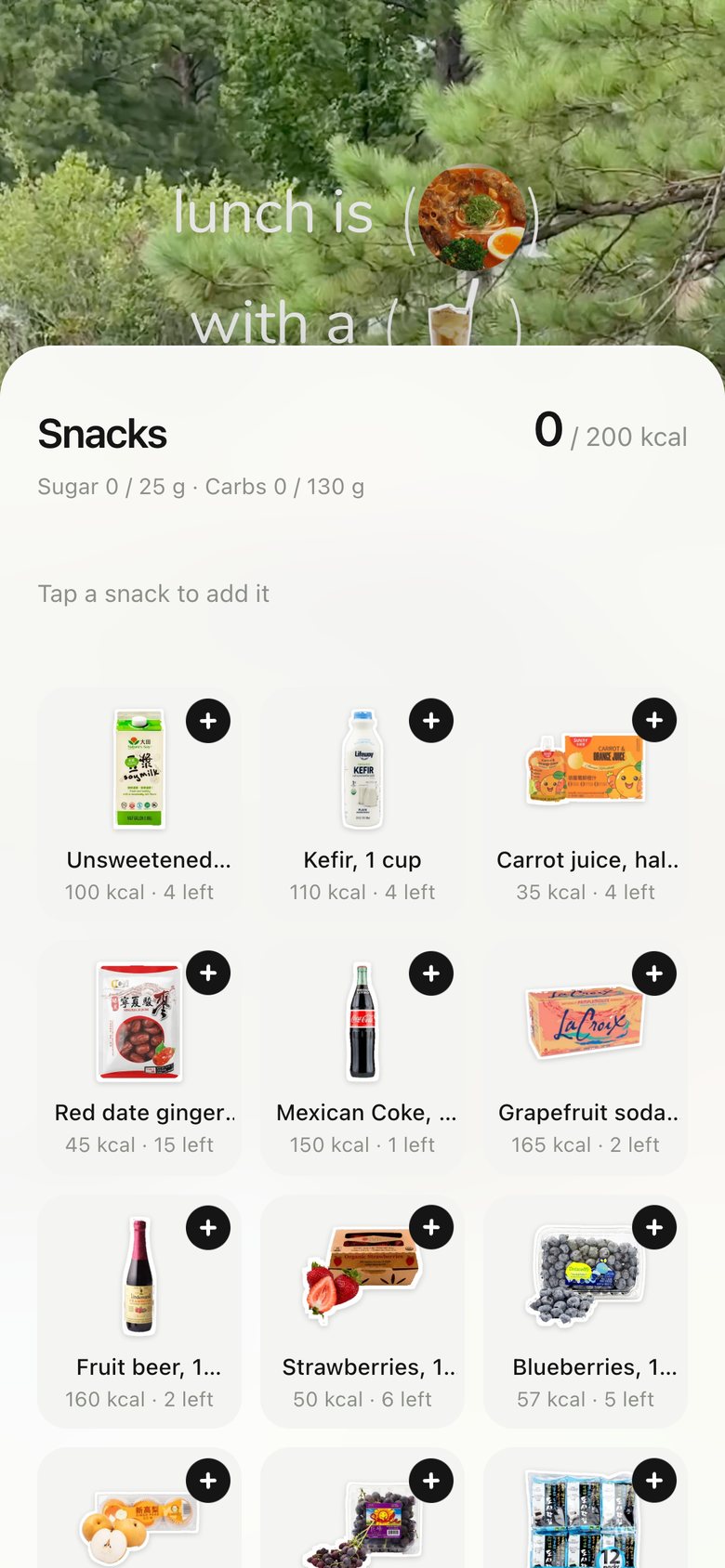
Snacks picker, version 3: Cart-style: a + on every snack, the added one flies to a list, kcal turns orange when over.
V3 Oct 23Fill a basket
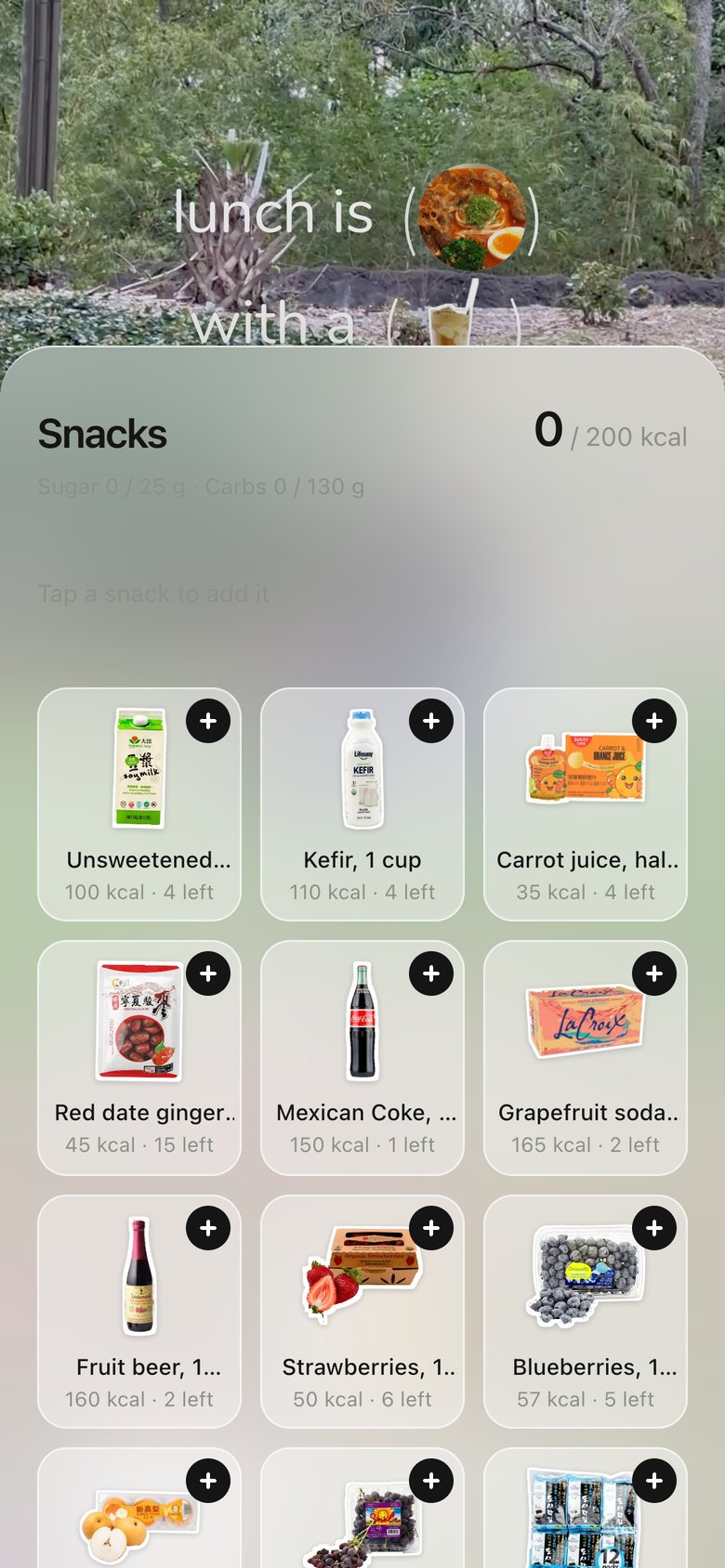
Snacks picker, version 4: The sheet turns frosted and see-through; the snacks themselves wiggle.
V4 Oct 23See-through, tappable
Snacks picker, version 5: A chat with a sticker keyboard: stickers fly into the typing bar, send = we ate these.
V5 Oct 23Stickers in a chat
Snacks picker, version 6: The switch carries the sheet up like a handle; every drink has its own real glass and a name.
V6 Oct 23Real drinks, one handle
Snacks picker, now
V7 · now Oct 26Today’s build

07 · Pick a dish · Edit the meal
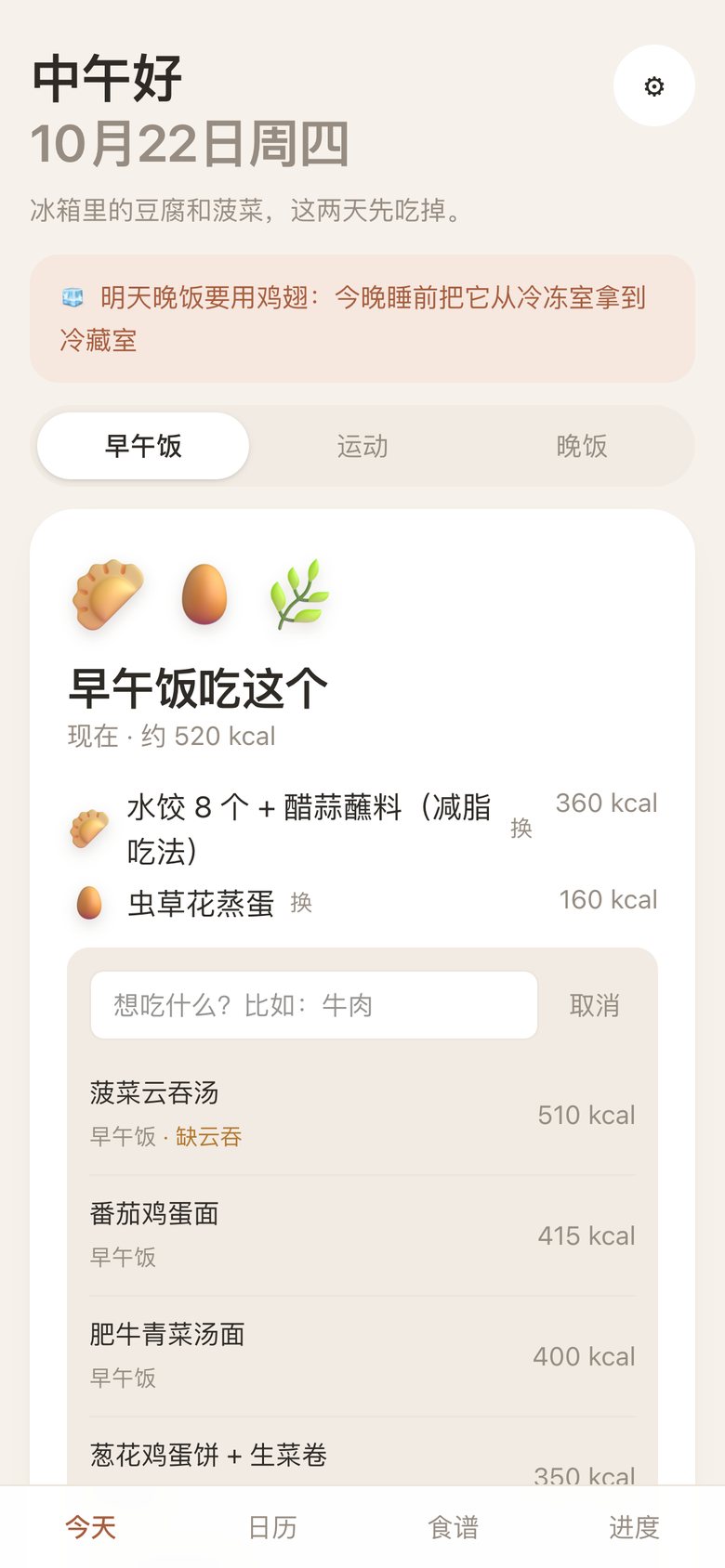
Pick a dish · Edit the meal, version 1: Swapping happened inline in the Chinese card.
V1 Oct 9Inline
Pick a dish · Edit the meal, version 2: A frosted sheet: a search box and a list of dishes with a radio button.
V2 Oct 22A place to choose
Pick a dish · Edit the meal, version 3: Tiles in three columns, same style as every other sheet; tap picks at once.
V3 Oct 23Fewer steps
Pick a dish · Edit the meal, version 4: Frosted sticker keyboard grouped by kind, with search and a category row; long-press opens one sheet for drinks and every dish.
V4 Oct 23Build a meal in one place
Pick a dish · Edit the meal, version 5: A "Now" row shows the dish you're replacing; each option is a real-photo polaroid; the sheet opens part-way and rises when you scroll.
V5 Oct 26See what you replace
Pick a dish · Edit the meal, now
V6 · now Oct 26Real photos, the dish you replace

08 · Kitchen · Recipes
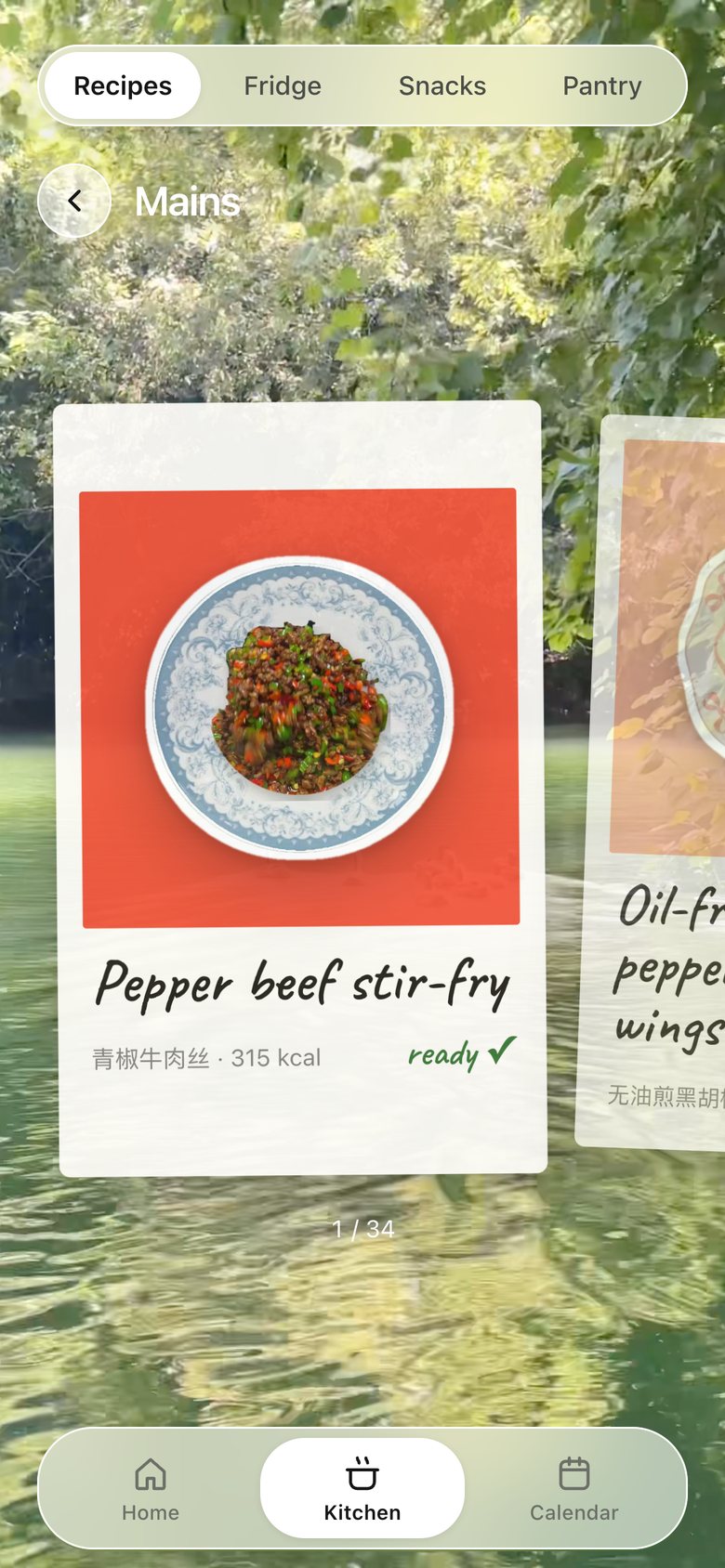
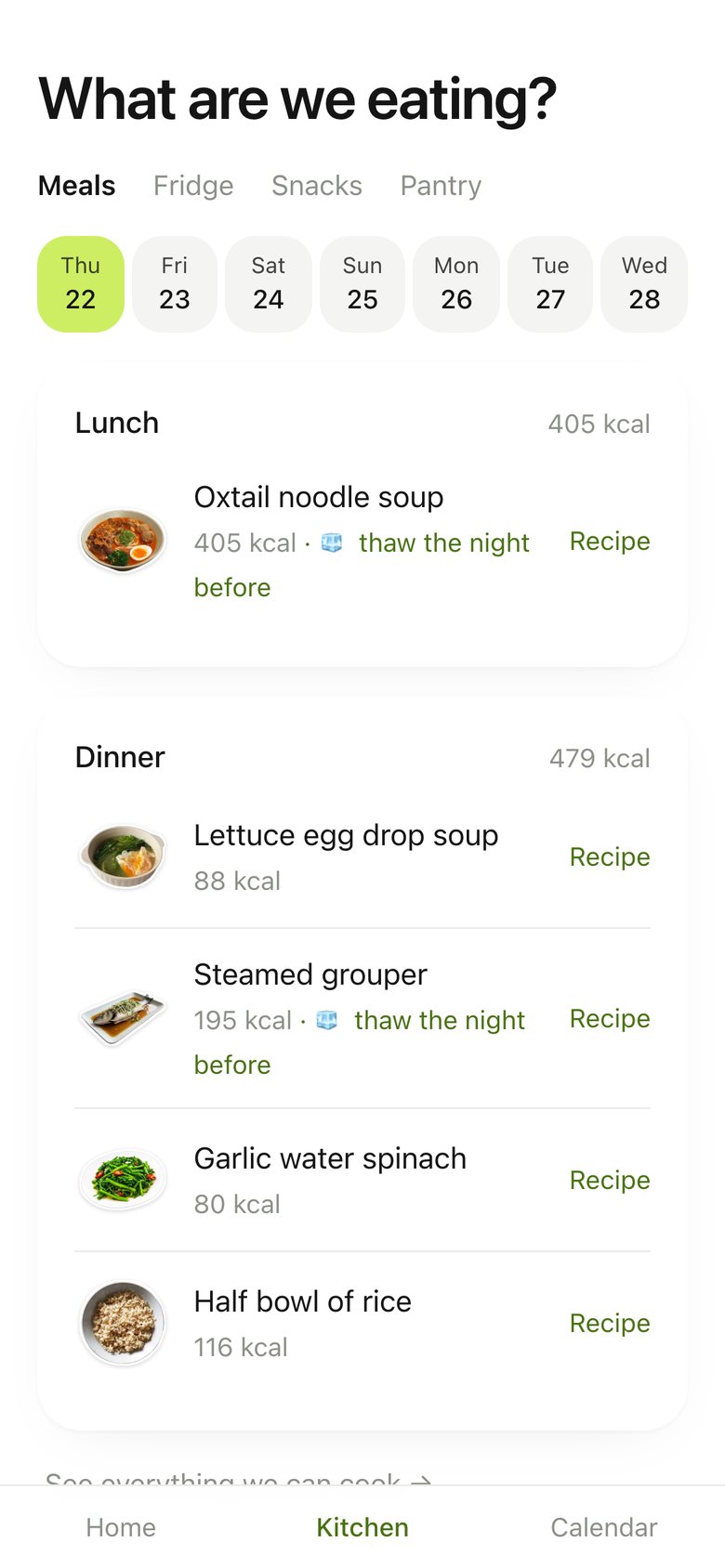
Kitchen · Recipes, version 1: A Chinese table of the week's dishes with nutrition.
V1 Oct 9Menu as data
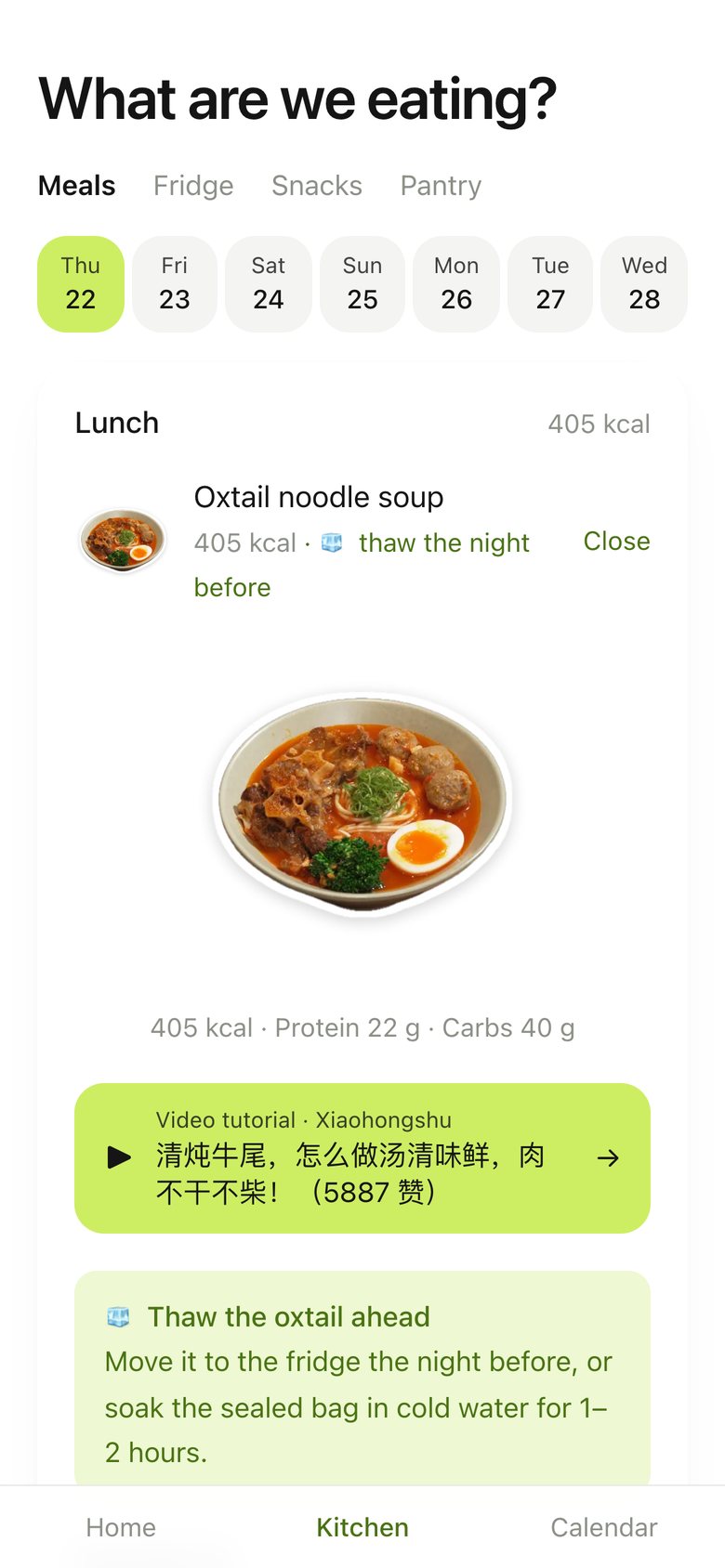
Kitchen · Recipes, version 2: "What are we eating?": meals by day with a date strip.
V2 Oct 22Tied to the plan
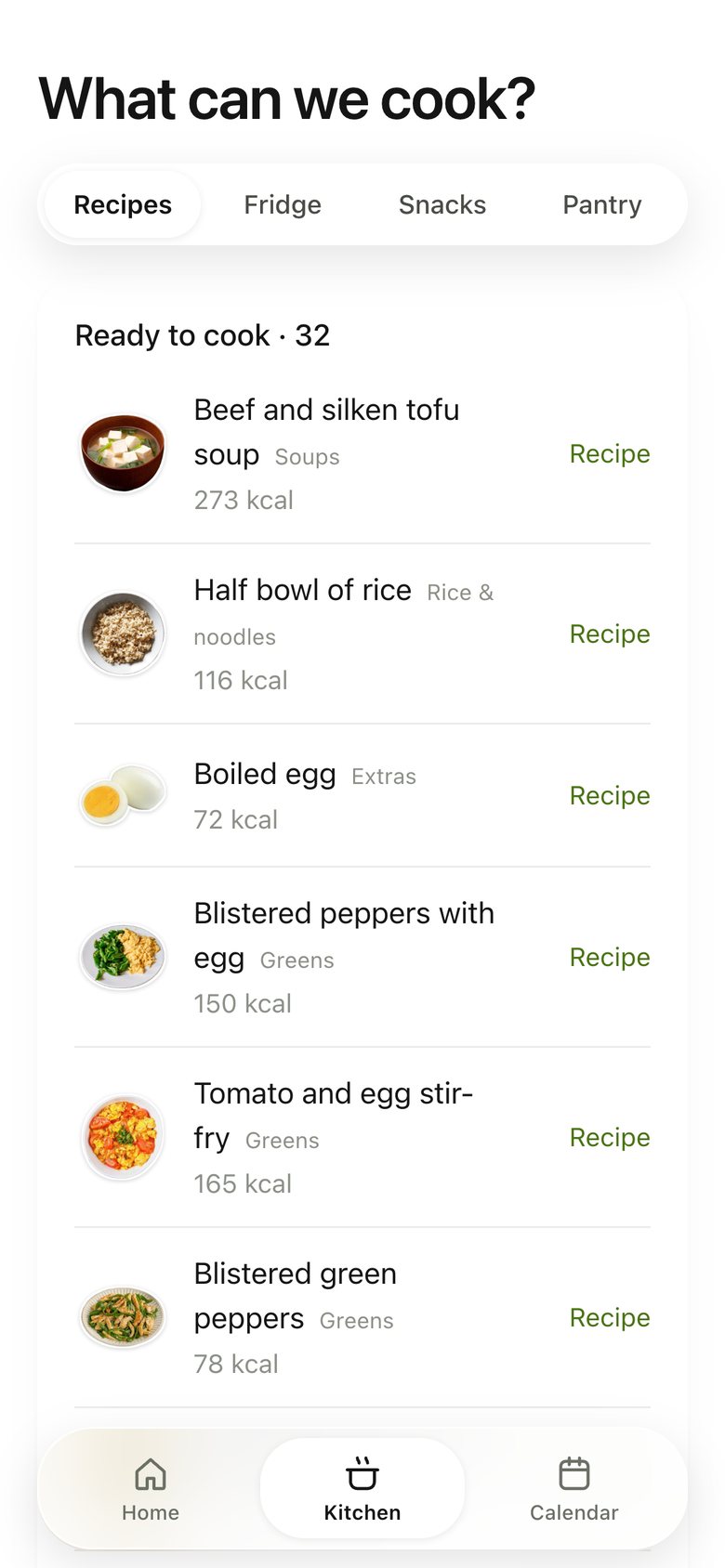
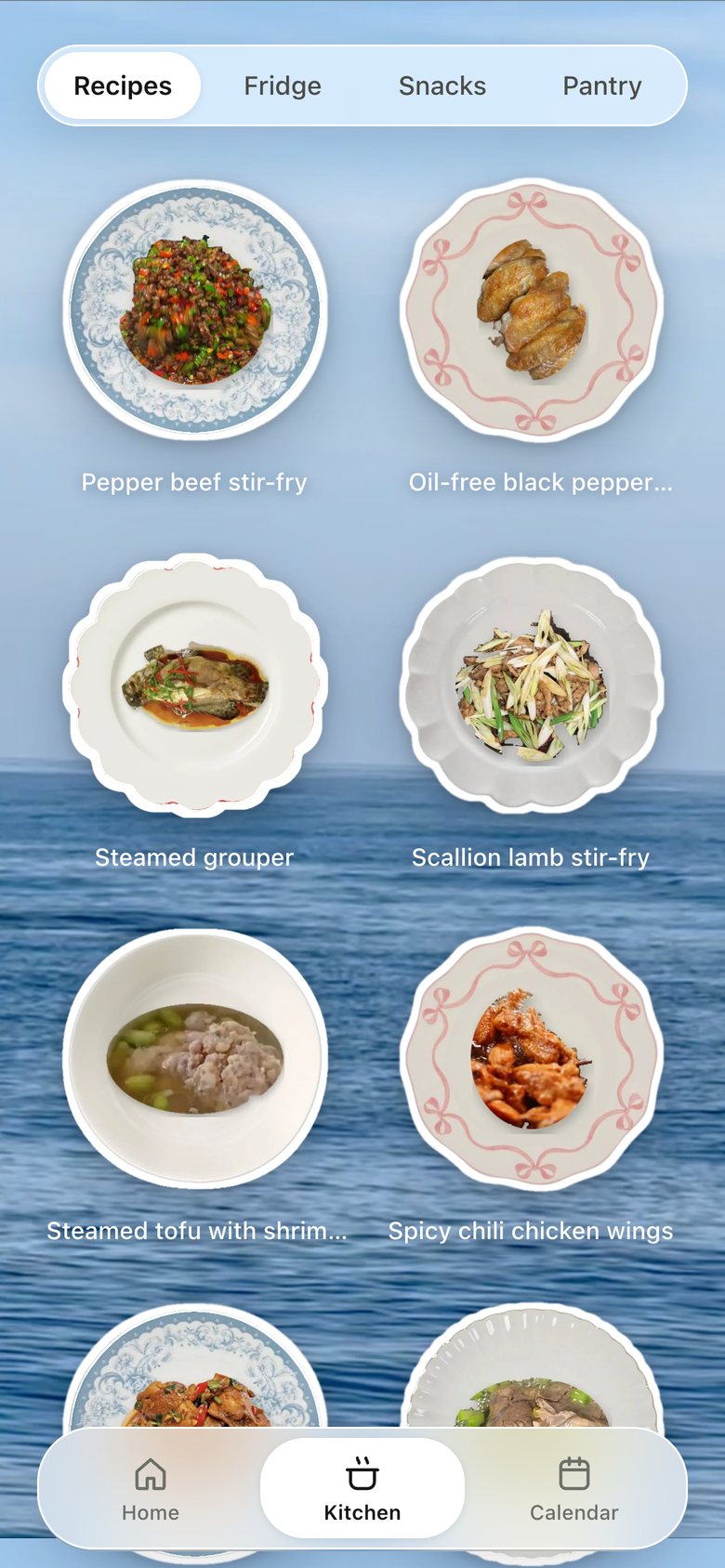
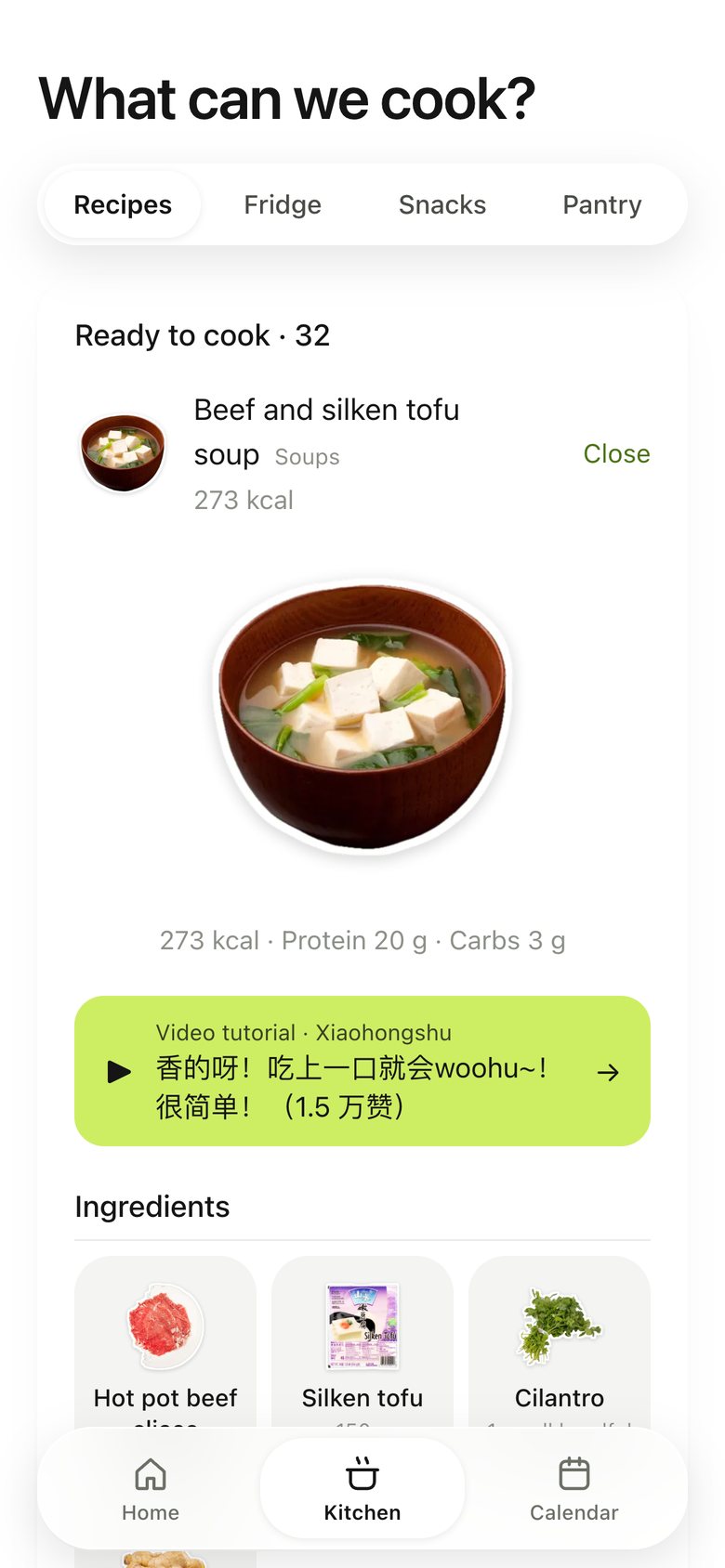
Kitchen · Recipes, version 3: "What can we cook?": every dish as a list, ready-to-cook first.
V3 Oct 22Every option
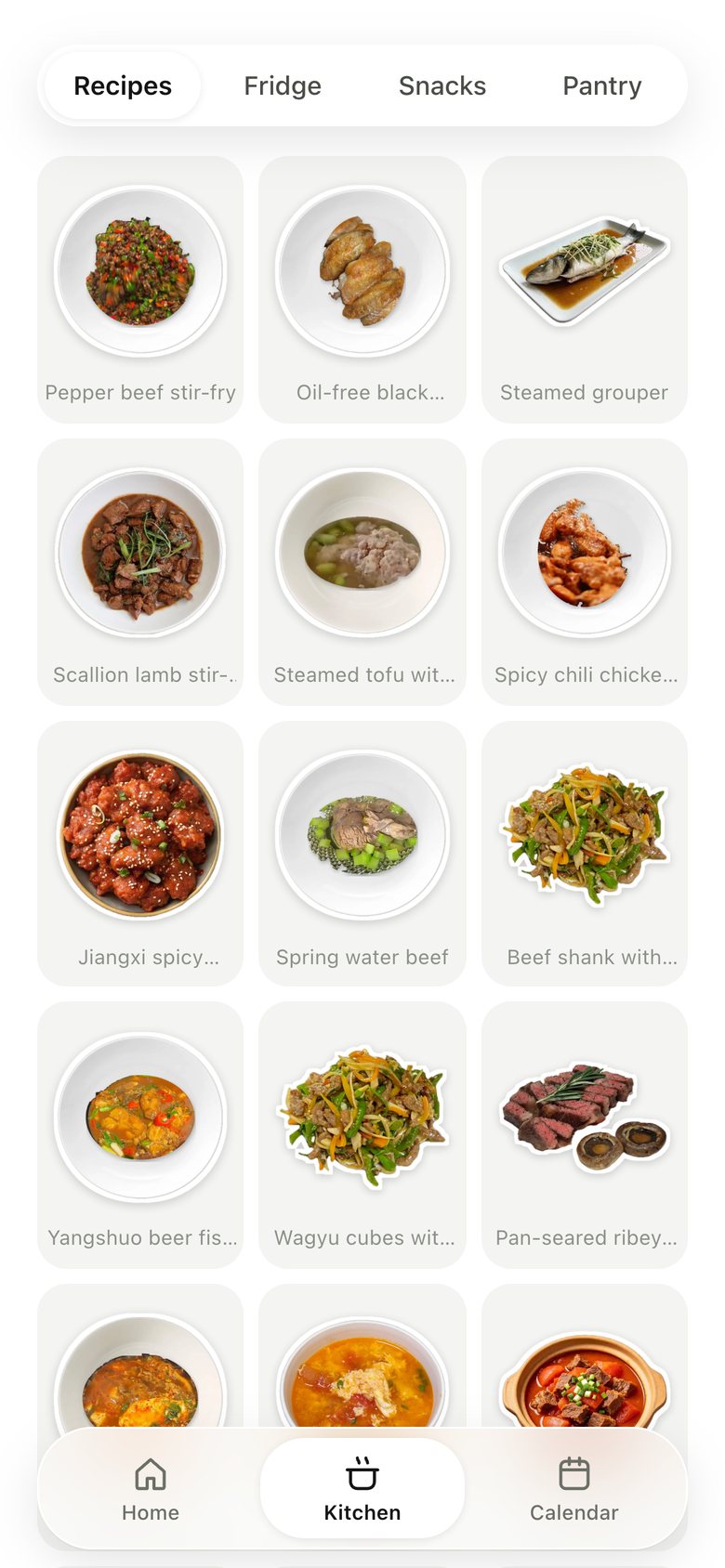
Kitchen · Recipes, version 4: A cookbook grid of sticker tiles.
V4 Oct 22Pictures beat names
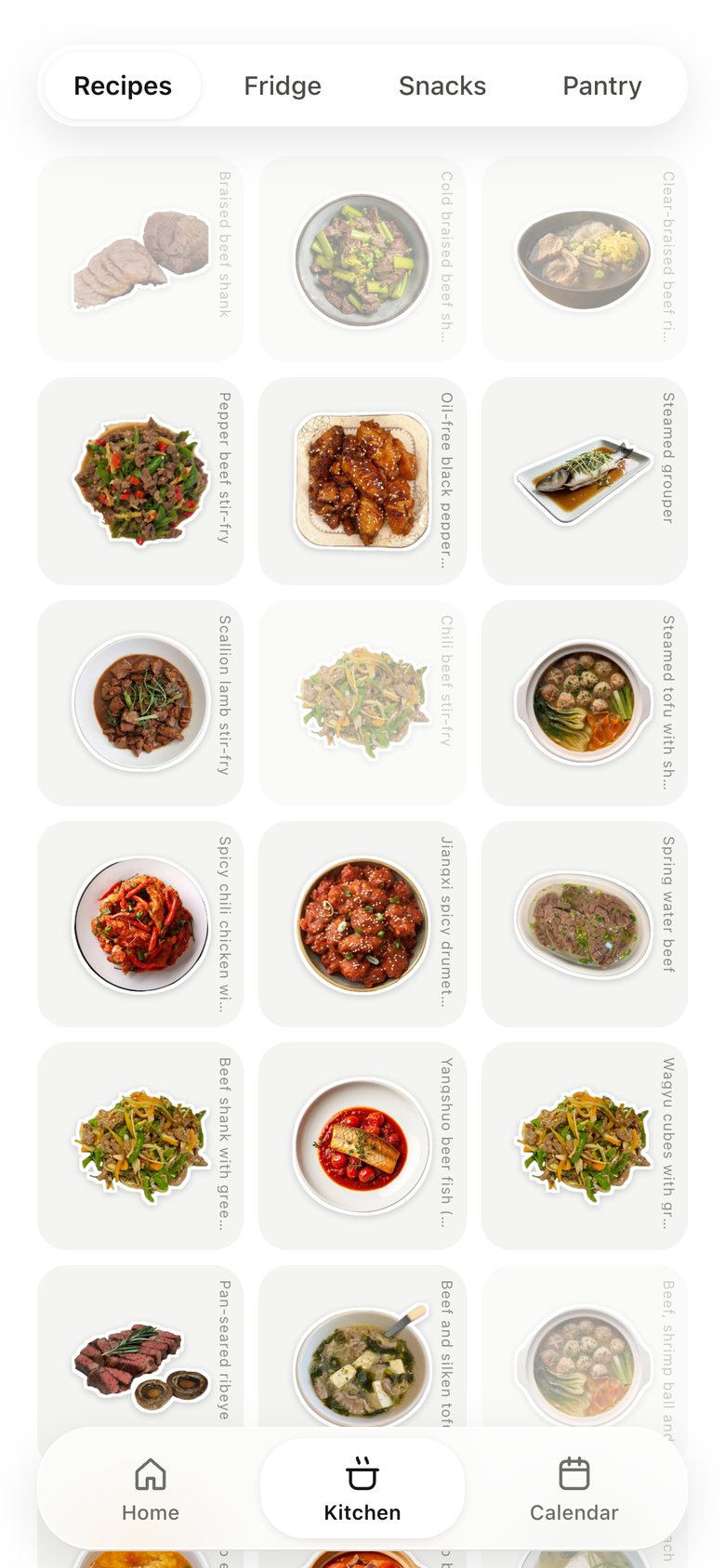
Kitchen · Recipes, version 5: Two big stickers per row, names below, missing-ingredient dishes faded.
V5 Oct 22Bigger food, ready first
Kitchen · Recipes, version 6: The grid sits on our own videos.
V6 Oct 23One world
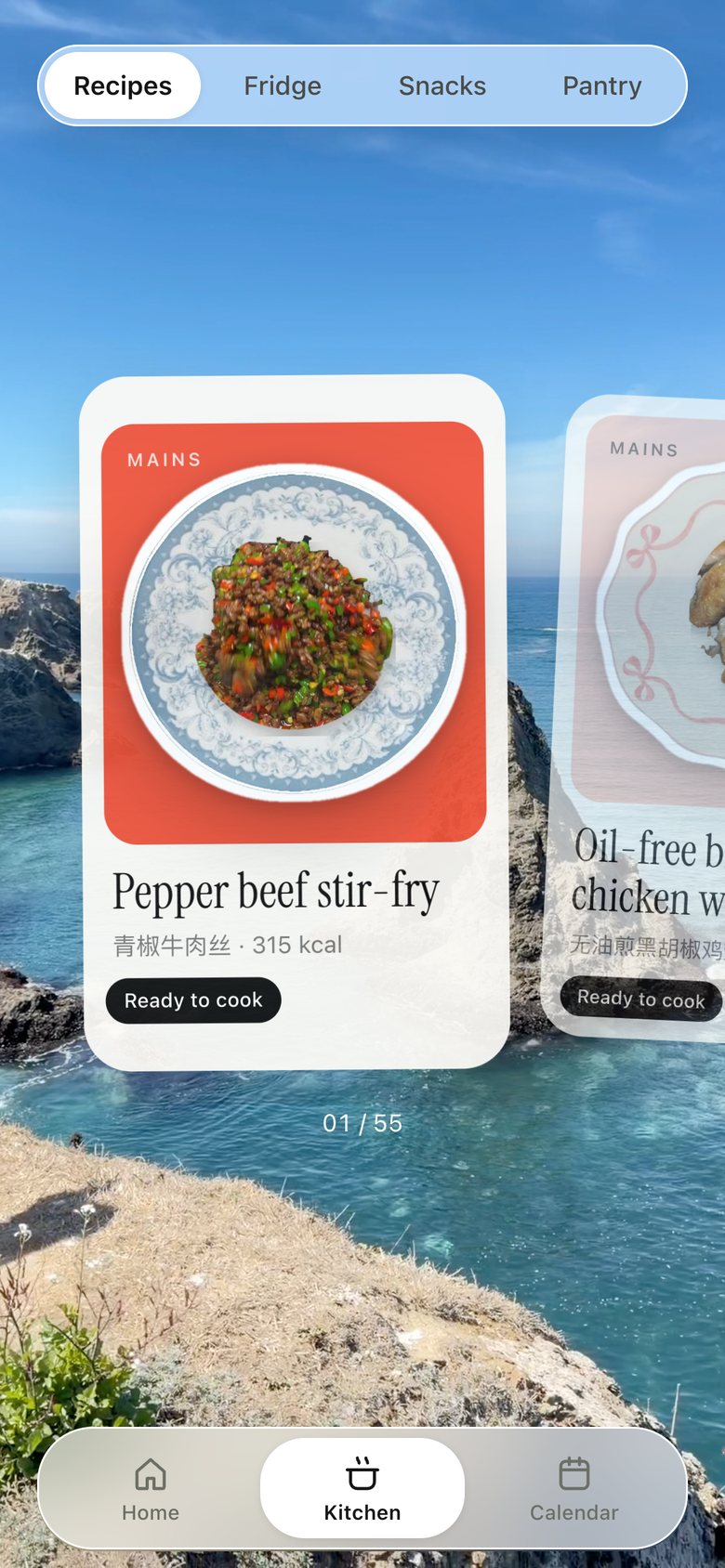
Kitchen · Recipes, version 7: A deck of cards swiped sideways: pastel mat, serif name, one line of facts; tap to bring the recipe up from below.
V7 Oct 23One card at a time
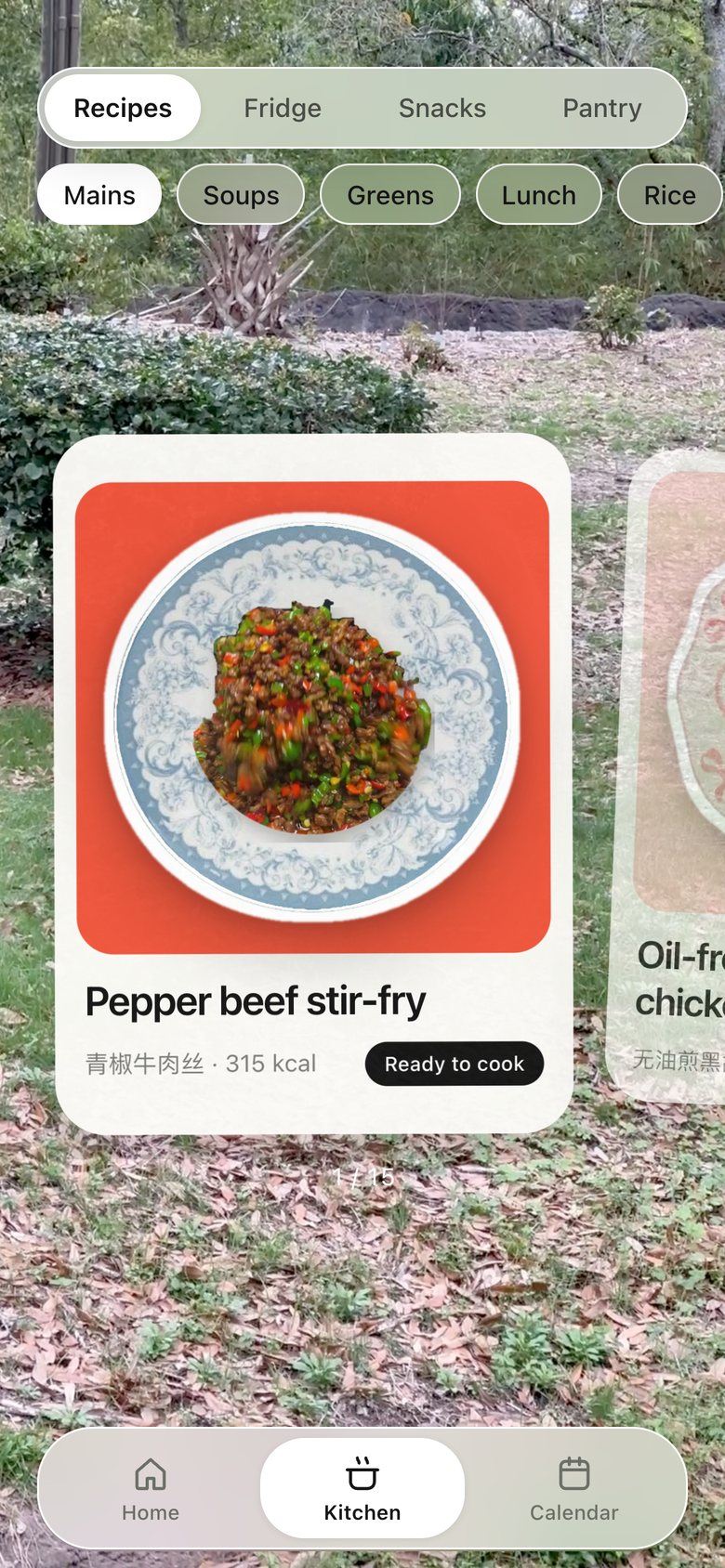
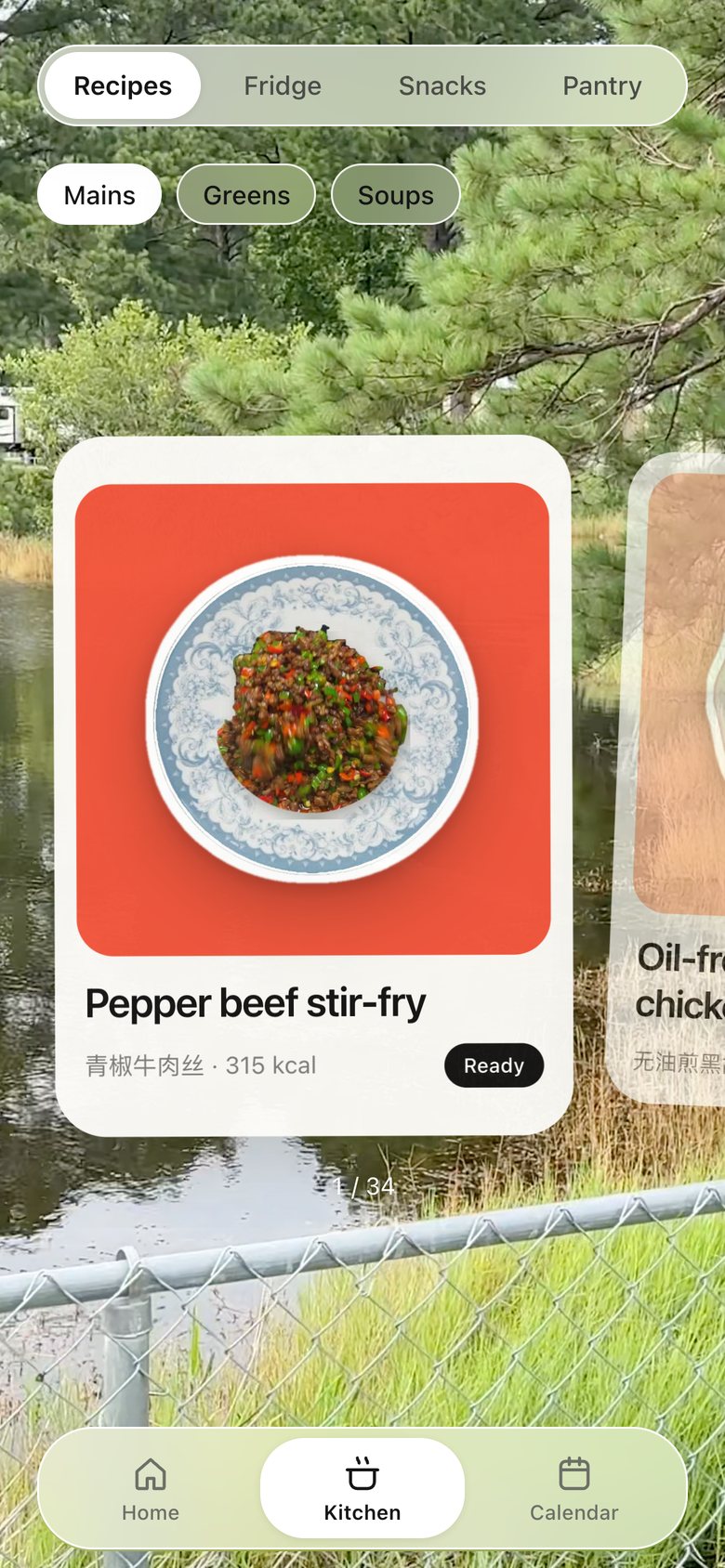
Kitchen · Recipes, version 8: Three pills — Mains, Greens, Soups — switch the deck; bigger cards, names in the app's own font, and the page no longer scrolls.
V8 Oct 23Choose by kind
Kitchen · Recipes, version 9: Card colours follow the shelf — mains warm, greens green, soups yellow — and the deck only slides sideways, with room so no card is cut off.
V9 Oct 23Colour says the kind
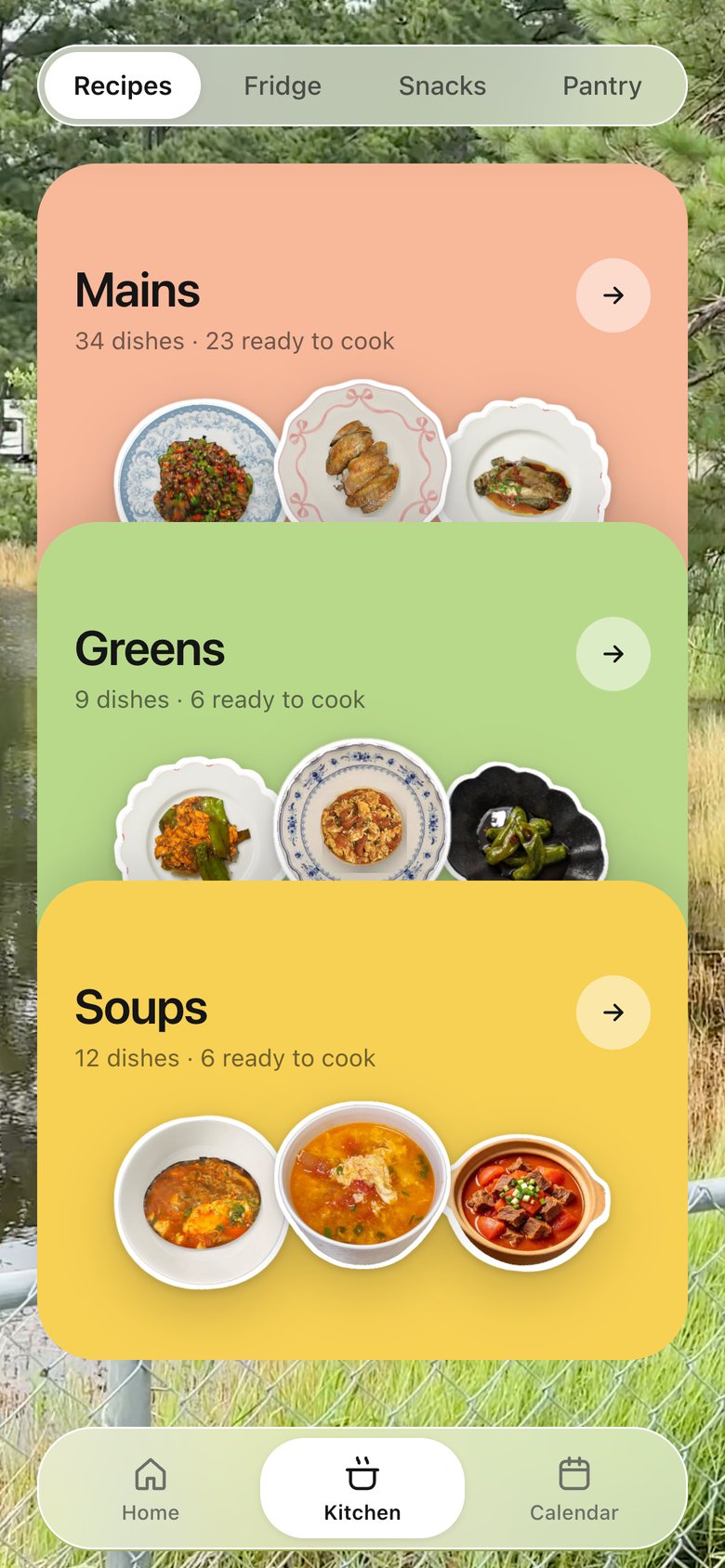
Kitchen · Recipes, version 10: Opens on three stacked shelf cards — Mains, Greens, Soups — each with counts and three dishes peeking out; tap one and its deck slides in.
V10 Oct 23Shelves first
Kitchen · Recipes, version 11: Each dish card is a polaroid: white frame, dish on its coloured mat, name handwritten underneath, "ready ✓" by hand.
V11 Oct 23Polaroids, handwritten
Kitchen · Recipes, now
V12 · now Oct 26Real photos on the shelf colour

09 · Recipe

Recipe, version 1: The recipe unfolds inside the meal list.
V1 Oct 22Steps inline
Recipe, version 2: A sheet with photo, numbers, a lime video button and ingredient stickers.
V2 Oct 22One place per dish
Recipe, version 3: A full white page: photo, numbers, video, "You need" sticker grid, steps.
V3 Oct 22Fewer words
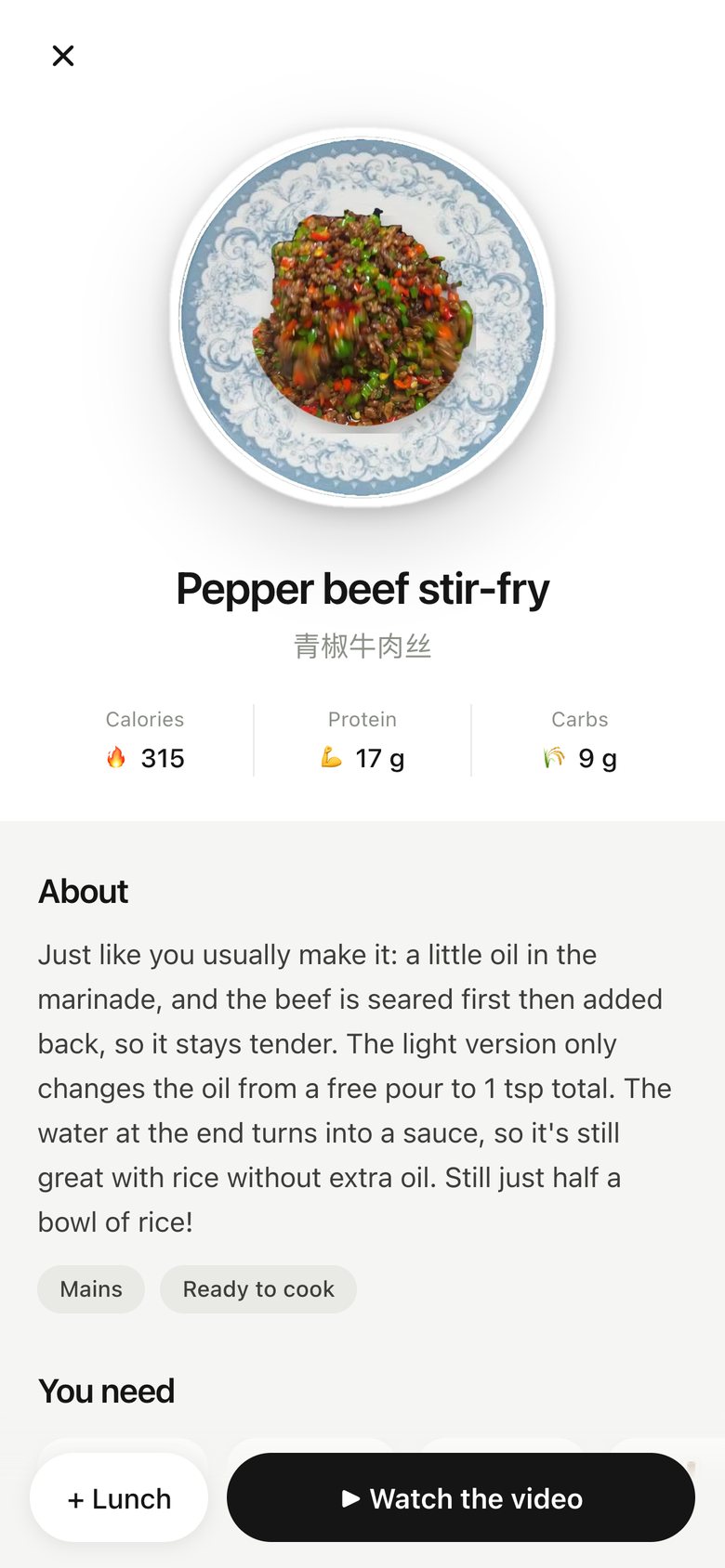
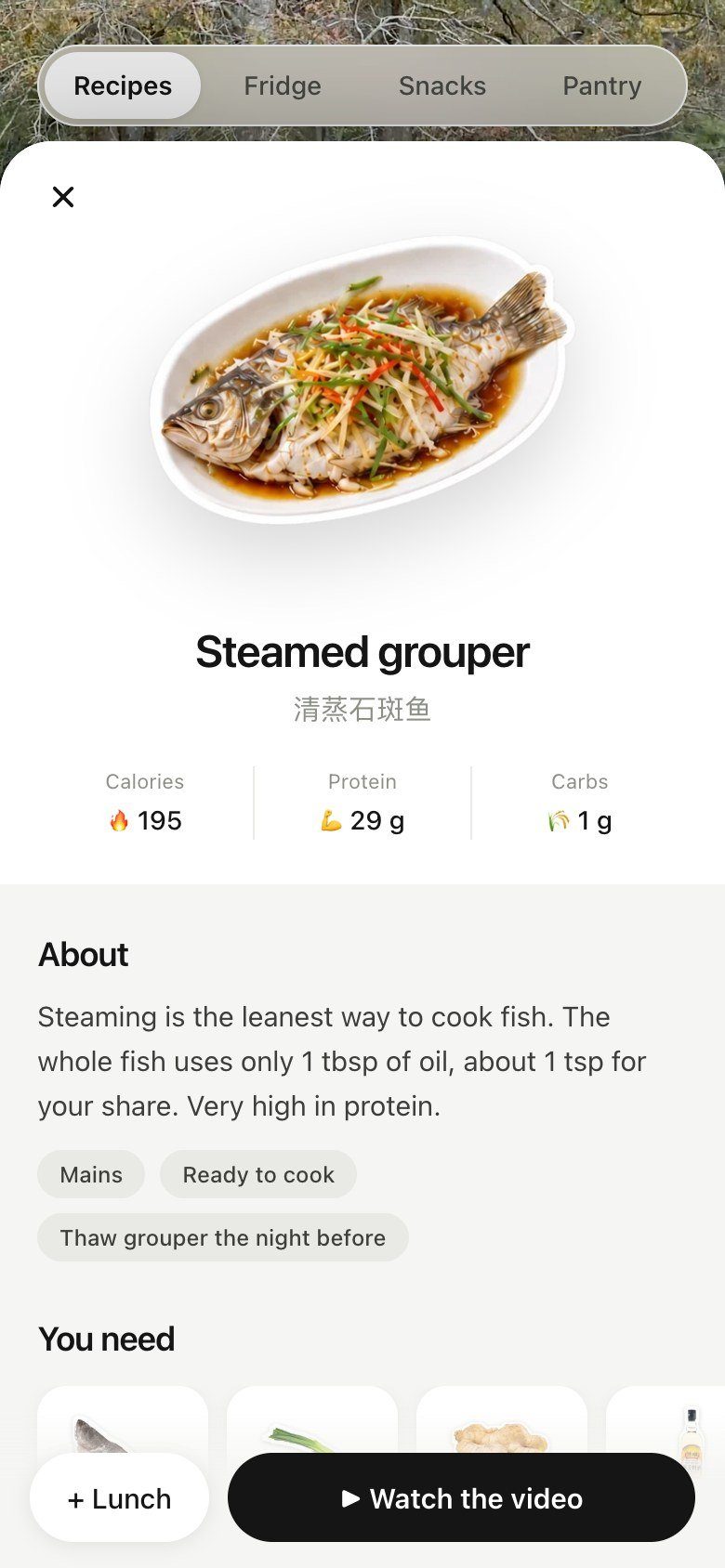
Recipe, version 4: A book-style page: Calories/Protein/Carbs row, grey About, "You need" cards, the tutorial's own process photos, pinned "+ Dinner" and "▶ Watch the video".
V4 Oct 23Real tutorial photos
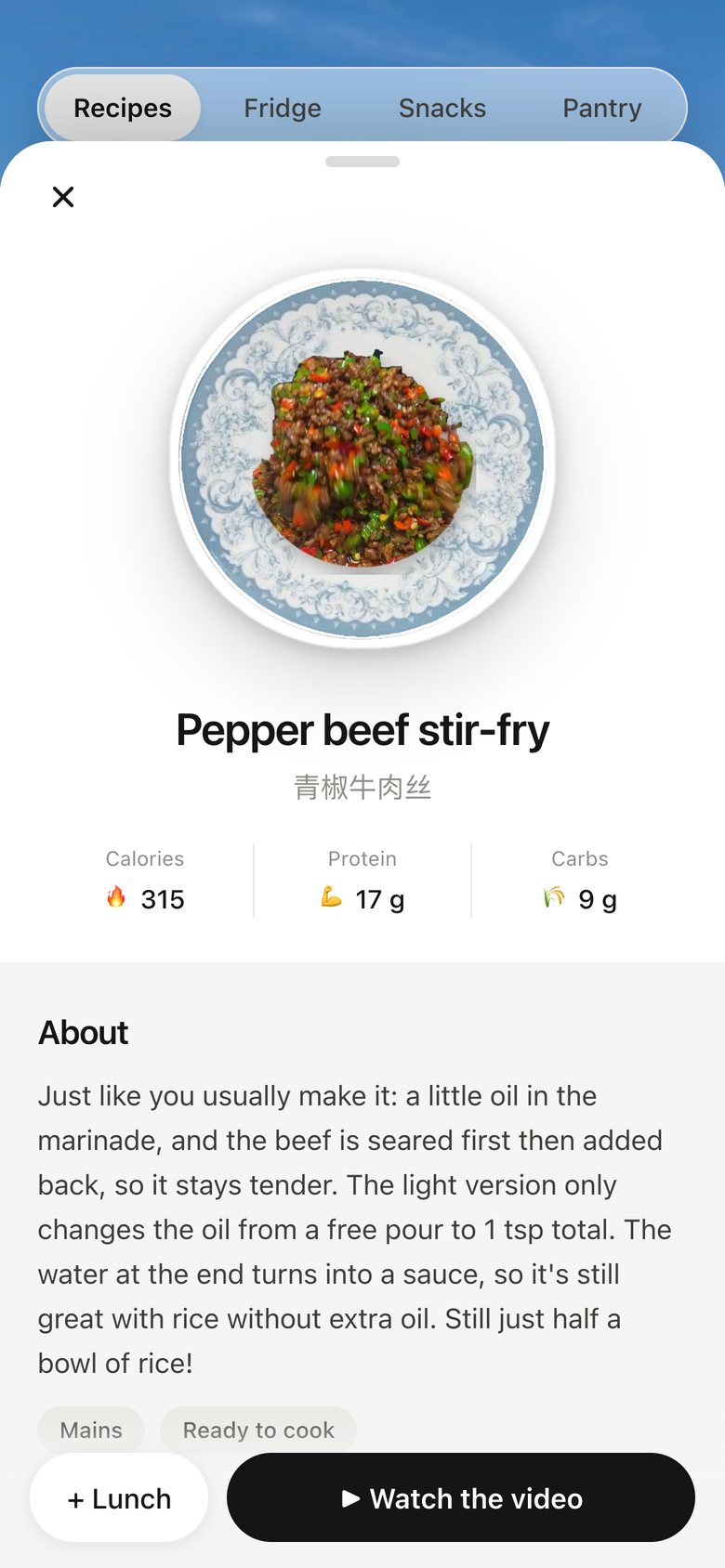
Recipe, version 5: Opens as a sheet over the card deck; drag it down from the top to close.
V5 Oct 23Keep your place
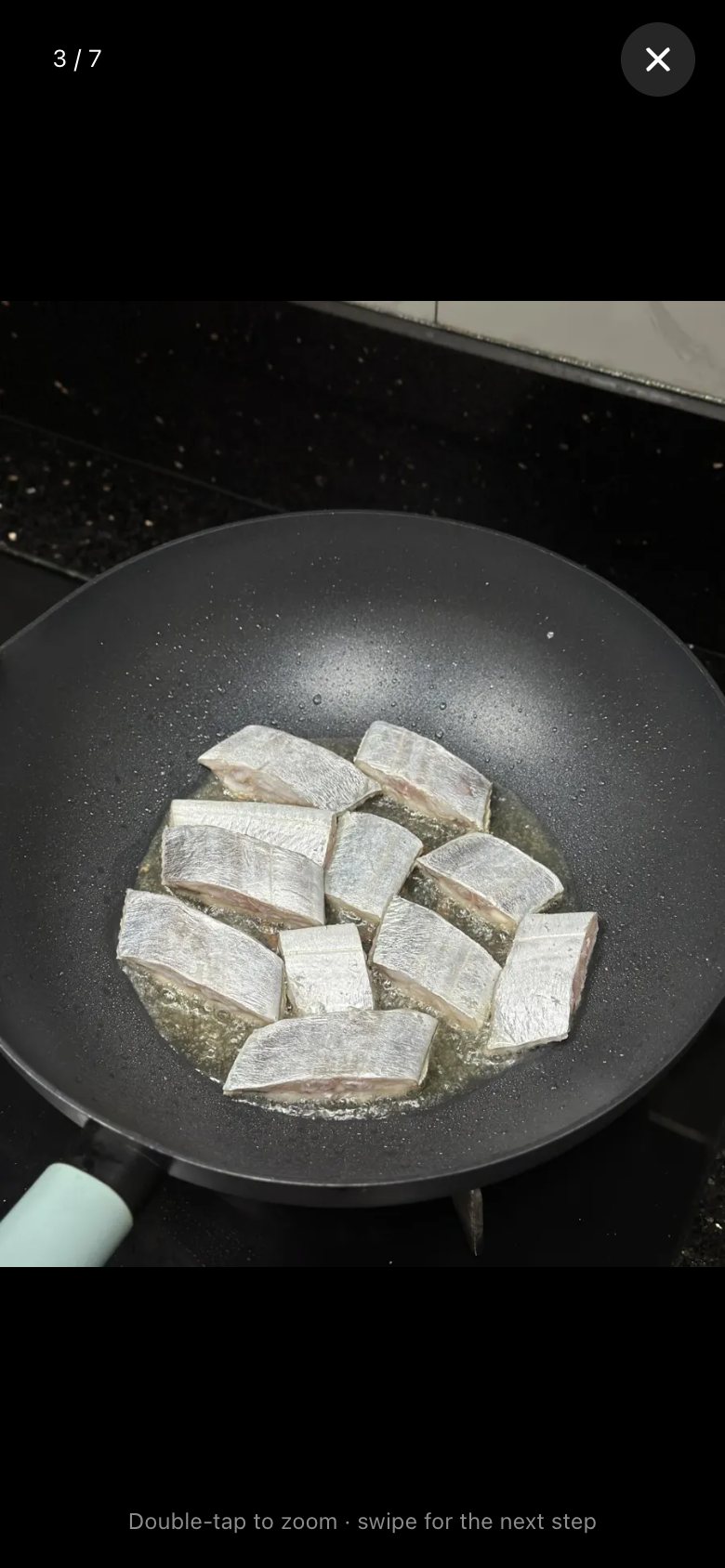
Recipe, version 6: Step photos open full screen: swipe through steps, double-tap to zoom into the numbers written on the photo.
V6 Oct 26Zoom into the numbers
Recipe, now
V7 · now Oct 26The recipe, steps you can zoom

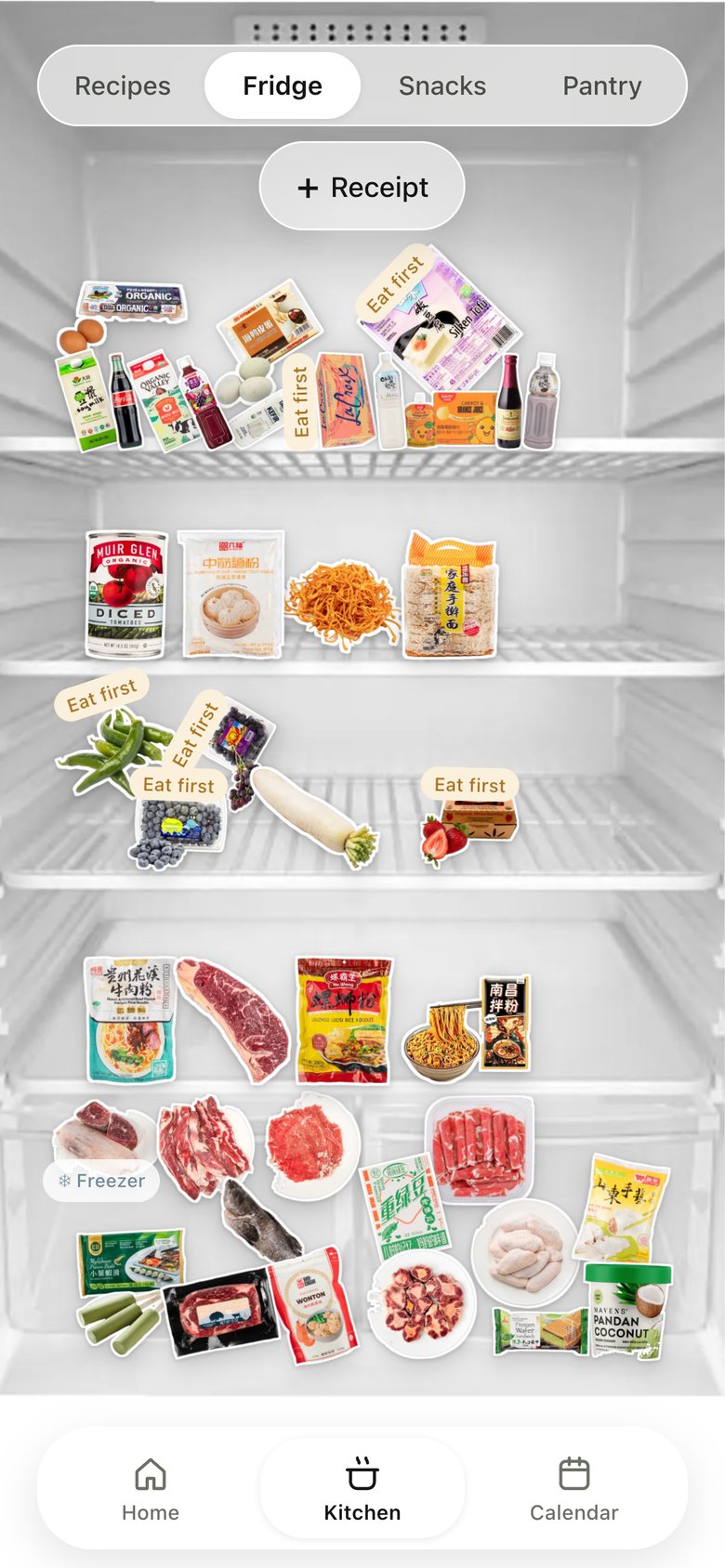
10 · Kitchen · Fridge

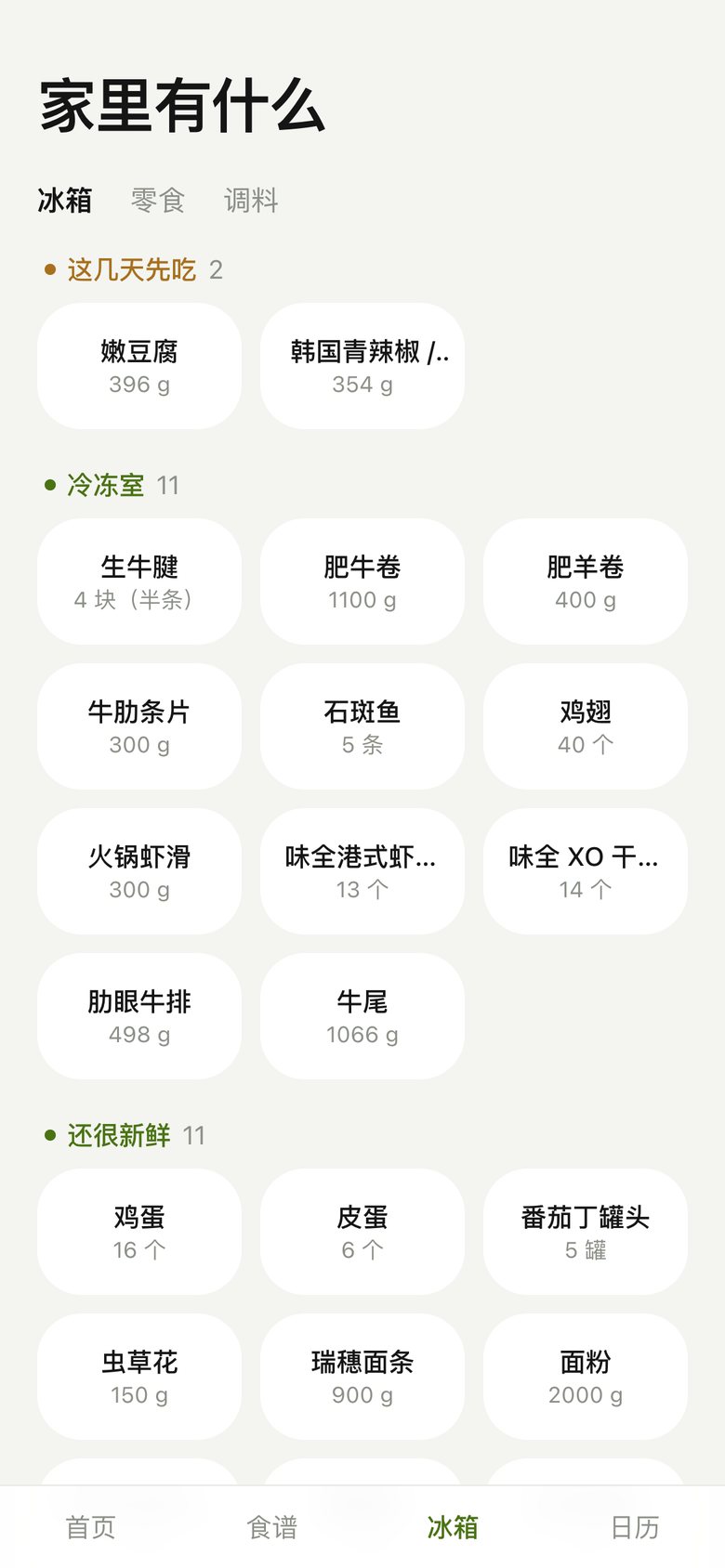
Kitchen · Fridge, version 1: A Chinese inventory grid of text chips.
V1 Oct 22Stock as a list
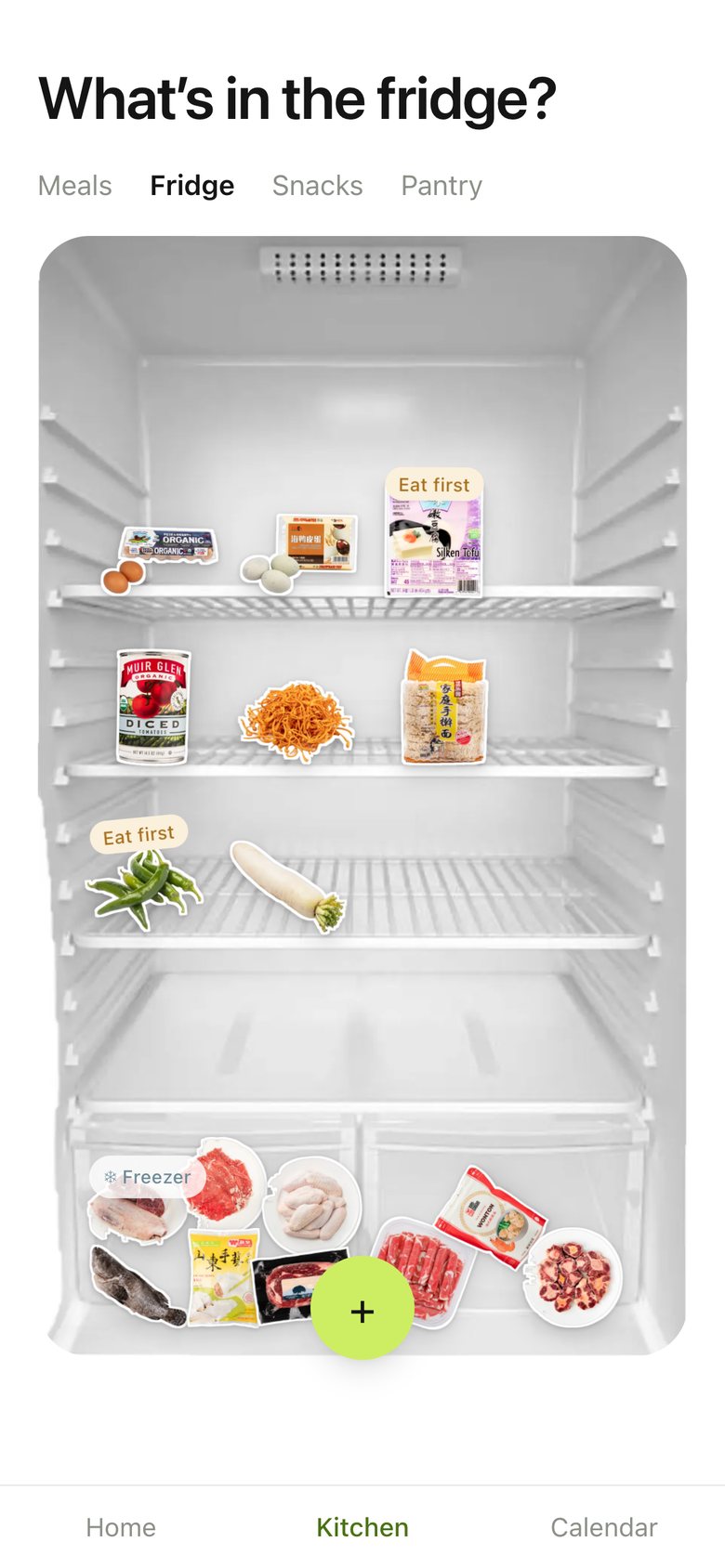
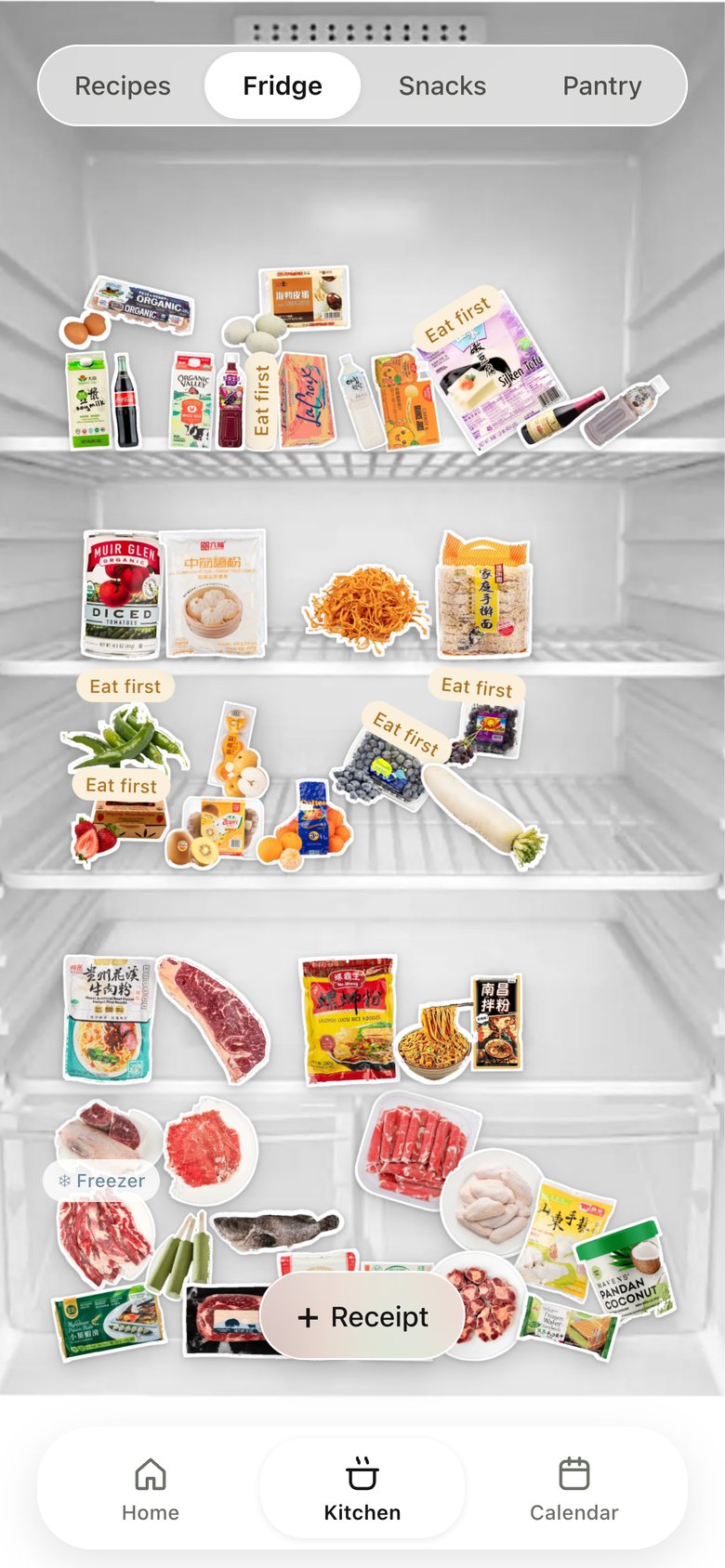
Kitchen · Fridge, version 2: A real fridge photo; groceries drop onto the shelves with physics; "Eat first" tags.
V2 Oct 22A fridge you can shake
Kitchen · Fridge, version 3: The fridge sized to fit above the nav bar.
V3 Oct 22Fit above the nav
Kitchen · Fridge, version 4: Full screen behind the tabs, ending exactly at the nav.
V4 Oct 22Full screen
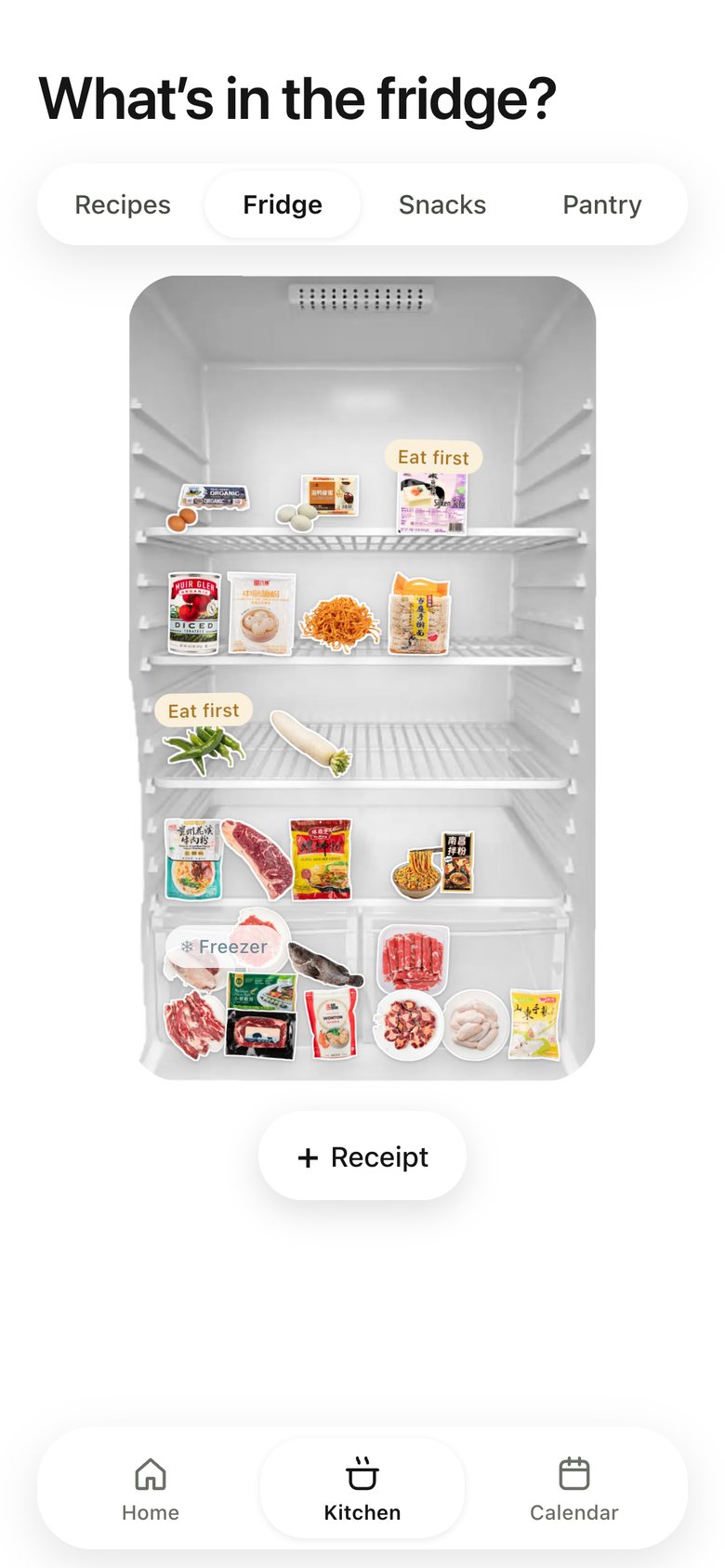
Kitchen · Fridge, version 5: "+ Receipt" moved down into the thumb zone.
V5 Oct 23Thumb-reach receipt
Kitchen · Fridge, version 6: Each item opens a sticky note with when it was bought and when to finish it; past its date it says "Toss it" in red, and tapping it drops the item out of the fridge.
V6 · now Oct 26Toss it right there

11 · Kitchen · Snacks

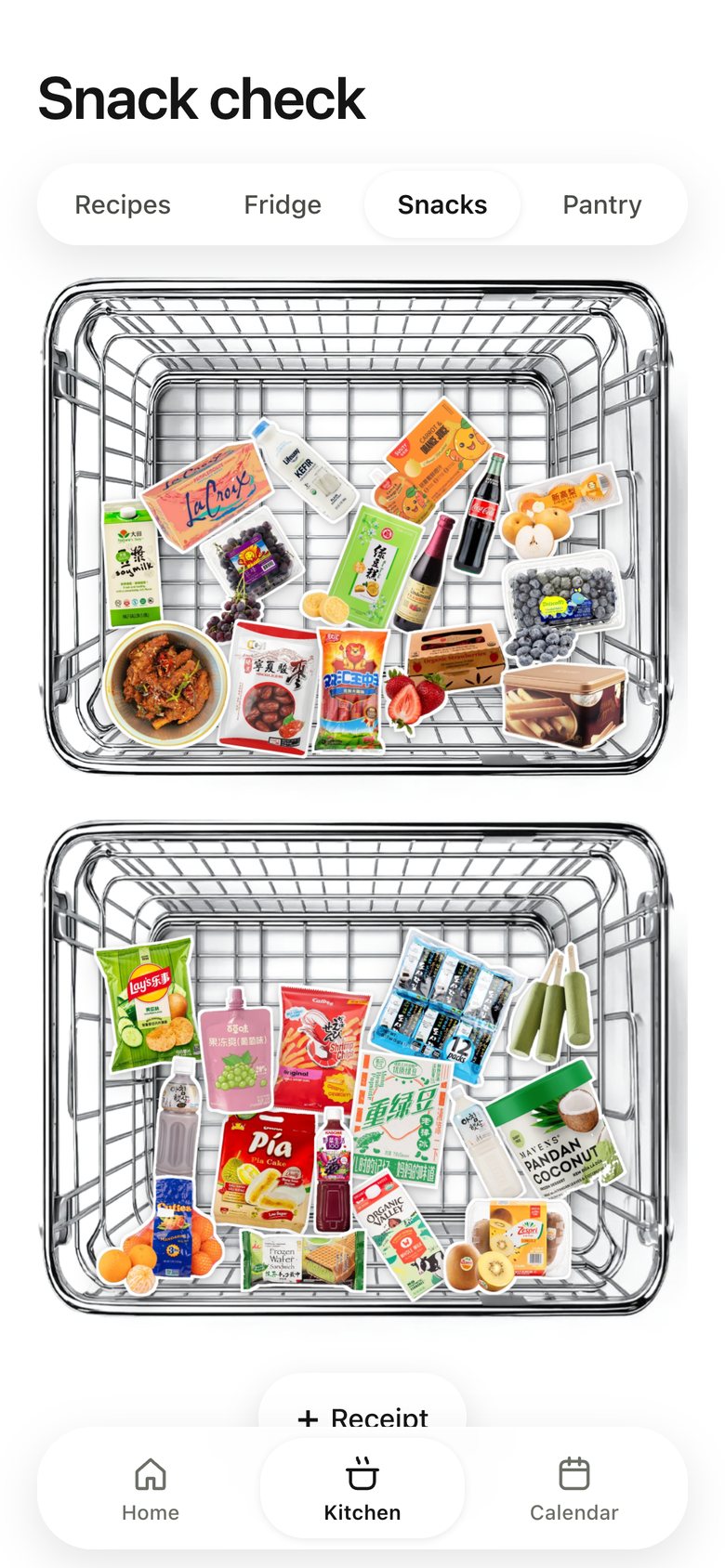
Kitchen · Snacks, version 1: One stainless basket with every snack.
V1 Oct 22One basket
Kitchen · Snacks, version 2: Split into two baskets.
V2 Oct 22Two baskets
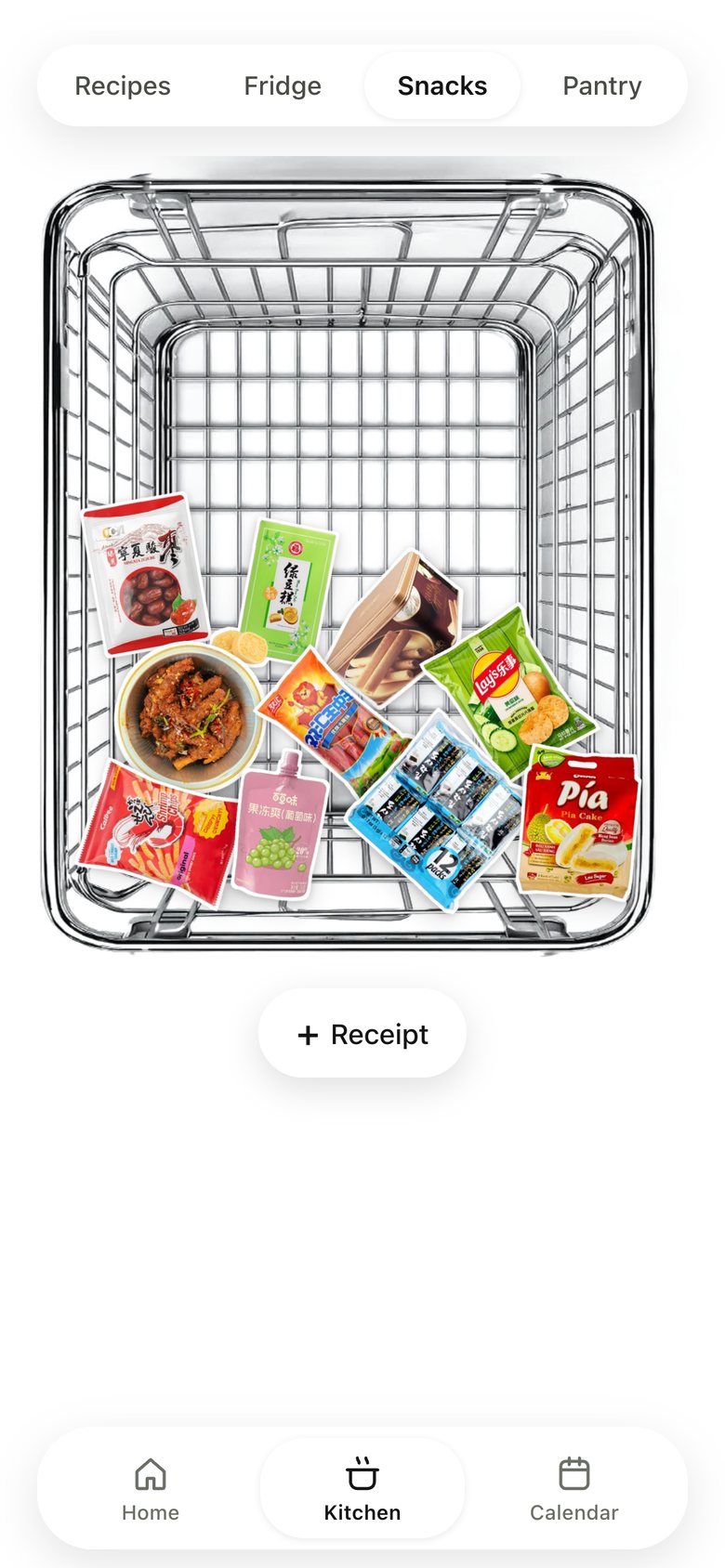
Kitchen · Snacks, version 3: Drinks and fruit moved to the fridge; one tall basket for dry snacks.
V3 Oct 22Like at home
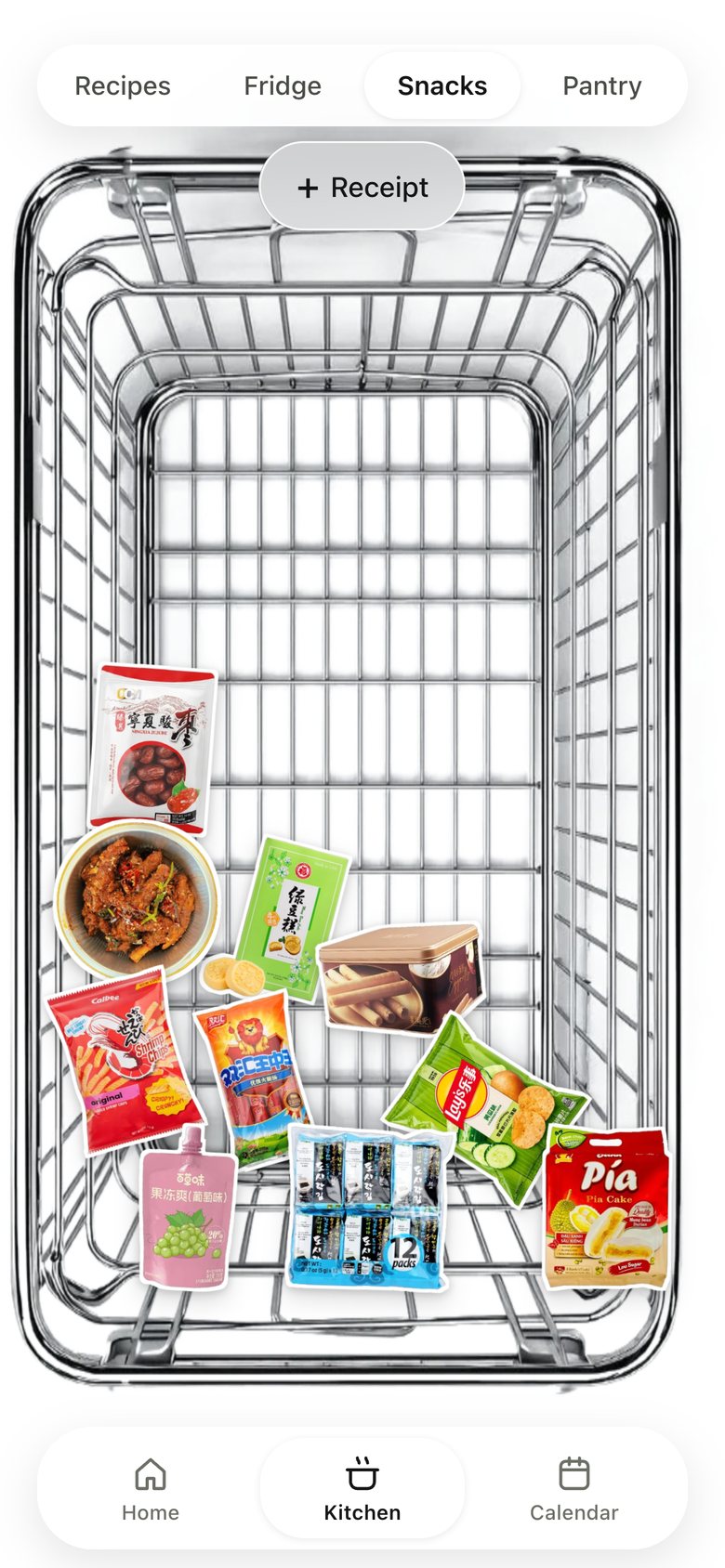
Kitchen · Snacks, version 4: The basket fills the screen like the fridge.
V4 Oct 22Same scene everywhere
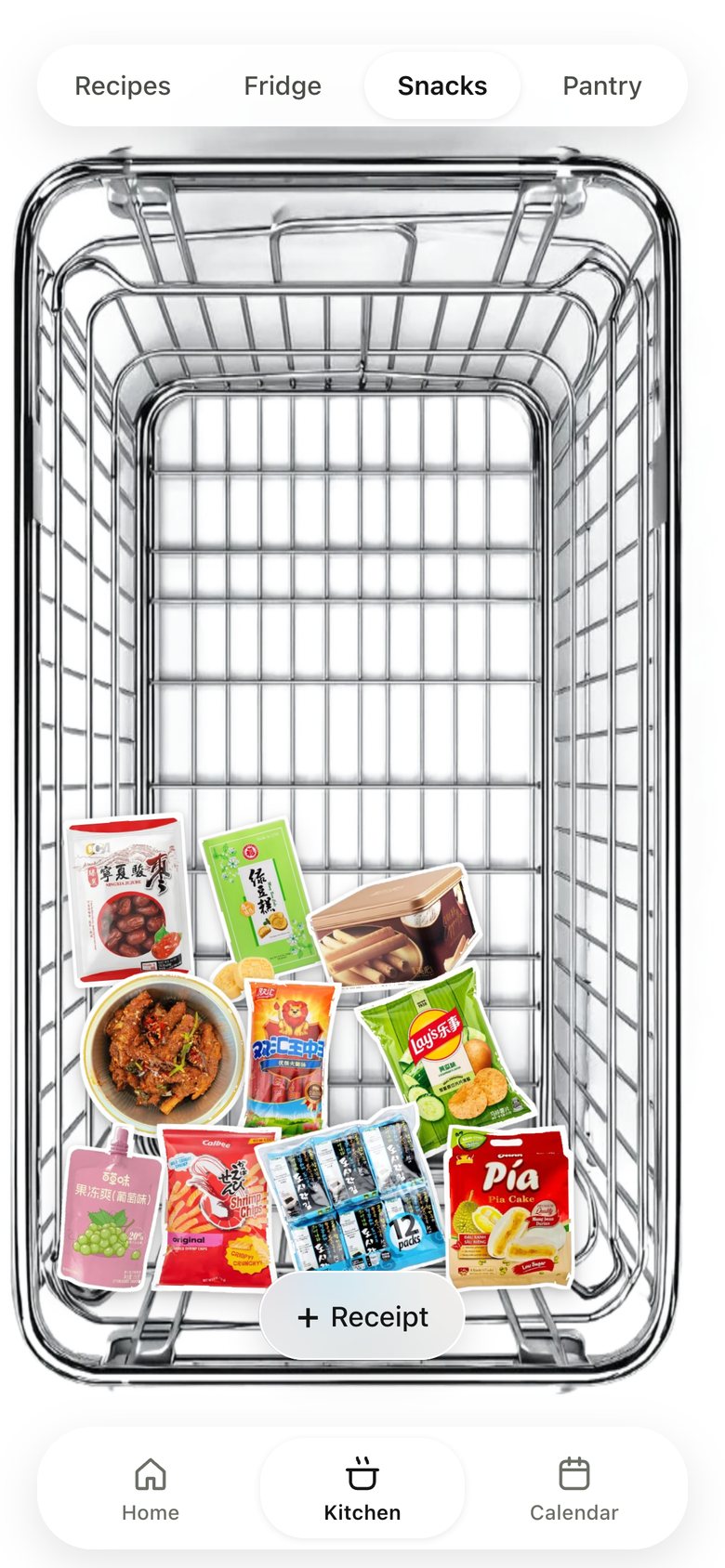
Kitchen · Snacks, version 5: "+ Receipt" at the bottom.
V5 · now Oct 23Thumb reach

12 · Kitchen · Pantry

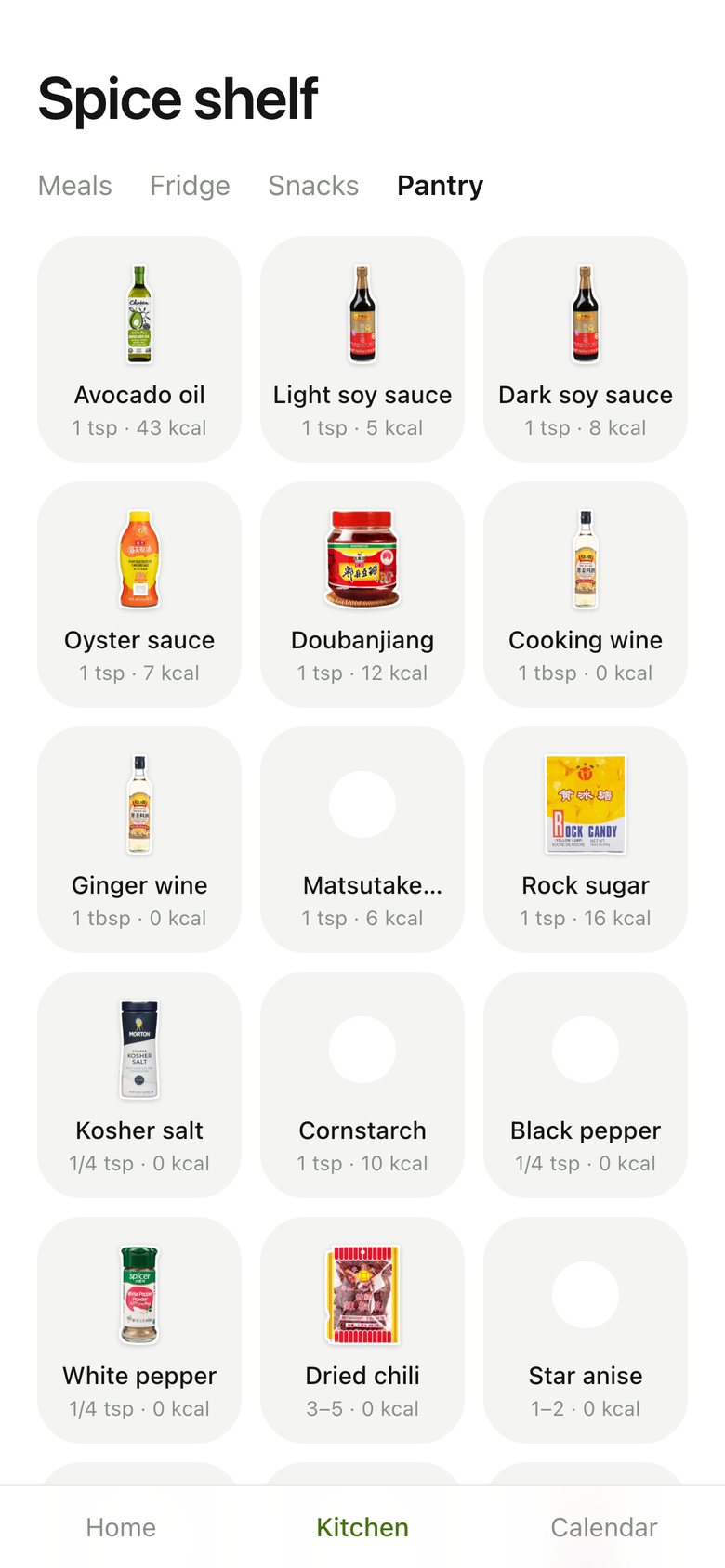
Kitchen · Pantry, version 1: A grid of seasoning tiles.
V1 Oct 22Tiles
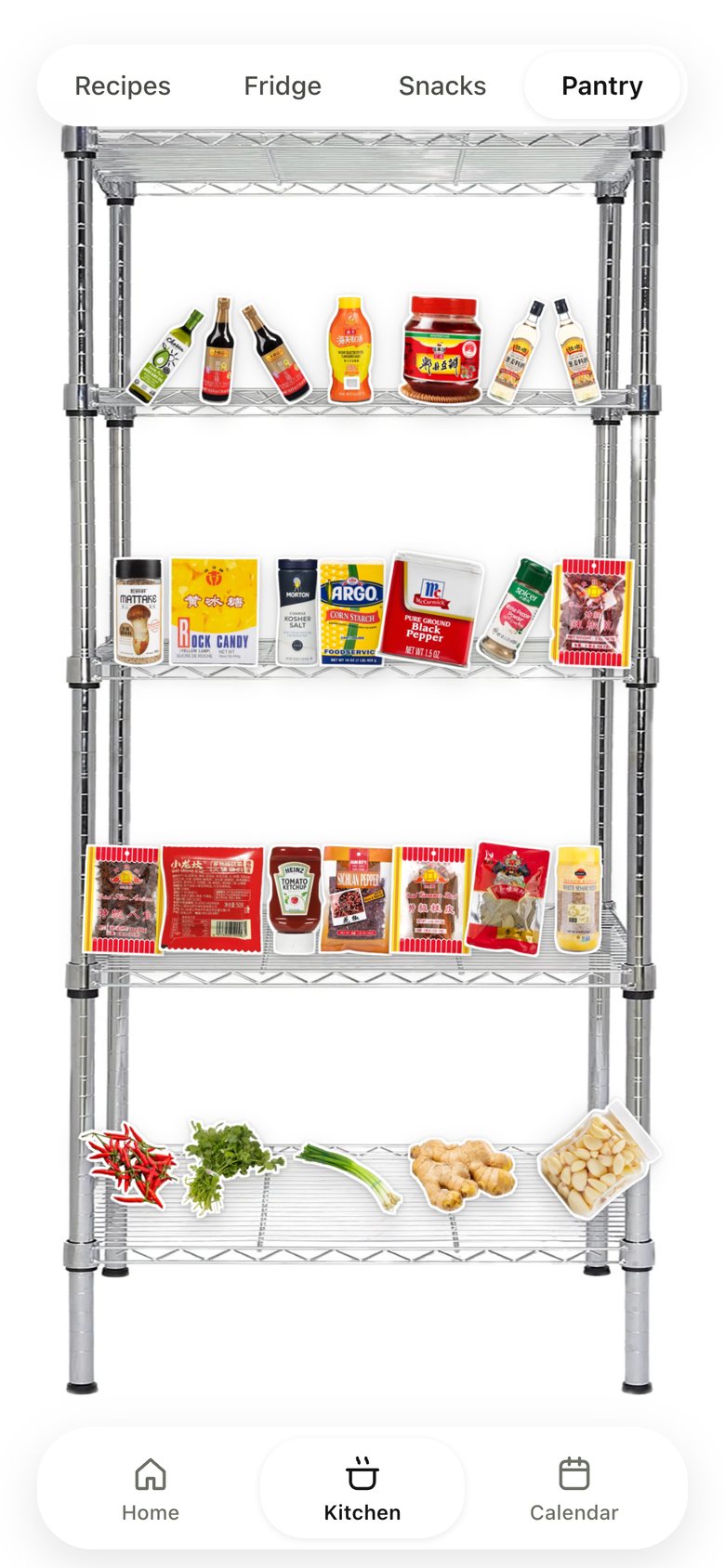
Kitchen · Pantry, version 2: A real stainless wire rack; seasonings drop onto its decks with gravity.
V2 Oct 22A real rack
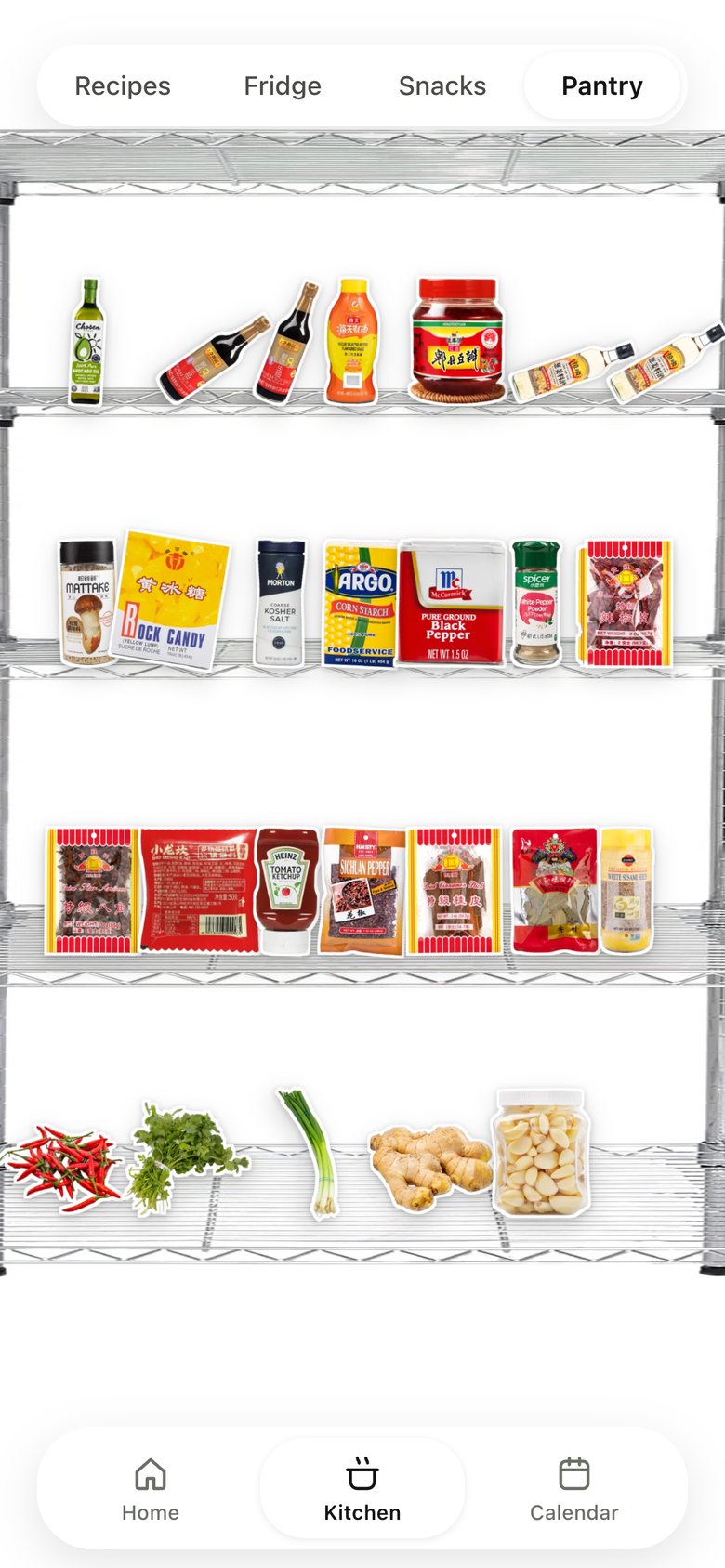
Kitchen · Pantry, version 3: The rack scaled edge to edge, bigger bottles.
V3 · now Oct 22Bigger bottles

13 · Calendar · Food diary

Calendar · Food diary, version 1: A Chinese plan list.
V1 Oct 9A plan list
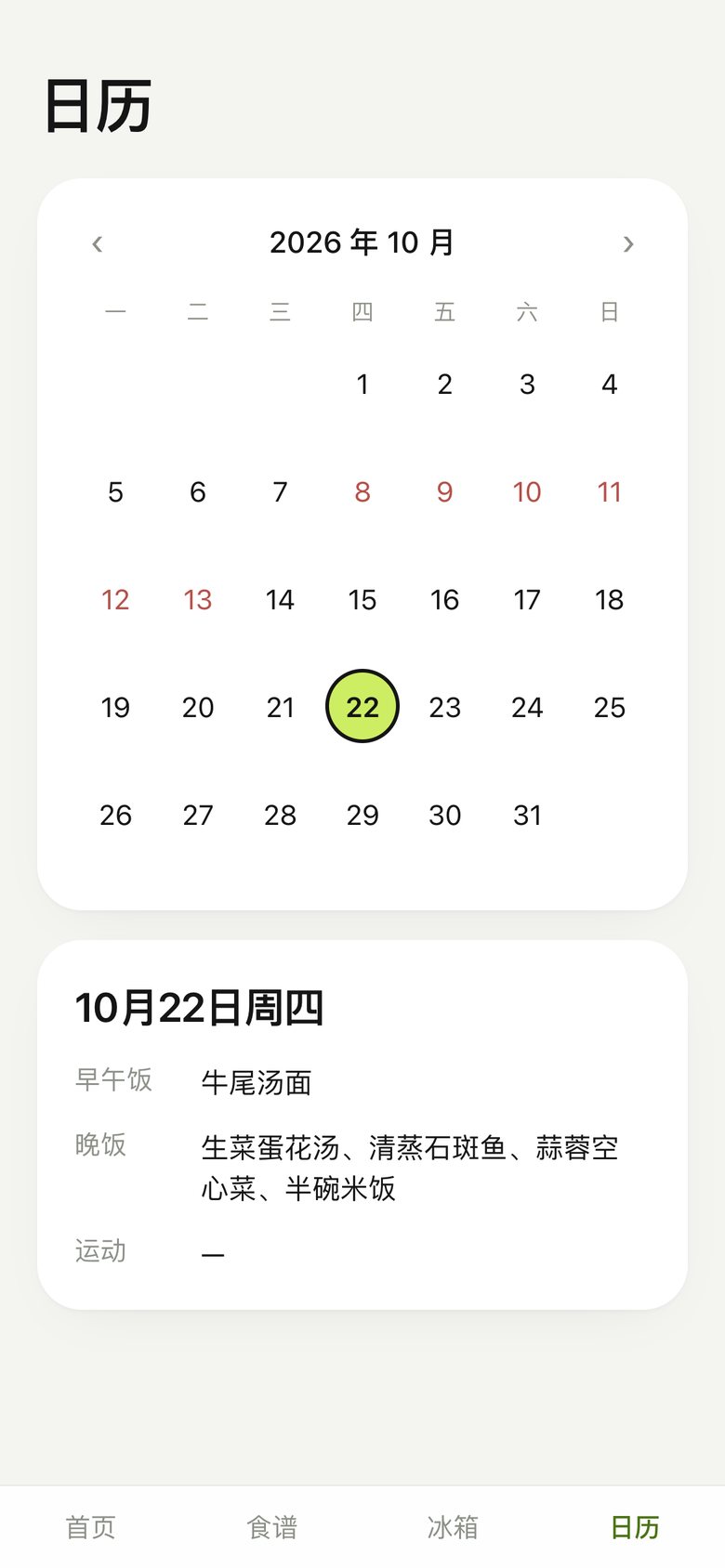
Calendar · Food diary, version 2: A month calendar.
V2 Oct 22See the month
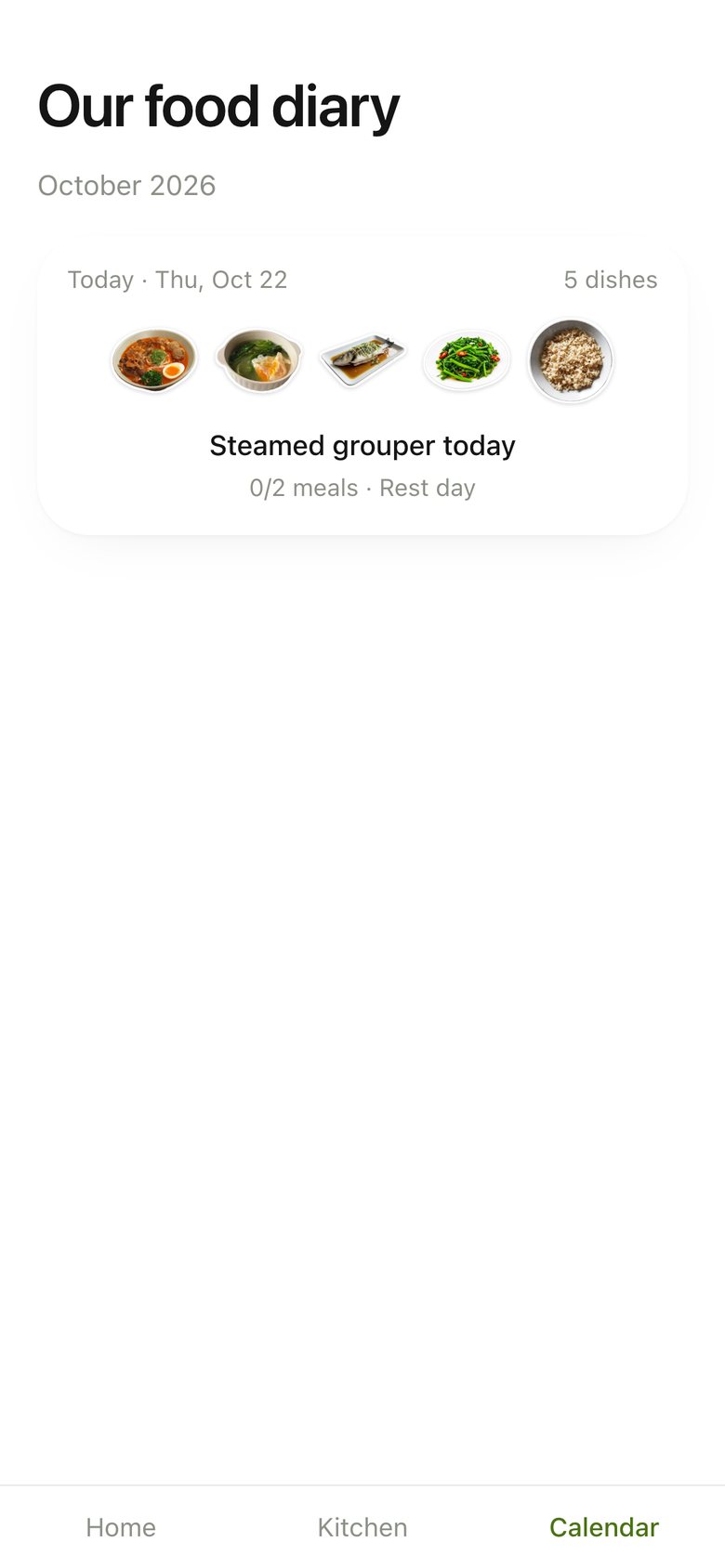
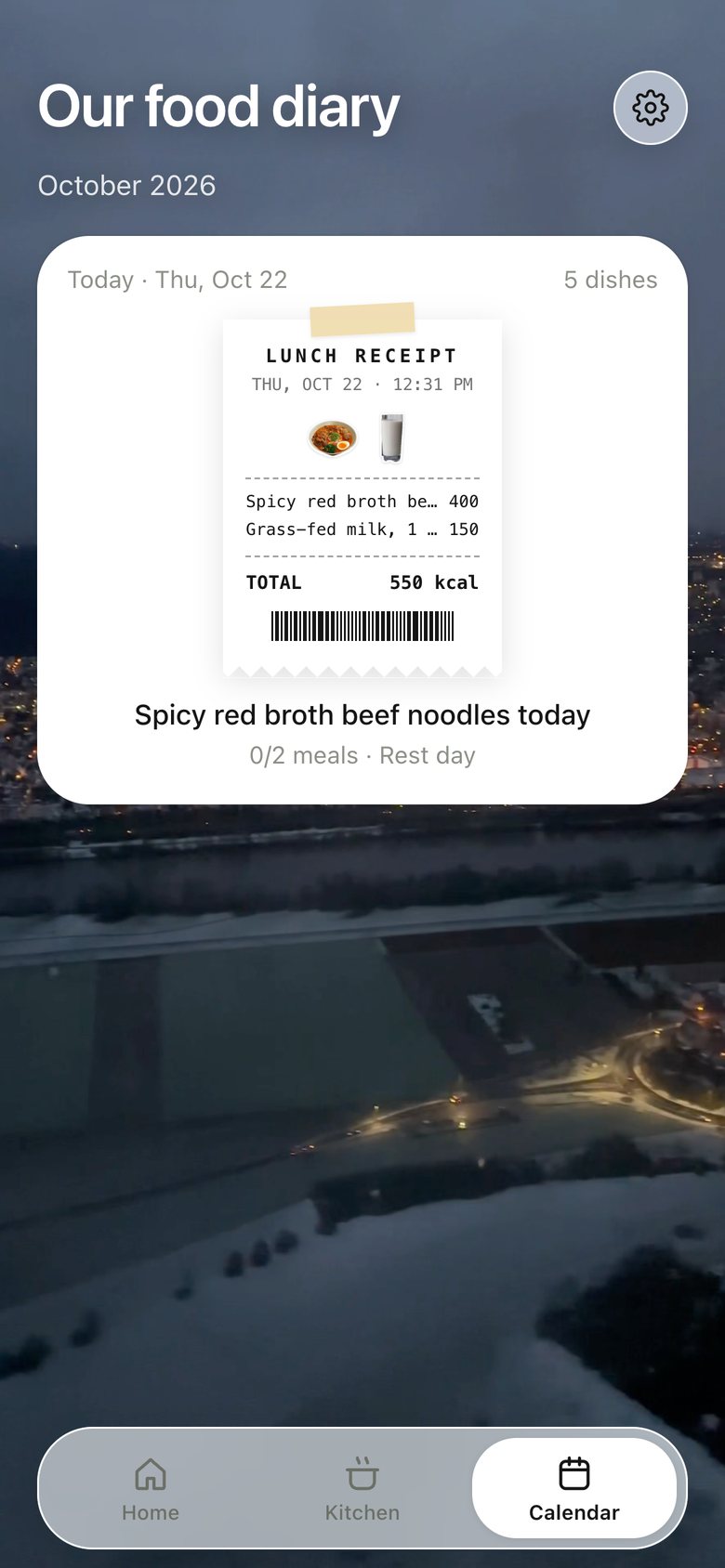
Calendar · Food diary, version 3: "Our food diary": a day card with dish stickers.
V3 Oct 22A warmer diary
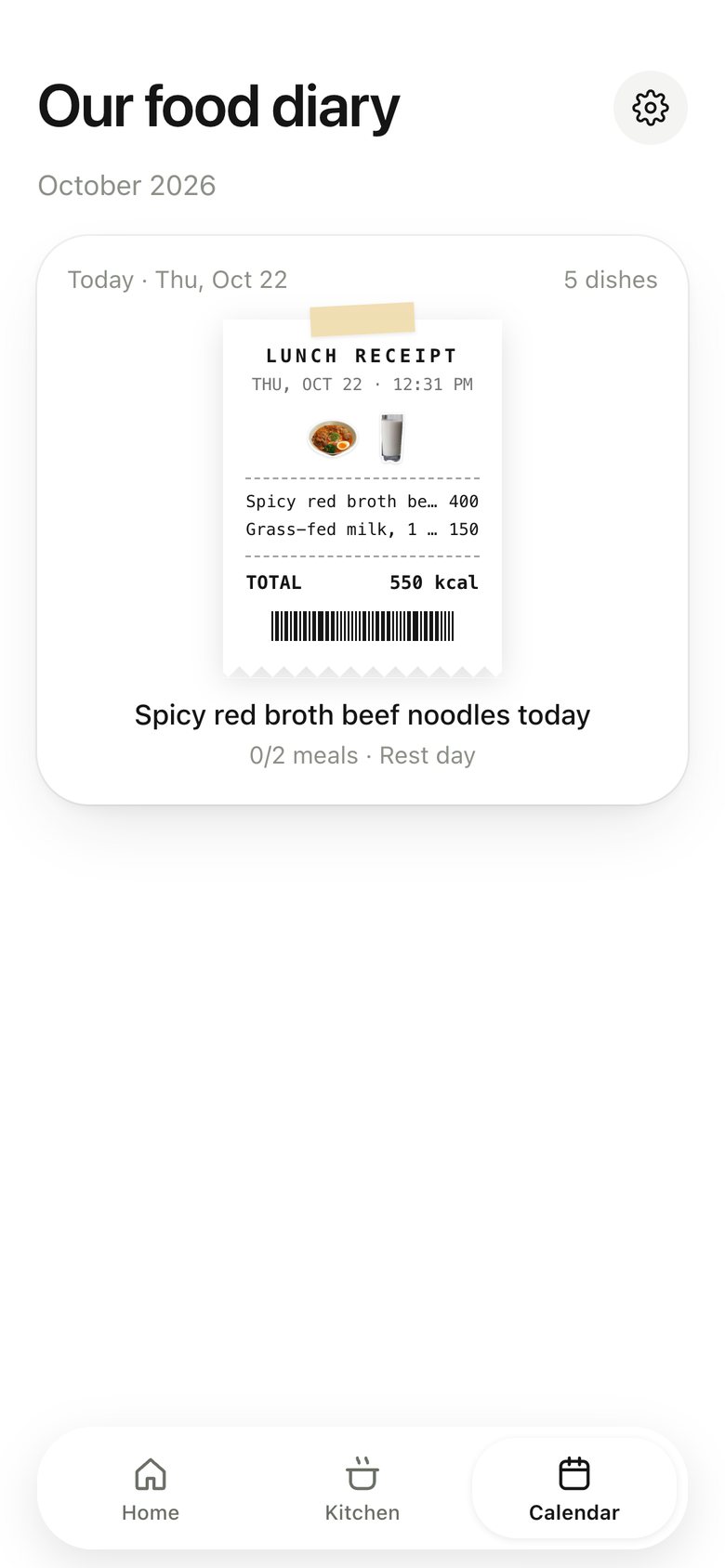
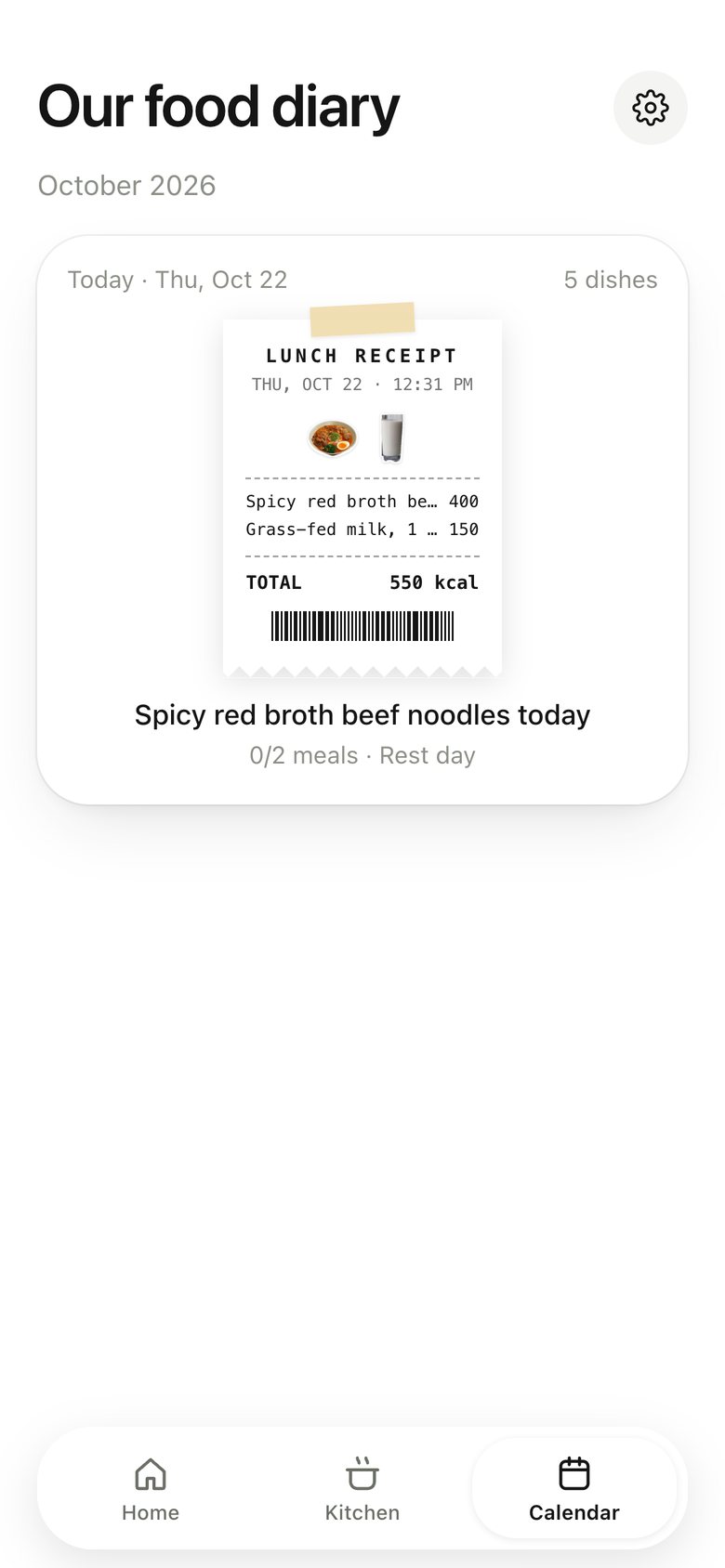
Calendar · Food diary, version 4: The day's receipts are taped onto the page; the title follows what was served.
V4 Oct 23Receipts fill it
Calendar · Food diary, version 5: The diary sits on the same looping video as Home and Recipes.
V5 Oct 23One world
Calendar · Food diary, version 6: An Apple Calendar card in the Now Playing family: red year, bold month, hairlines, today's red circle, a small taped polaroid on each eaten day; pins removed.
V6 Oct 26Apple’s month
Calendar · Food diary, version 7: Tap a day and a paper notebook opens: write the day's diary, move and turn the polaroid and receipts, swipe to turn the page.
V7 Oct 26A page to write on
Calendar · Food diary, now
V8 · now Oct 26Apple’s month, one page a day
Next ProjectRoco Kingdom: World — UI Motion